I updated Windows 11 last night, slept, woke up, and used it a little before going to work. When I got back, the PC was on, but on the BIOS screen instead of the desktop or lock screen. I tried to boot from my SSD to find that it wasn’t being shown as a boot drive in my BIOS, but it was shown in my listed drives on the BIOS. It, and my other drives are also verified as readable in the repair menu (I am booting from a Media Creation Tool to try and fix this). I’ve tried a bunch of solutions on the internet and this website to no avail. I always get roadblocked by errors or command line responses and am basically at the end of my rope
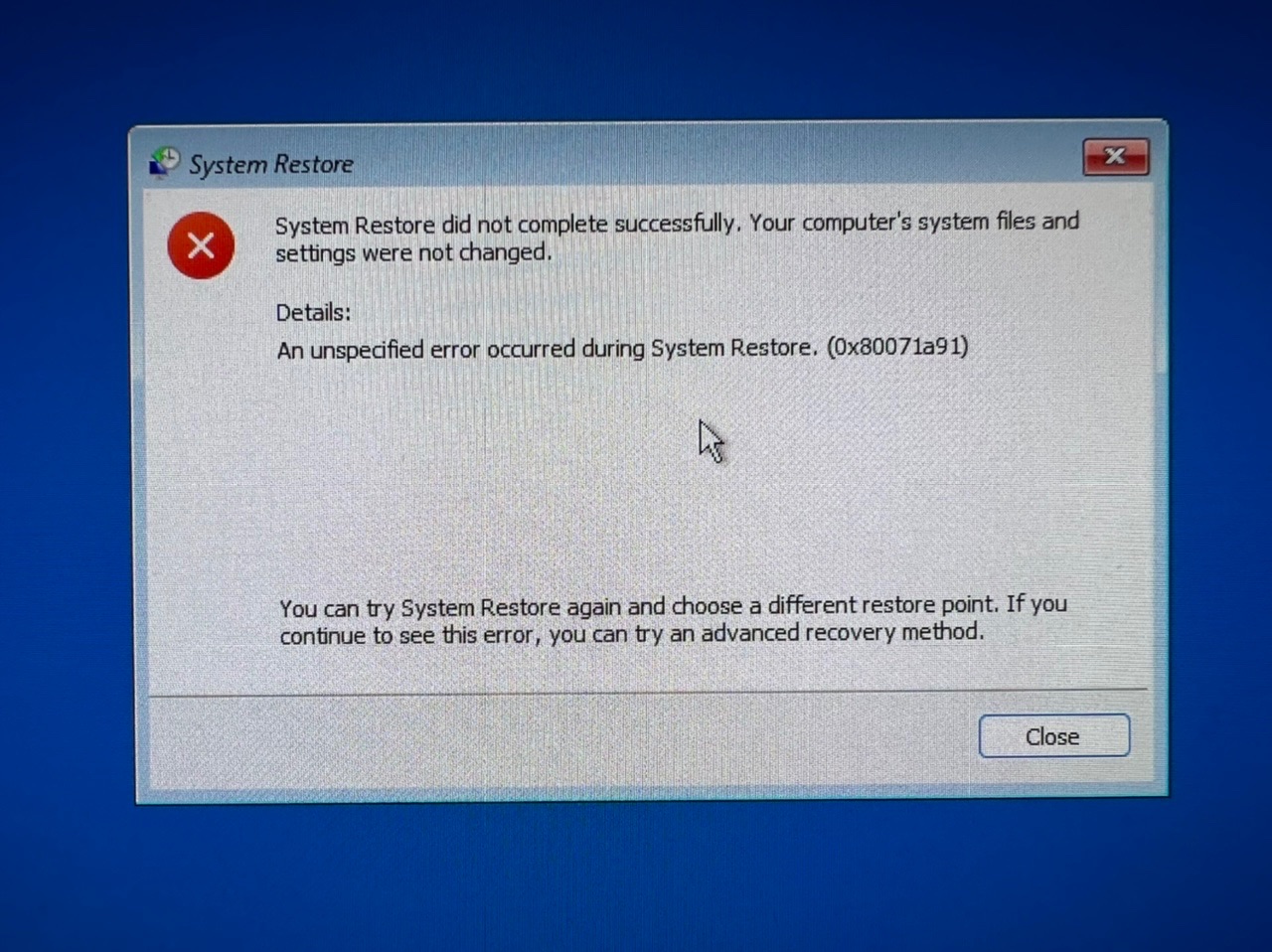
This is what happens when I try to restore before the update was installed:
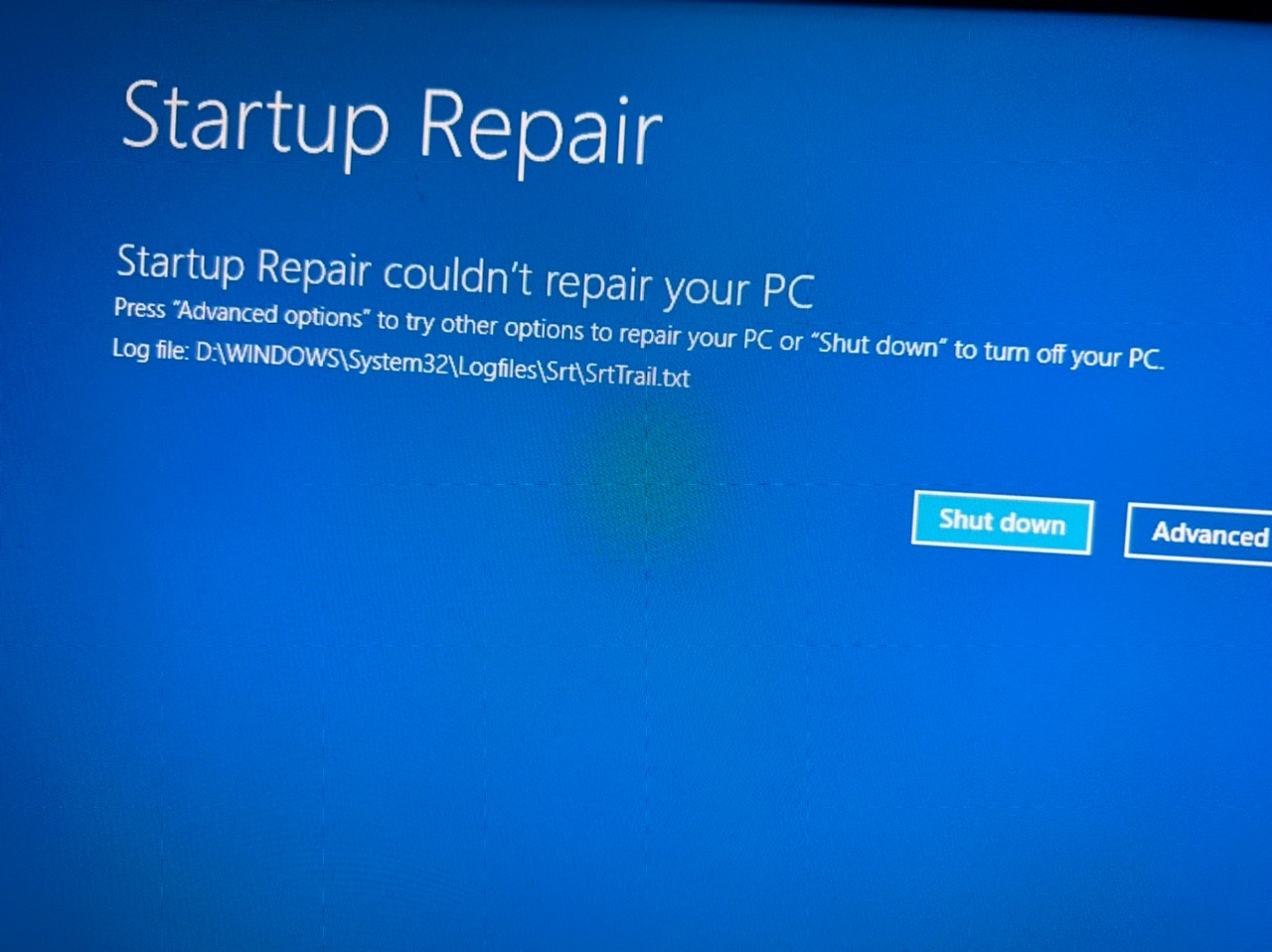
I get this message when trying Startup Repair:
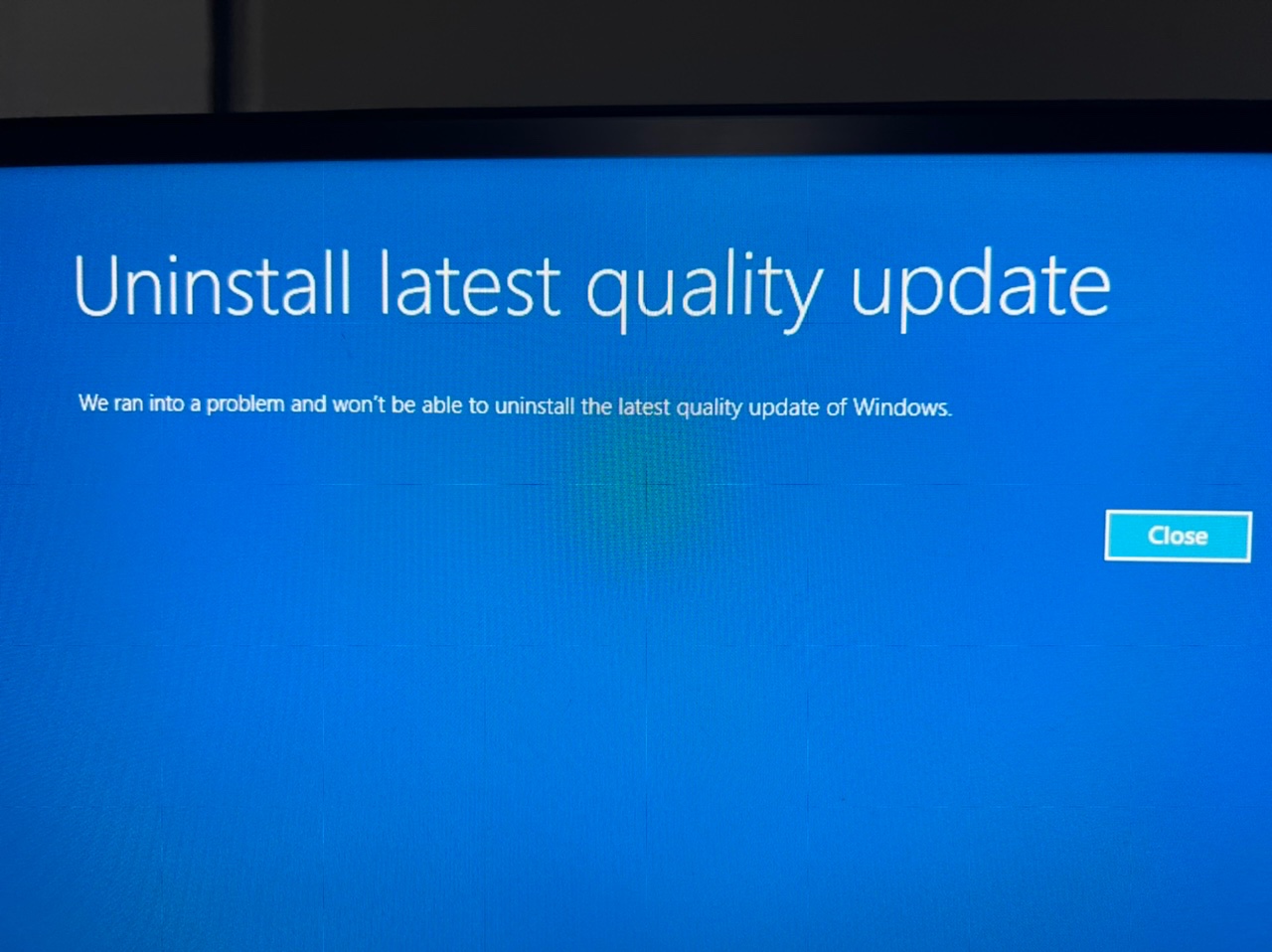
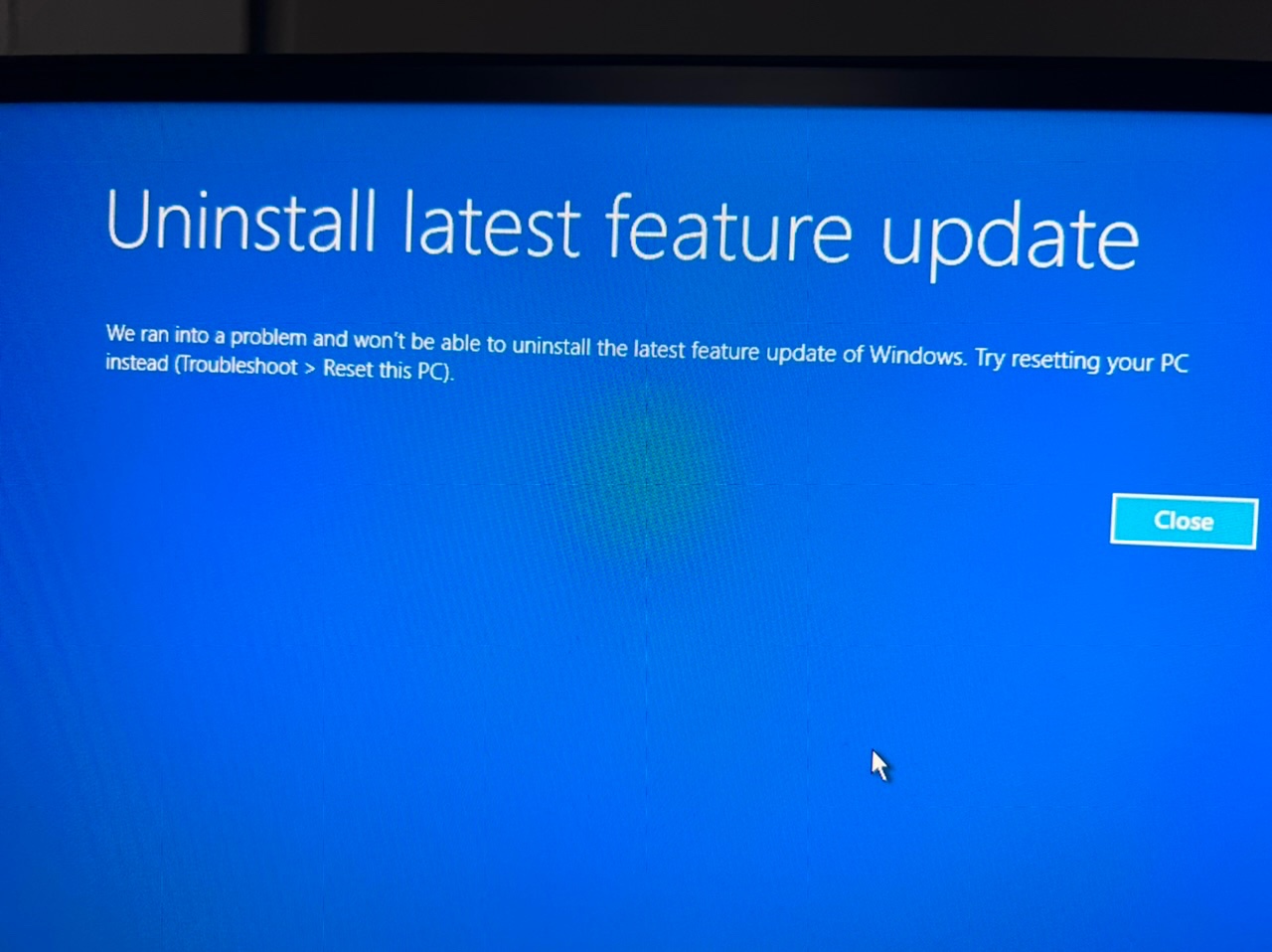
These are what I get when trying to rollback updates:
This is the result to me trying to use the RegBack method, it says the drive is write protected:

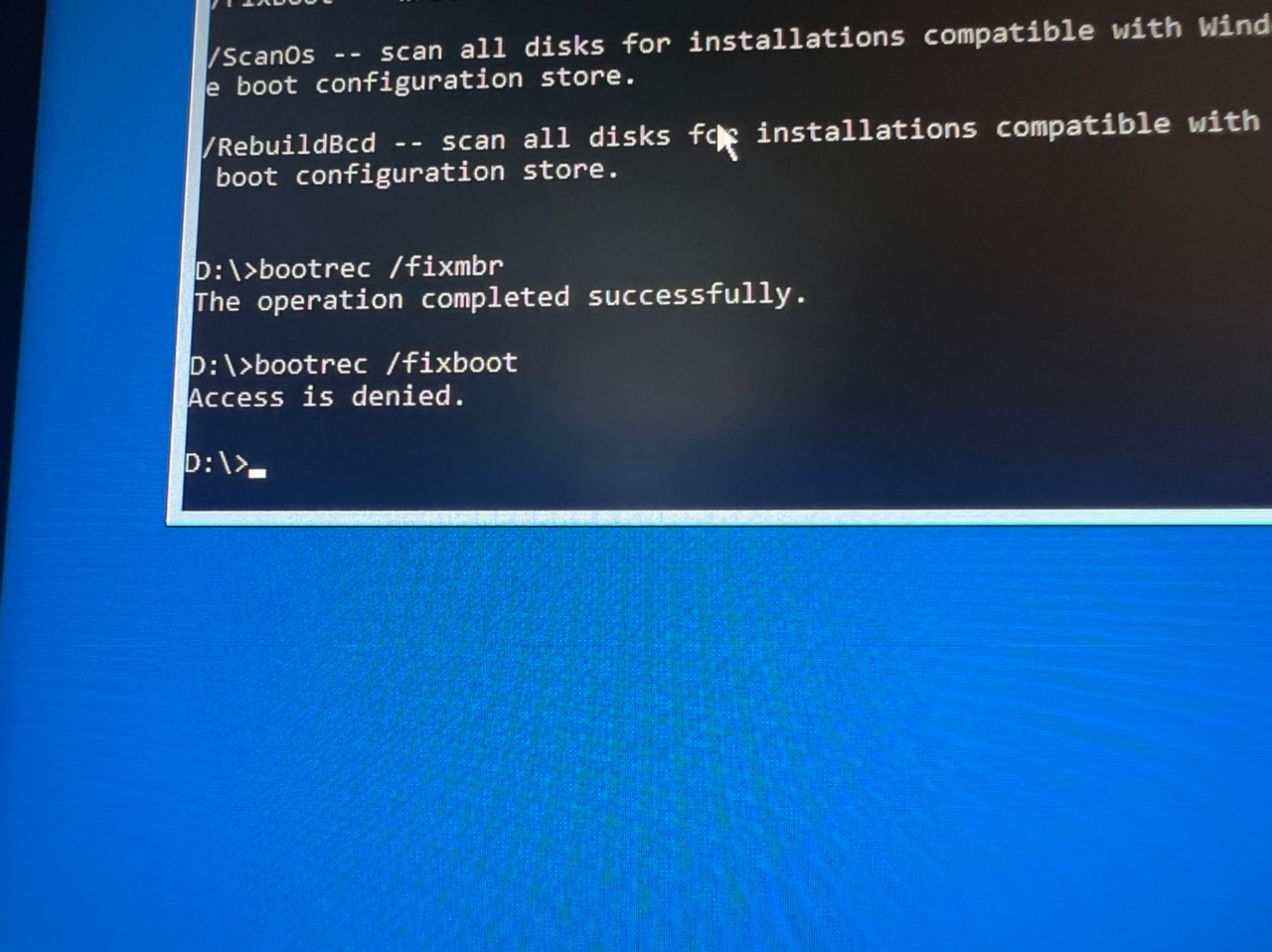
This is what happens when I try the bootrec method, it tells me my access is denied:
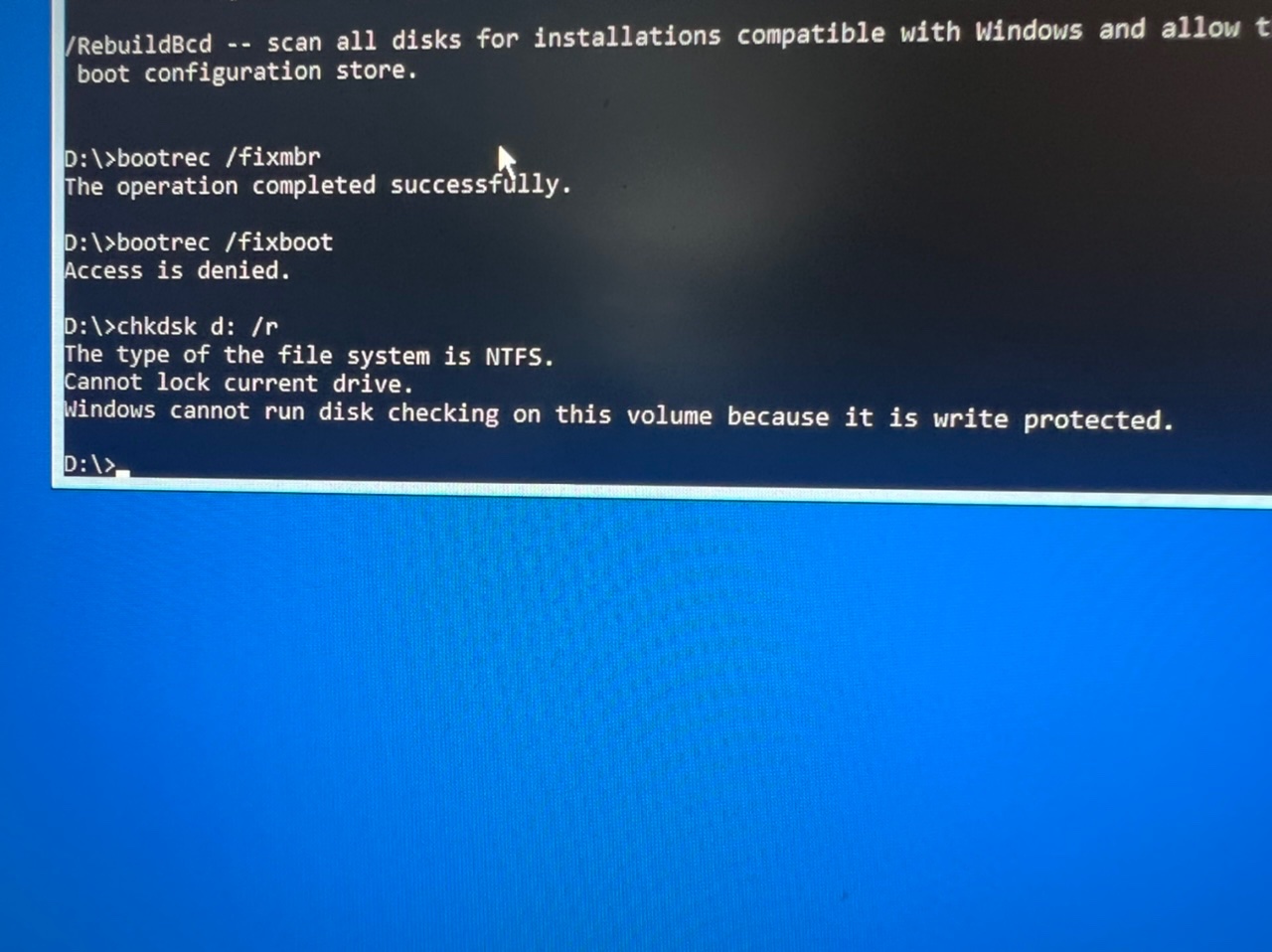
This is the result to attempting chkdsk, again, telling me my drive is write protected:
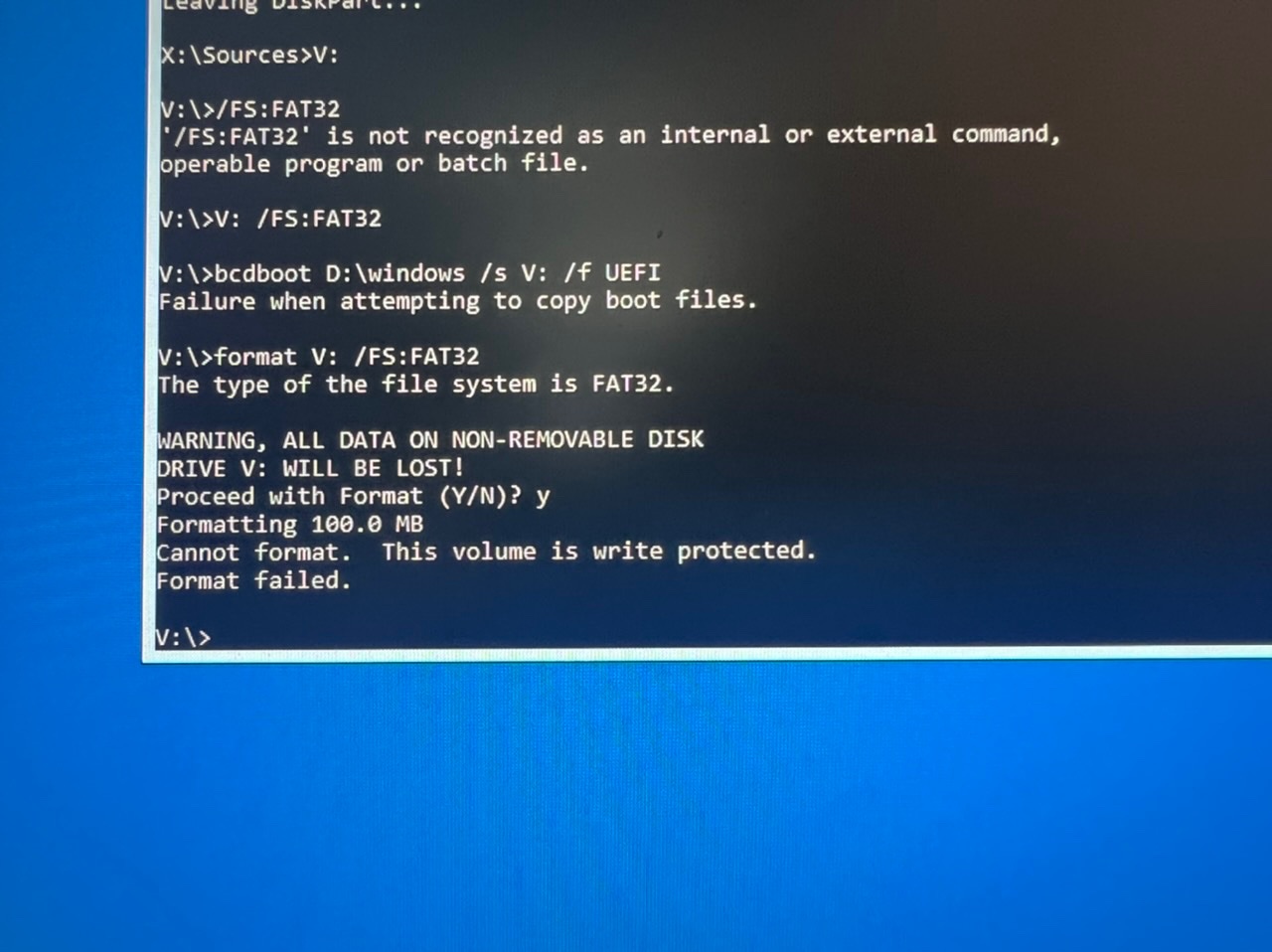
Trying to format the EFI volume of my boot drive, again AGAIN telling me the drive is write protected:
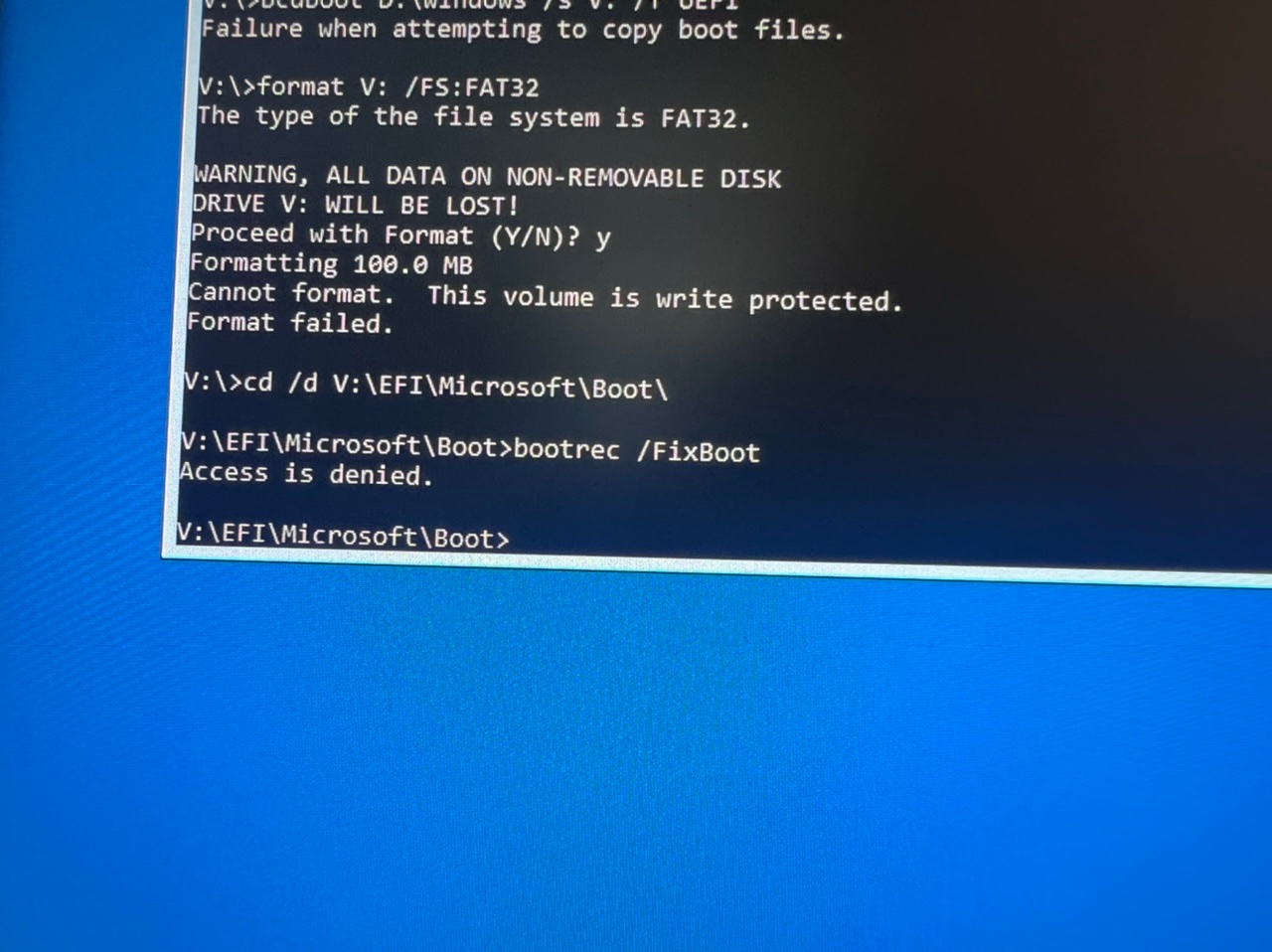
Me trying the next step of the EFI volume method, telling me my access is denied:
Basically my problem seems to be that Windows is holding Windows hostage. It won’t let my refresh my install, or proceed with repairing it by continuing through with the OS installation process. It really seems like this is happening out of absolutely nowhere and like my problem seems very unique. I’m also quite aware this could be something BIOS related, and if that’s the case, I’m using a ASUS X570 motherboard. Please get back to this post as soon as possible if theres any solution.
' cx='32' cy='32' r='32' /%3E%3Ctext x='50%25' y='55%25' dominant-baseline='middle' text-anchor='middle' fill='%23FFF' %3EA%3C/text%3E%3C/svg%3E)

' cx='32' cy='32' r='32' /%3E%3Ctext x='50%25' y='55%25' dominant-baseline='middle' text-anchor='middle' fill='%23FFF' %3ETL%3C/text%3E%3C/svg%3E)