Hi, I have been trying to trace a bug that has been happening within our organisation for the last month or so.
Users started reporting that when they login to RDP sessions (internal or external) if they are required to enter there credentials the MSTSC client just sits and waits for up to 15 mins before showing the credential prompt. All options become unusable as if the MSTSC is doing something but nothing happens.
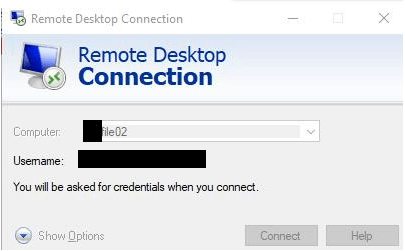
Further to this I have found that If I hover over the MSTSC in the system tray this broken dialogue box is in the background that you cannot click on, enter credentials or do anything with.
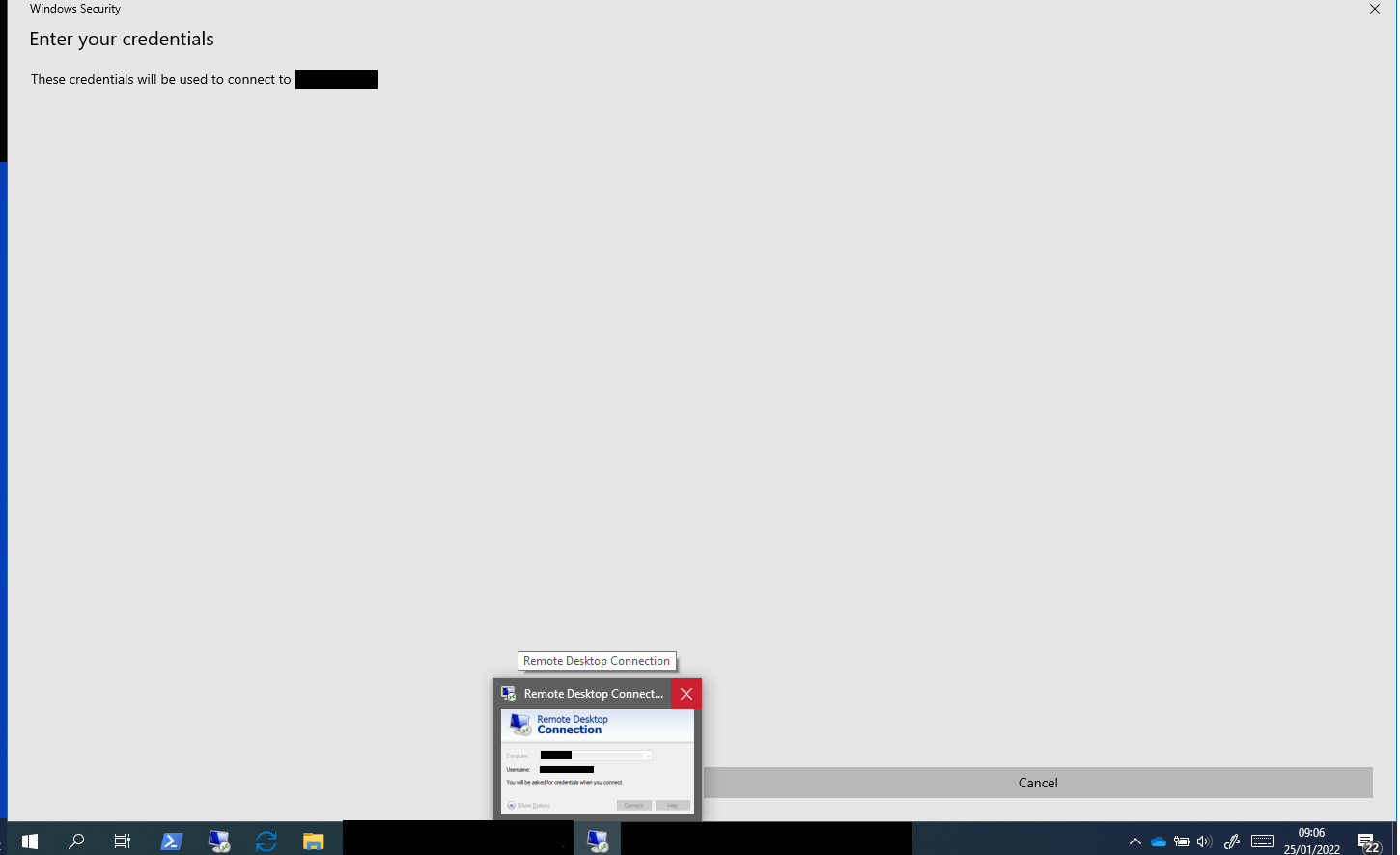
After 15 mins this is resolved and suddenly the credentials box pops up. I need advice on what could be causing this. I have put this in windows update category because it suddenly started to happen to me yesterday although other staff reported it a while ago. I can not see a specific update that has been applied. Also I would like to point out that it started randomly for me in the middle of the day with no reboots whatsoever.
' cx='32' cy='32' r='32' /%3E%3Ctext x='50%25' y='55%25' dominant-baseline='middle' text-anchor='middle' fill='%23FFF' %3EA%3C/text%3E%3C/svg%3E)

