Share via

Two Windows Folders

Anonymous
2021-12-24T11:54:40+00:00

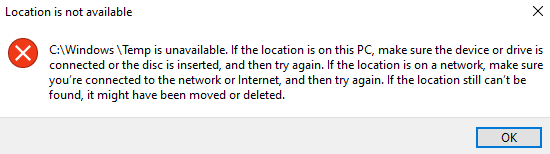
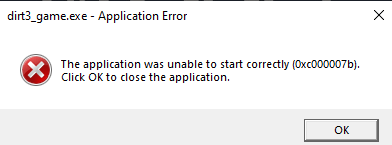
There are two windows folders in my C/: drive including the folders System32 & SysWOW64. Whenever I try to open an application, error message pops up exactly as the picture down below.

I spent days searching for an answer and ended up here. Please help me to sort out this matter.

Windows for home | Windows 10 | Files, folders, and storage

Locked Question. This question was migrated from the Microsoft Support Community. You can vote on whether it's helpful, but you can't add comments or replies or follow the question.

0 comments No comments

9 answers

Sort by: Most helpful
  1. Anonymous
    2022-01-11T15:41:23+00:00

    Hey mate,

    I had no option but to reset my pc (I chose to reset while keeping my files). Then I reinstalled the program that was having an error (0x00007b) when opening. But the problem has been solved. I want to thnx the Microsoft for helping me thru this matter. I will be keeping this thread open for any opinions.

    Cheers!

    Was this answer helpful?

    1 person found this answer helpful.
    0 comments No comments
  2. Anonymous
    2021-12-26T00:48:24+00:00

    Hi Bryan

    Sorry, I was offline, thank you for that detailed information, please provide a screenshot of the contents of your C drive, showing both those Windows folders.

    Here you go

    Was this answer helpful?

    0 comments No comments
  3. DaveM121 880.8K Reputation points Independent Advisor
    2021-12-25T08:00:08+00:00

    Hi Bryan

    Sorry, I was offline, thank you for that detailed information, please provide a screenshot of the contents of your C drive, showing both those Windows folders.

    Was this answer helpful?

    0 comments No comments
  4. Anonymous
    2021-12-25T07:56:29+00:00

    Hi Bryan

    I am Dave, I will help you with this.

    1
    You should only have one Windows folder on your C drive, and that should contain System32 & SysWOW64, this is normal on a 64bit version of Windows, it is counter-intuitive, the SysWOW64bit folder is for older 32bit software and the System32 folder is for modern 64bit applications.

    If you do in fact have two Windows folders, please provide a screenshot of the contents of both those folders.

    2
    Did anything happen begore your software started showing the errors?
    With regards to that error, do you get that with all software, or just that Life is Strange game?
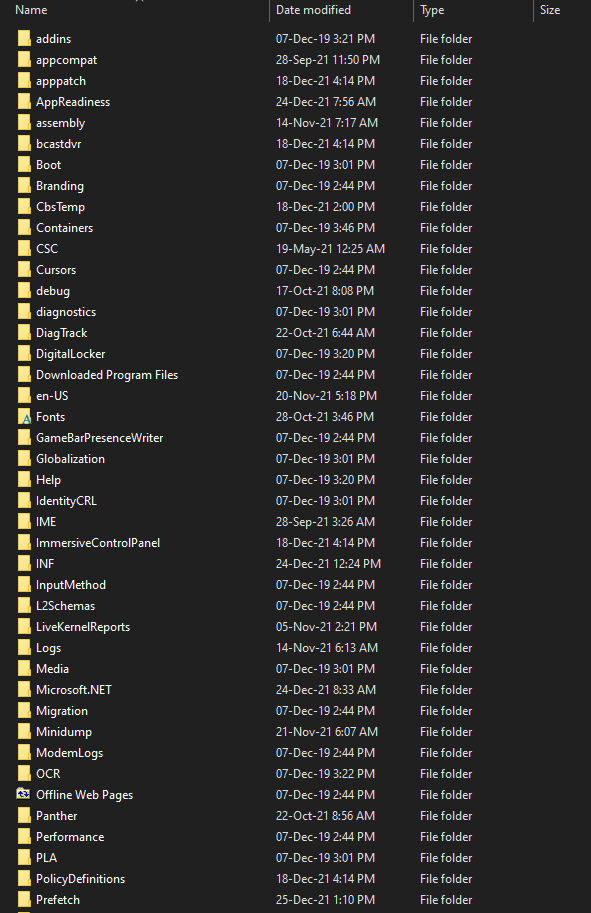
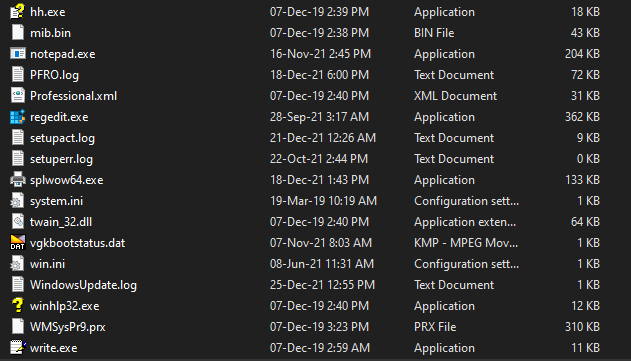
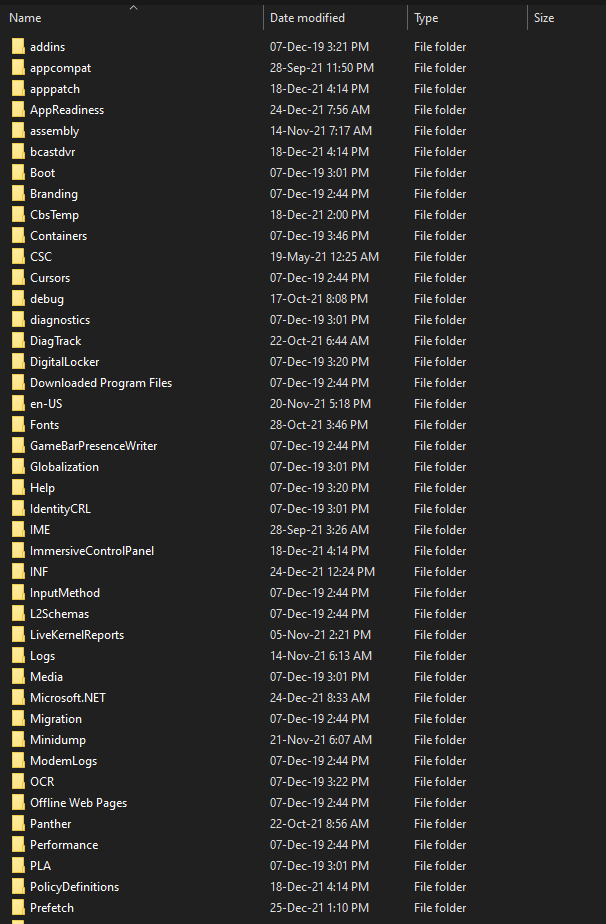
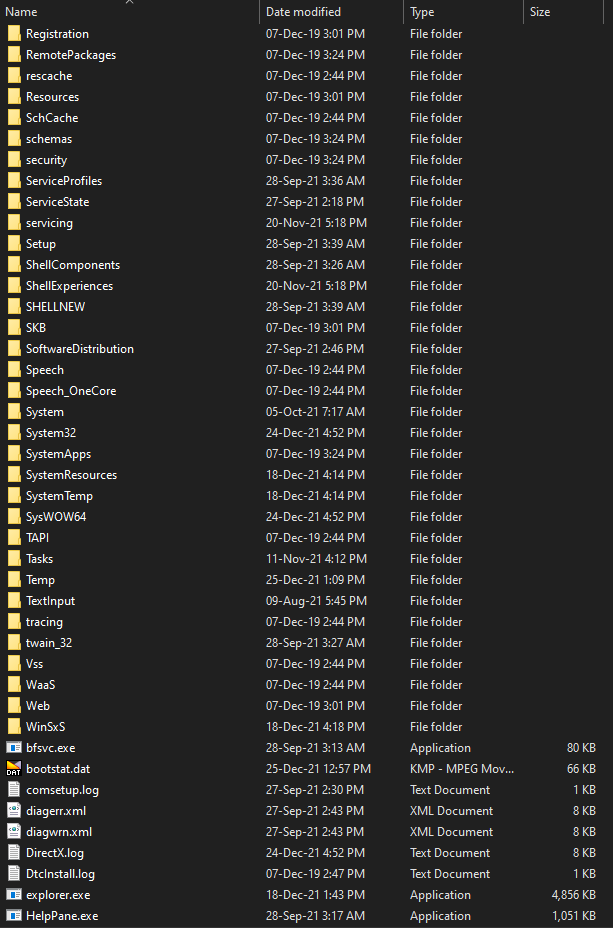
    Above 3 screenshots are from the 1st Windows folder. I can open these folders and view the content without an issue.

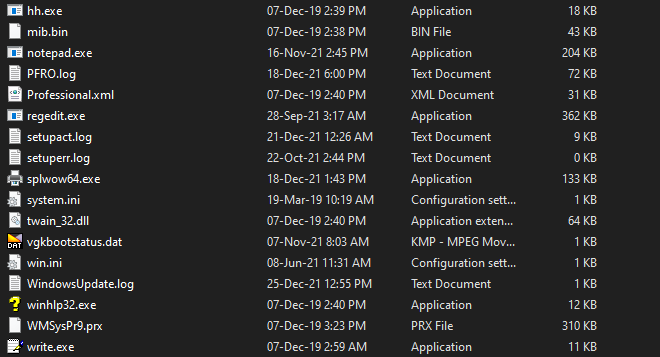
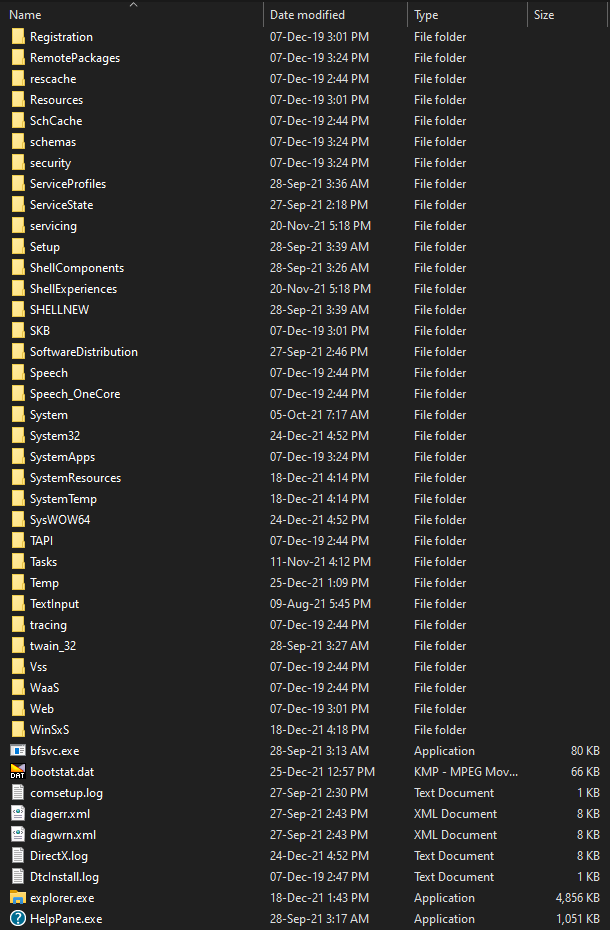
    Above 3 screenshots are from the other windows folder. When I try to open a folder in this folder below error message pops up.

    You asked me if this was occurring only for Life is Strange? The answer is No. Before this abnormal windows file showed up in my C drive everything was working perfectly. For example my pc ran Dirt 3 (game) without any errors before this incident. Now this error message shows up just like for Life is Strange.

    I'm glad that you are participating to help me through this matter. It will be a huge help if I can solve this.

    Thank You,

    Happy Holidays ;-)

    Was this answer helpful?

    0 comments No comments
  5. DaveM121 880.8K Reputation points Independent Advisor
    2021-12-24T12:34:04+00:00

    Hi Bryan

    I am Dave, I will help you with this.

    1

    You should only have one Windows folder on your C drive, and that should contain System32 & SysWOW64, this is normal on a 64bit version of Windows, it is counter-intuitive, the SysWOW64bit folder is for older 32bit software and the System32 folder is for modern 64bit applications.

    If you do in fact have two Windows folders, please provide a screenshot of the contents of both those folders.

    2

    Did anything happen begore your software started showing the errors?

    With regards to that error, do you get that with all software, or just that Life is Strange game?
    Was this answer helpful?

    0 comments No comments