Accessing notes created on desktop in OWA

Anonymous
2019-05-15T15:40:35+00:00

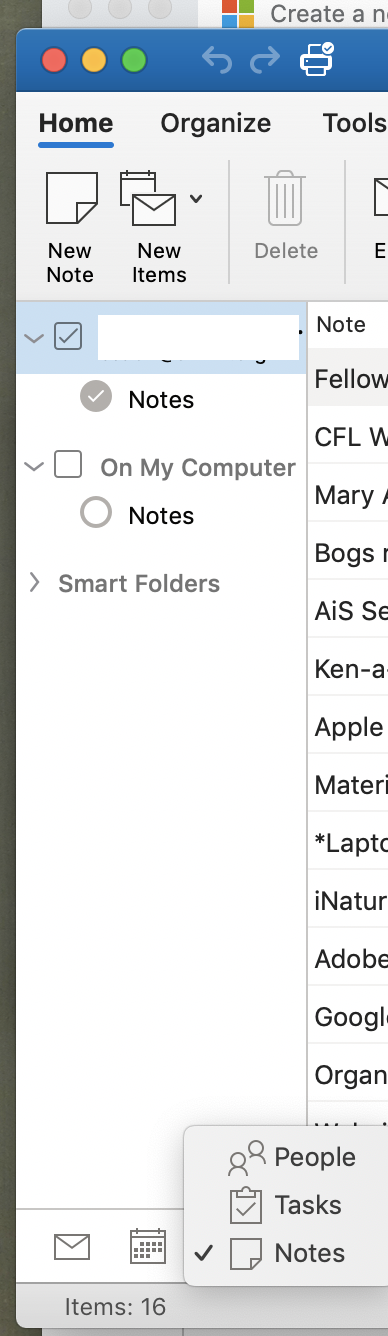
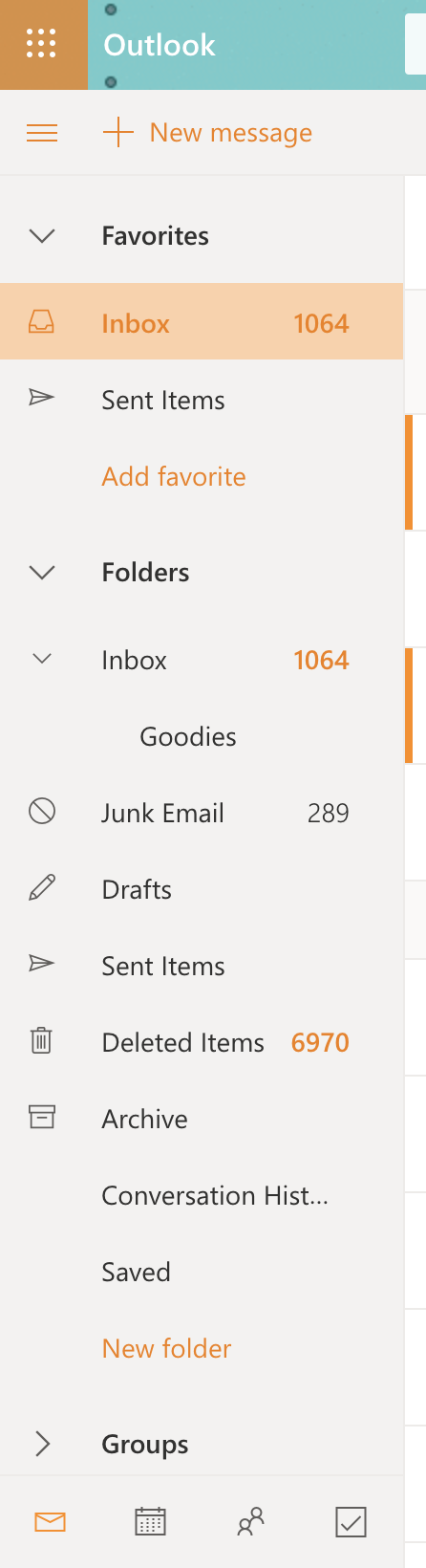
Hello, I mostly use the Outlook desktop version (Macbook) and occasionally access Outlook through the OWA. I have noticed that the notes that I create in Outlook desktop are not available in OWA. There are times when I need to use my notes when I'm not physically in front of my work computer. I've searched high and low in OWA and have not found what I need.

There is a tasks app that saves my flagged emails, but still no notes. There is also the OneNote app but that is a separate app from notes within Outlook. I would very much love if you can add a way for a user to save and access their notes within Outlook both desktop and OWA. If you want to push use of OneNote then Outlook notes should automatically sync there. I guess this isn't so much a question and more of a request. But if anyone here has a way to access their notes created on desktop I would very much appreciate it! 

This is the notes view from the desktop:
 

And this is the Outlook view from OWA:
Outlook | MacOS | Legacy Outlook for Mac | For home

Locked Question. This question was migrated from the Microsoft Support Community. You can vote on whether it's helpful, but you can't add comments or replies or follow the question.

0 comments No comments
{count} votes
Answer accepted by question author
  1. Anonymous
    2019-05-15T17:47:32+00:00

    Hi Safi,

    Outlook on the web does not support the Notes module. If you know a word in the note you need (and it's fairly unique), you can find them using search. Notes will show [Unknown] as the sender and have the note icon in the search list.

    Tip: assign a category in outlook desktop to the notes, then you can search for the category.

    0 comments No comments

2 additional answers

Sort by: Most helpful
  1. Anonymous
    2019-05-18T09:26:08+00:00

    Hi Safi_fi,

    I'm writing to follow up on this thread. Have you referred to the information above provided by "Diane Poremsky"?

    If you have any further questions, please do not hesitate to contact us.

    @Diane Poremsky, Thanks for your sharing.

    Best regards,

    Shyamal

    0 comments No comments
  2. Anonymous
    2019-05-28T23:41:07+00:00

    Thank you Diane, I will add a category to find my notes easier.

    0 comments No comments