' cx='32' cy='32' r='32' /%3E%3Ctext x='50%25' y='55%25' dominant-baseline='middle' text-anchor='middle' fill='%23FFF' %3EA%3C/text%3E%3C/svg%3E)

Hello,
I choose security tab by using my Microsoft account, then click on advanced security options, it transfers to a page with a text ways to prove who your are like the picture below
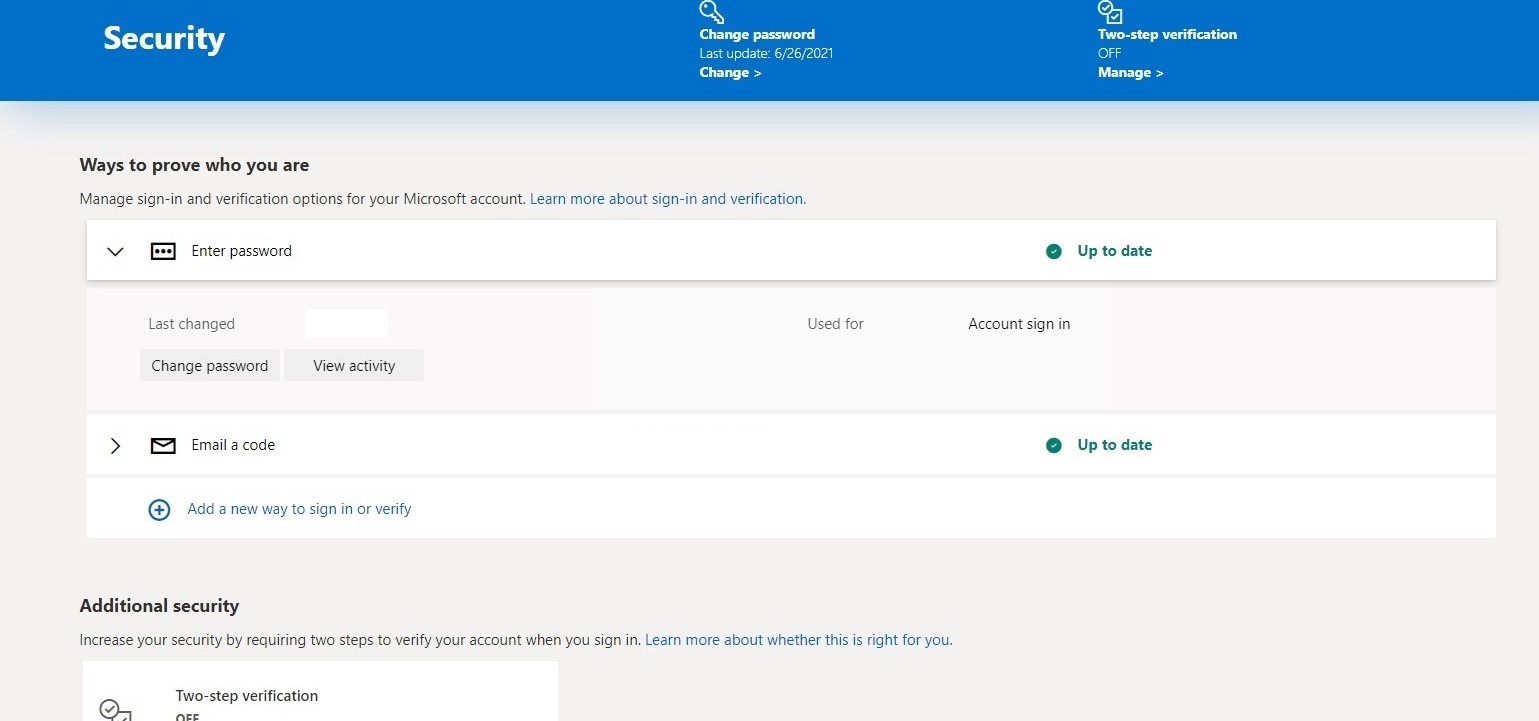
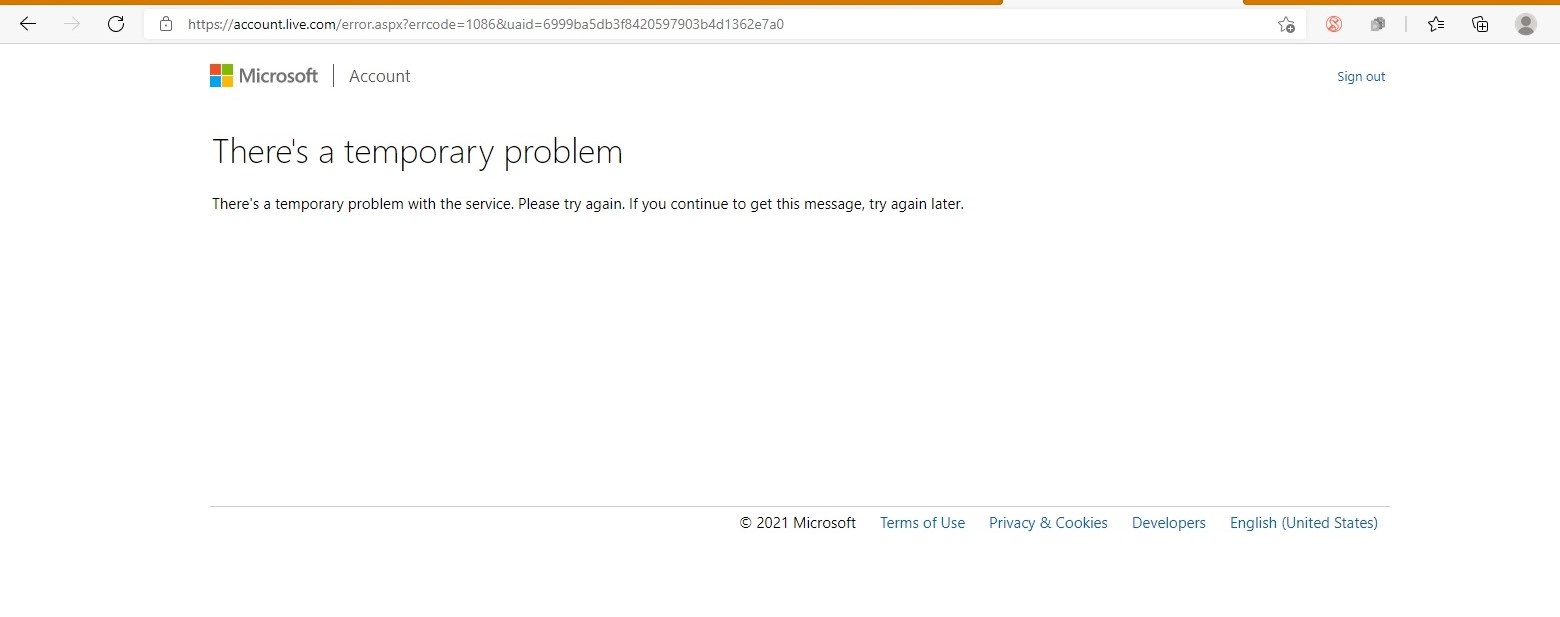
I currently have an email a code and I want to change it to another one. However, when submitting an alternative email address, it refers to a problem like a picture below. I tried several times, but it still displays There's a temporary problem.
In case you know this problem, please help.
Thank you,
Hi Rosy_888,
First and foremost, thanks for reaching out to our Microsoft Community Forum and please accept our warmest regards and sincerest hope that all is well.
We understand that you're having trouble securing your Microsoft Account by adding an alternate email address.
In order for us to better assist you I need to ask:
- In the device you're s attempting to add the alternate email address, can you tell me if you’re getting all green checkmarks when visiting the following link? https://portal.office.com/ServiceStatus
- What email account are you attempting to add as an alternate email address? You don't have to tell me the actual email account. I just need to know if it's @Outlook.com or @gmail.com or @yahoo.com or something else.
- Have you tried using a different web browser when adding an alternate email address to your Microsoft Account?
We look forward to your response.
Sincerely,
Glenn Rue
Microsoft Community Forum Moderator