Azure Functions
An Azure service that provides an event-driven serverless compute platform.
This browser is no longer supported.
Upgrade to Microsoft Edge to take advantage of the latest features, security updates, and technical support.

I have an Azure Function that presumably has some configuration problem and so is failing to run. In the portal I see the following highlighted text:

I have a continuous deployment script that deploys new versions of the function, and has a step after the new version is published to test that it can call an endpoint. In this instance that step failed (with 'Function host is not running.' which makes sense), but in that case I'd really like to include a bit more detail about why the function is failing by adding the text from the error/notification that's shown in the Portal.
It seems like the error happens so early in the lifecycle of the function that nothing gets logged to AppInsights. The Azure Function deployment logs themselves don't seem to contain any info (as the actual deployment part is fine, it's just when the function goes to run that it fails)
Is there an API or CLI command I can use to get that text?
An Azure service that provides an event-driven serverless compute platform.
' cx='32' cy='32' r='32' /%3E%3Ctext x='50%25' y='55%25' dominant-baseline='middle' text-anchor='middle' fill='%23FFF' %3ECM%3C/text%3E%3C/svg%3E)
Hello @David Gardiner , Thank you for reaching out and apologies for the delayed response here.
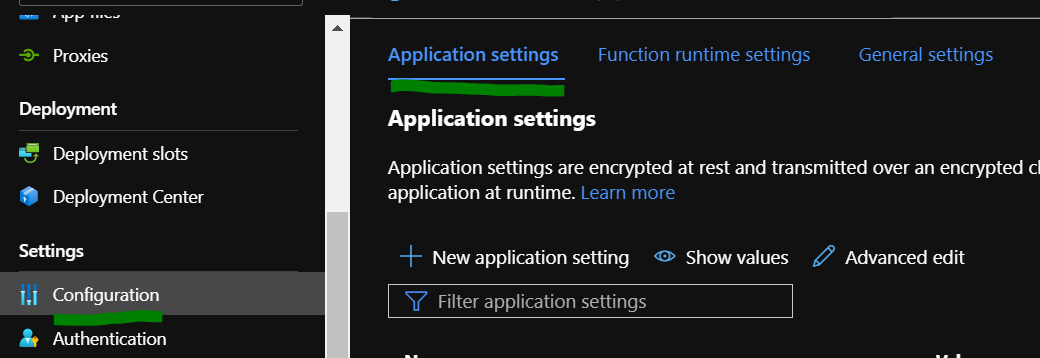
The error received usually occurs when there App setting is missing or miss-configured. Can you please check for the same via the Portal?
Hello @David Gardiner , Just following up here to see if the issue was related to the misconfigured app-setting.
In addition to that you can get the text for the error received by streaming the logs as mentioned here in the documentation. You can achieve this via Portal, VS Code, Core Tools, Azure CLI and Azure Powershell.
Please let me know if there are any concerns. Thank you!