Hyper-V
A Windows technology providing a hypervisor-based virtualization solution enabling customers to consolidate workloads onto a single server.
2,571 questions
This browser is no longer supported.
Upgrade to Microsoft Edge to take advantage of the latest features, security updates, and technical support.
' cx='32' cy='32' r='32' /%3E%3Ctext x='50%25' y='55%25' dominant-baseline='middle' text-anchor='middle' fill='%23FFF' %3EA%3C/text%3E%3C/svg%3E)
I was Using Windows 10 Home and I upgrade to Windows 10 Pro with upgrade key. And when I open Hyper V the enhanced session is greyed out. Pls Helpme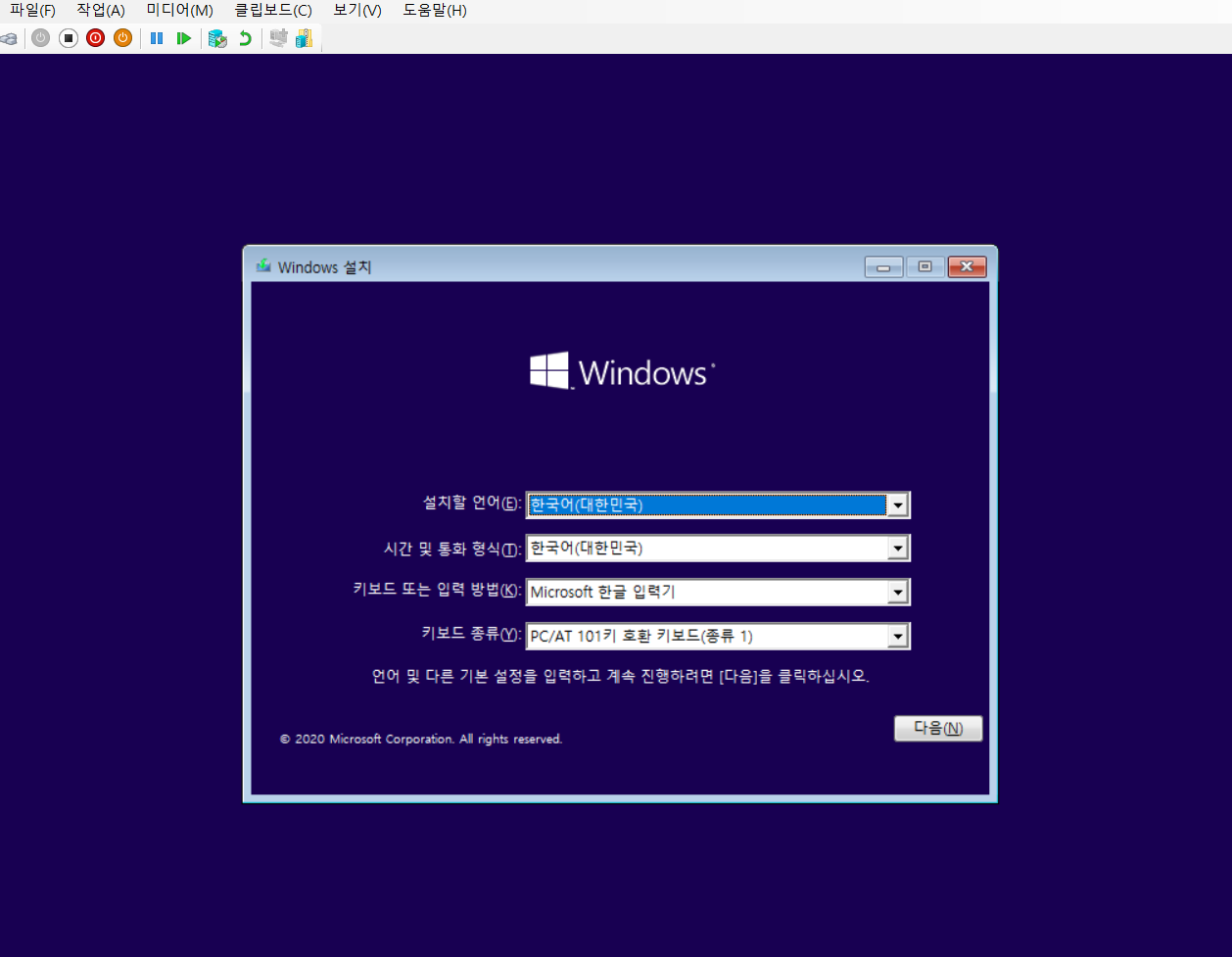

Hi,
Thanks for your post! As Tim has suggested, it's recommended to turn to related Korean forum, so that you may get better help. If it helps, please accept the reply as answer. If you have any other concerns or questions, please feel free to feedback.
Best Regards,
Anne
I edited to English :)

Even translated to English, I still recommend that since your question is about Hyper-V on Windows 10 you should ask in a forum that for Windows 10 virtualization.
TechNet forum - https://social.technet.microsoft.com/Forums/en-US/home?forum=win10itprovirt
Docs forum - https://learn.microsoft.com/en-us/answers/topics/windows-10-virtualization.html
You posted to the English language forum that deals with Hyper-V Server. Using Bing translator, it appears your question is about Hyper-V on Windows client. You may want to go to https://learn.microsoft.com/ko-kr/ to find the Korean version of the forum. Also search for Windows 10 virtualization to post your question.
Hi,
' cx='32' cy='32' r='32' /%3E%3Ctext x='50%25' y='55%25' dominant-baseline='middle' text-anchor='middle' fill='%23FFF' %3ESA%3C/text%3E%3C/svg%3E)
How in the blazes do you get the camera to work from the VM and why is this hard?