Microsoft Teams | Development
Building, integrating, or customizing apps and workflows within Microsoft Teams using developer tools and APIs

This browser is no longer supported.
Upgrade to Microsoft Edge to take advantage of the latest features, security updates, and technical support.
' cx='32' cy='32' r='32' /%3E%3Ctext x='50%25' y='55%25' dominant-baseline='middle' text-anchor='middle' fill='%23FFF' %3EIT%3C/text%3E%3C/svg%3E)
In the response of GET - https://graph.microsoft.com/v1.0/teams/{team_id}/channels?$filter=membershipType eq 'private'.
I am getting channels which are not visible in the Teams app interface.
e.g.
{
"id": "",
"createdDateTime": "",
"displayName": "testingteam",
"description": null,
"isFavoriteByDefault": null,
"email": null,
"webUrl": null,
"membershipType": "private"
},
Is there any key using which i can differentiate these forbidden channels from the valid ones?


Adding right tags/teams to assist
' cx='32' cy='32' r='32' /%3E%3Ctext x='50%25' y='55%25' dominant-baseline='middle' text-anchor='middle' fill='%23FFF' %3ESD%3C/text%3E%3C/svg%3E)
I am not able to reproduce your issue. The API is returning desired response.
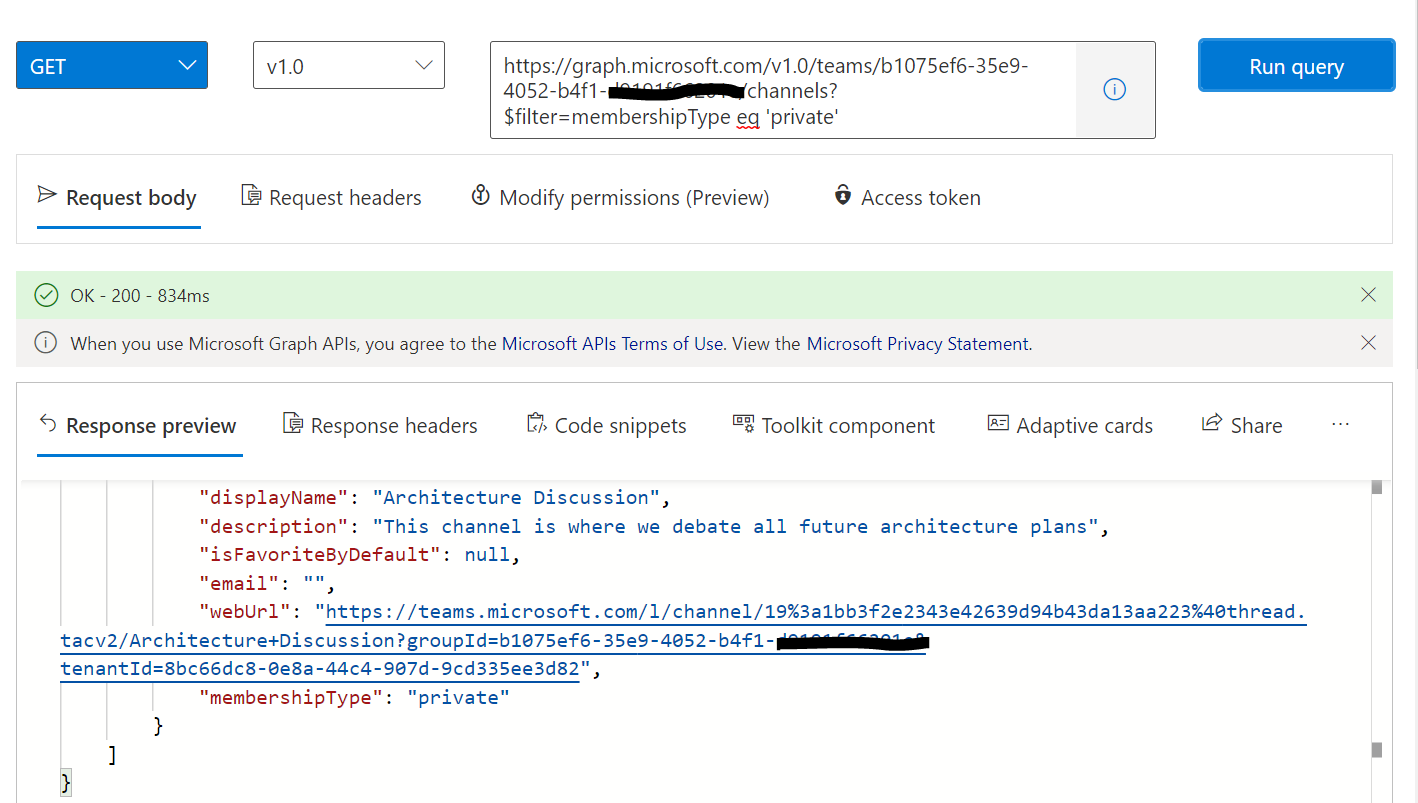
You can further check if all webUrl is part of teams for which you are getting null. If yes, you can use this filter to get teams where webUrl is not empty using this endpoint
https://graph.microsoft.com/v1.0/teams/{teams-id}/channels?$filter=webUrl ne null
If the answer is helpful, please click "Accept Answer" and kindly upvote it. If you have further questions about this answer, please click "Comment".