Microsoft 365 and Office | Access | For home | Windows
A family of Microsoft relational database management systems designed for ease of use.

This browser is no longer supported.
Upgrade to Microsoft Edge to take advantage of the latest features, security updates, and technical support.
' cx='32' cy='32' r='32' /%3E%3Ctext x='50%25' y='55%25' dominant-baseline='middle' text-anchor='middle' fill='%23FFF' %3EA%3C/text%3E%3C/svg%3E)
Hi All, Merry Christmas!! I need HELP!!! I have an Access 2016 Database developed and when I go through the splitting process (For multi users) it says it works just fine.
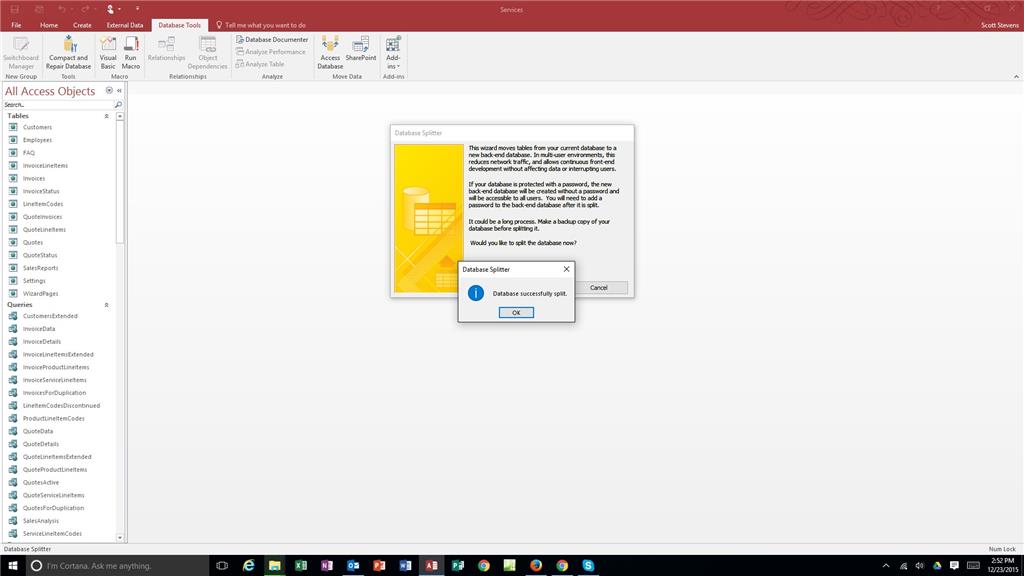The tables all move to the new "BE" database. When I go into the front end it says that a macro cant be found.
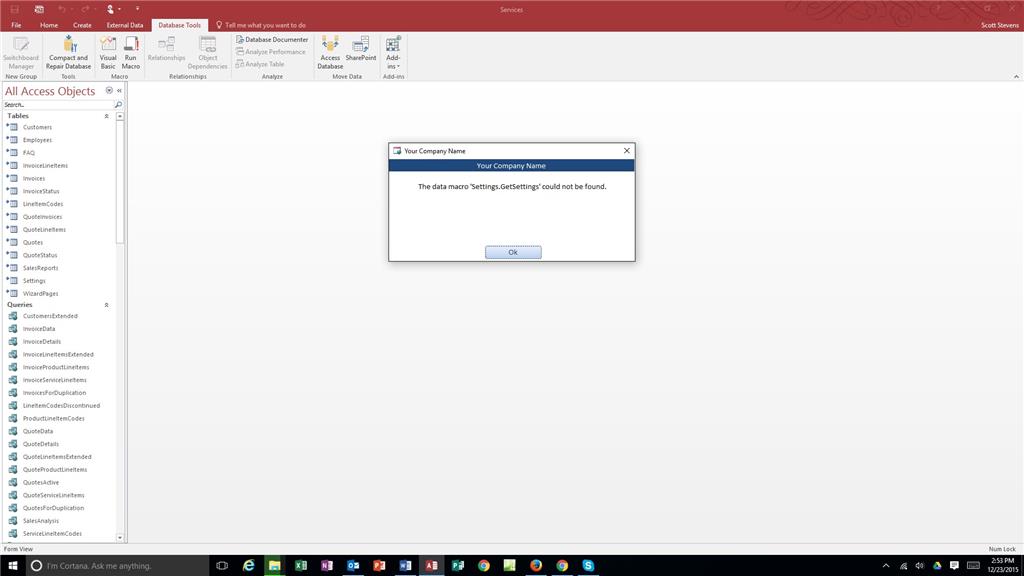Then none of my reports or forms work and throw the same macro error.
My boss is yelling to get it deployed, I need a answer and it will be the best christmas present ever.
Scott
A family of Microsoft relational database management systems designed for ease of use.
Locked Question. This question was migrated from the Microsoft Support Community. You can vote on whether it's helpful, but you can't add comments or replies or follow the question.
This database first needs to be converted to a Desktop database then split. The example below is for Access 2010 but should work for Access 2013.
Yes it is possible to convert the 2010 Northwind Web Database into a client version. It will, however, take some manual work on your part.
Follow these steps:
From http://www.access-programmers.co.uk/forums/showthread.php?t=219350
Posted by AccessJunkie
' cx='32' cy='32' r='32' /%3E%3Ctext x='50%25' y='55%25' dominant-baseline='middle' text-anchor='middle' fill='%23FFF' %3ES%3C/text%3E%3C/svg%3E)
Your screen shots indicate this is a WEB template. It was meant to be used as an Access Web App, not a desktop app.
Converting such an app to a desktop app, is not easy.
I am fairly new to Access, the template that I used already had the Macros in it. Her is one of the Macro details
So can I get rid of the Macros? If so do I need to do anything to repalce them?
Data macros are attached to tables, by linking the tables the data macros are no longer there.
What does this macro do? If this is a desktop app (as it appears to be if you are splitting it), why use macros at all?