Microsoft 365 and Office | Excel | For business | Other
A family of Microsoft spreadsheet software with tools for analyzing, charting, and communicating data

This browser is no longer supported.
Upgrade to Microsoft Edge to take advantage of the latest features, security updates, and technical support.
' cx='32' cy='32' r='32' /%3E%3Ctext x='50%25' y='55%25' dominant-baseline='middle' text-anchor='middle' fill='%23FFF' %3EA%3C/text%3E%3C/svg%3E)
Is there a shortcut to right click in Excel 2016 worksheet? I tried Ctrl + F10, Shift +F10, Alt + F10 but none of them worked. Thanks. I had an older version of MS office and the right click function worked just fine but not MS 2016.
Locked Question. This question was migrated from the Microsoft Support Community. You can vote on whether it's helpful, but you can't add comments or replies or follow the question.
Hi Hao T,
The key your pointing to, is the function (Fn) key. The Context key looks like the screenshot below. Please check if you have this key.
Thanks,
Neha
Hi Hao T,
Based on my test and according to this article, the shortcut to right-click is Shift+F10 and if you have a Windows keyboard, it is the key between the right-side ALT and CTRL keys, known as Context key.
Meanwhile, please provide the screenshot of Office 2016 Product Information. To get this screenshot, open Word or Excel 2016 on your system, click File>Account, capture the screenshot of all the information mentioned under Product Information.
Thanks,
Neha
This is what I got when I use the context key with F10. Not what I used to have with the older version. And absolutely not the right click that I mentioned earlier. Please help. Thanks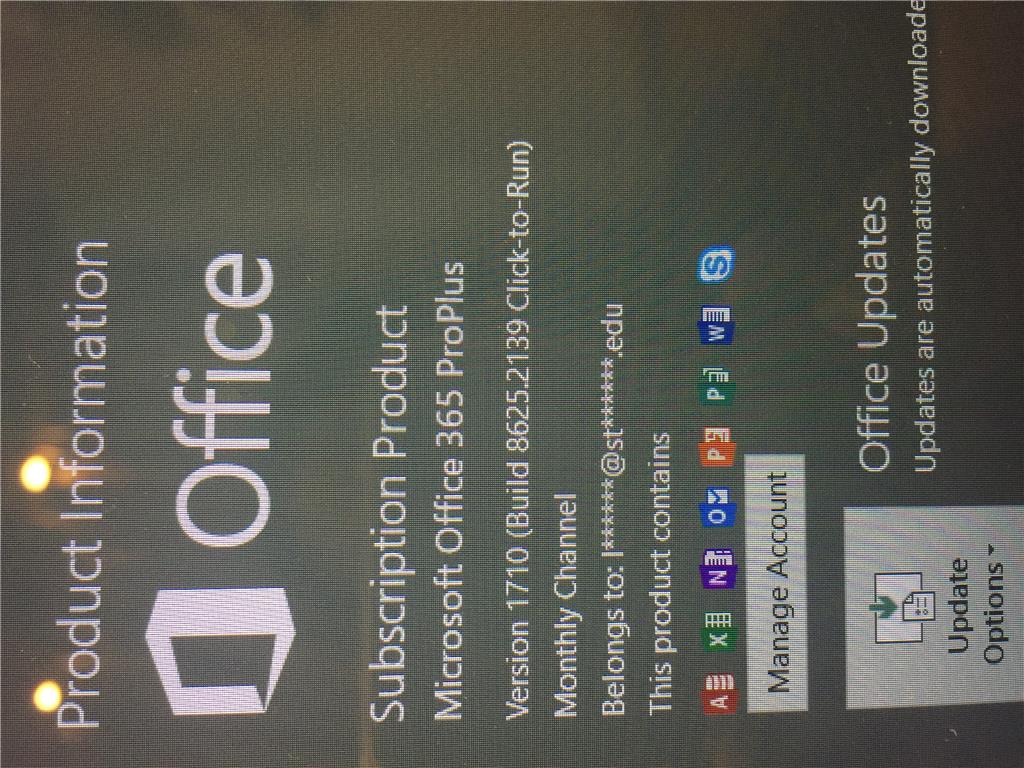t
Hi Hao T,
You don’t have to use context key with F10, just press Context key (alone) from your keyboard. Shift key works with F10. Either use Shift+F10 or use Context Key.
Additionally, your Office is behind updates. I’ll suggest you, please update your Office to the latest version i.e. Version 1710 (Build 8625.2127). To know how to install Office updates, please see Install Office updates. You can check this article about the Office 365 version information.
Thanks,
Neha
It
didnt work. :( I upgraded the software already but still the same.