Windows 10 Network
Windows 10: A Microsoft operating system that runs on personal computers and tablets.Network: A group of devices that communicate either wirelessly or via a physical connection.
2,316 questions
This browser is no longer supported.
Upgrade to Microsoft Edge to take advantage of the latest features, security updates, and technical support.

We have a DFS Namespace \DomainName\Data which holds a Share \DomainName\Data\Level1 Under that Share, we have a subfolder \DomainName\Data\Level1\Level2 Level1 is Mapped as M: Level2 is Mapped as I: In I:\Folder, we have a File called Test.Txt. • IF we select I:\Folder\Test.txt and use RightClick-Copy + RightClick+Paste, a “Test - Copy.txt” will be created. • IF we select I:\Folder\Test.txt and use RightClick-Copy, go to M:\Level2\Folder and RightClick+Paste, we get an error saying that “Location is not available” ![119370-dfserror.jpg][1] • IF we select M:\Level2\Folder\Test.txt and use RightClick-Copy + RightClick+Paste, a “Test - Copy.txt” will be created, which proofs that there is NO rights issue. [1]: /api/attachments/119370-dfserror.jpg?platform=QnA


So you have a DFS Namespace \DomainName\Data\
Then, you have a folder called Data that is configured to target on \DomainName\Data\Level1
From what i can see, this is the 2 mapped drives
M:\ --> \DomainName\Data\Level1
l:\ --> \DomainName\Data\Level1\Level2
Is it possible that the source and the destination is the same ?
Does both folders (Level1 and Level2) are on the same server ?
Yes, those are EXACTLY the same, as mentioned.
But creating a file will only work:
1- if we do not use the Mapping to the DFS Parent.
2- if we create it directly on the folder, not copying from another drive
Ok but my question is why you want to copy a file from a source to a destination if both locations are the same ?
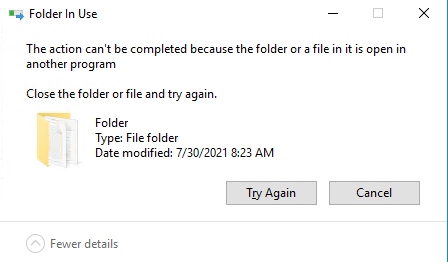
Normally, you should get a popup that say that a file already exist and if you click on "replace", you will get an error that say that the file is used by another process