

MDT capture failed then unable to install via MDT

Eaven HUANG 2,196 Reputation points
2021-08-02T08:05:53+00:00

Dear experts,

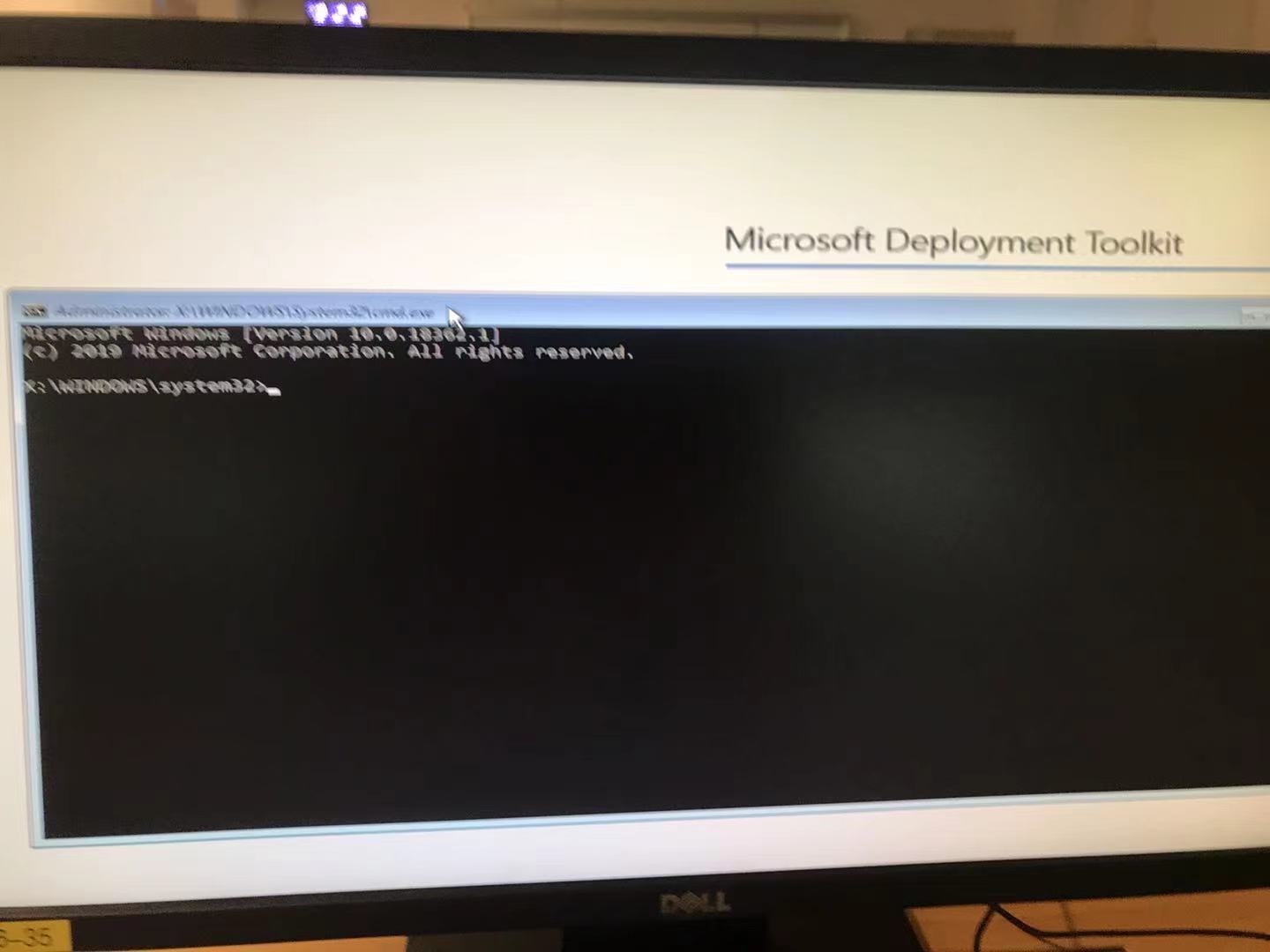
I'm running into an odd issue that I tried to capture image via MDT but failed, then I tried to re-install an image via MDT but somehow after loading files, it didn't prompt for me to enter credentials. See attached picture.

Any advice would be very appreciated.

119841-mdt-issue.jpg

Windows for business | Windows Client for IT Pros | Devices and deployment | Set up, install, or upgrade
{count} votes

Answer accepted by question author
  1. Eaven HUANG 2,196 Reputation points
    2021-08-12T01:52:00.537+00:00

    Dear All,

    I've been spending quite some time searching around and finally came to a solution, here it is:

        1. At this DOS prompt, clear the MDT process from the pc to start clean..... By using following commands: 
        Type:
        Diskpart (enter)
    
        List Disk (enter) - should list one disk, your C: and should be Disk 0
    
        Select Disk 0 (providing that is your OS disk, usually several hundred gig) (enter)
    
        clean (enter)
        Hard power down the pc, then boot it back up to MDT, it should go right through.
    

    Thanks a lot for all your help and hopefully if anyone else encountered this issue, they could apply the solution quickly. Cheers.


1 additional answer

Sort by: Most helpful
  1. Simon Ren-MSFT 40,376 Reputation points Microsoft External Staff
    2021-08-02T09:14:50.1+00:00

    Hi,

    Thanks for posting in Microsoft Q&A forum.

    Could we find any further information in the SMSTS.log and BDD.log?

    Best regards,
    Simon


Your answer

Answers can be marked as 'Accepted' by the question author and 'Recommended' by moderators, which helps users know the answer solved the author's problem.