Microsoft 365 and Office | Access | Development
The creation and customization of database applications using Microsoft Access

This browser is no longer supported.
Upgrade to Microsoft Edge to take advantage of the latest features, security updates, and technical support.
' cx='32' cy='32' r='32' /%3E%3Ctext x='50%25' y='55%25' dominant-baseline='middle' text-anchor='middle' fill='%23FFF' %3EMM%3C/text%3E%3C/svg%3E)
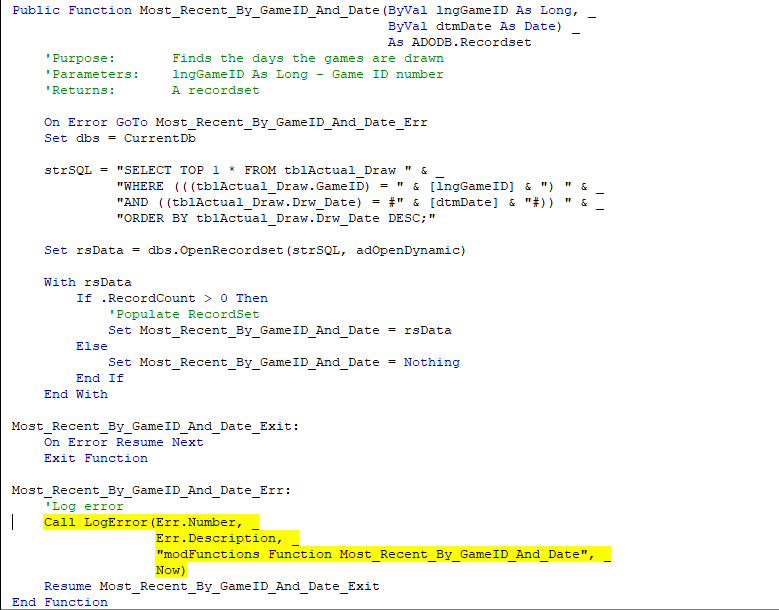
I have the following code to retrieve a specific record based on Game ID and date.
Public Function Most_Recent_By_GameID_And_Date(ByVal lngGameID As Long, _
ByVal dtmDate As Date) _
As ADODB.Recordset
'Purpose: Finds the days the games are drawn
'Parameters: lngGameID As Long - Game ID number
'Returns: A recordset
    On Error GoTo Most_Recent_By_GameID_And_Date_Err
    Set dbs = CurrentDb

    strSQL = "SELECT TOP 1 * FROM tblActual_Draw " & _
             "WHERE (((tblActual_Draw.GameID) = " & [lngGameID] & ") " & _
             "AND ((tblActual_Draw.Drw_Date) = #" & [dtmDate] & "#)) " & _
             "ORDER BY tblActual_Draw.Drw_Date DESC;"

    Set rsData = dbs.OpenRecordset(strSQL, adOpenDynamic)

    With rsData
        If .RecordCount > 0 Then
            'Populate RecordSet
            Set Most_Recent_By_GameID_And_Date = rsData
        Else
            Set Most_Recent_By_GameID_And_Date = Nothing
        End If
    End With

Most_Recent_By_GameID_And_Date_Exit:
    On Error Resume Next
    Exit Function

Most_Recent_By_GameID_And_Date_Err:
    'Log error
    Call LogError(Err.Number, _
                  Err.Description, _
                  "modFunctions Function Most_Recent_By_GameID_And_Date", _
                  Now)
    Resume Most_Recent_By_GameID_And_Date_Exit
End Function
I seem to be getting two different types of errors.
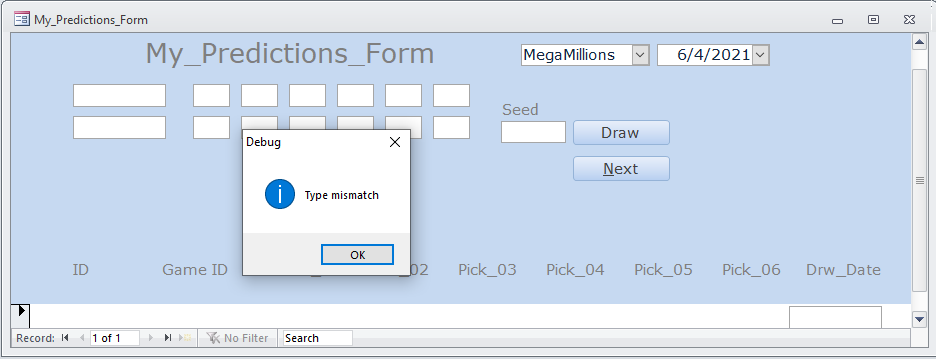
After I finish the routine I get this error.
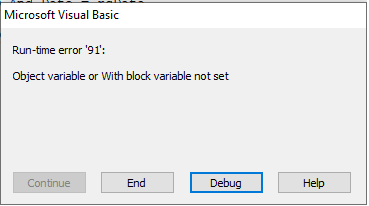
I don't understand why.
Can someone help me. I haver used such functions in the past and didn't have any problems.
Thanks,
The creation and customization of database applications using Microsoft Access
Answer accepted by question author
I found the answer.
I reset the references to:

I modified the VBA code:
Private rsData As Recordset
Public Function Most_Recent_By_GameID_And_Date(ByVal lngGameID As Long, _
                                               ByVal dtmDate As Date) _
                                               As Recordset
    'Purpose:       Finds the days the games are drawn
    'Parameters:    lngGameID As Long - Game ID number
    'Returns:       A recordset
    'Dim rs As Recordset
    On Error GoTo Most_Recent_By_GameID_And_Date_Err
    Set dbs = CurrentDb

    strSQL = "SELECT TOP 1 * FROM tblActual_Draw " & _
             "WHERE (((tblActual_Draw.GameID) = " & [lngGameID] & ") " & _
             "AND ((tblActual_Draw.Drw_Date) = #" & [dtmDate] & "#)) " & _
             "ORDER BY tblActual_Draw.Drw_Date DESC;"

    Set rsData = dbs.OpenRecordset(strSQL)

    With rsData
        If .RecordCount <> 0 Then
            'Populate RecordSet
            Debug.Print ("Record Count = " & CStr(rsData.RecordCount))
            Set Most_Recent_By_GameID_And_Date = rsData

        Else
            Set Most_Recent_By_GameID_And_Date = Nothing
        End If
    End With

Most_Recent_By_GameID_And_Date_Exit:
    On Error Resume Next
    Exit Function

Most_Recent_By_GameID_And_Date_Err:
    'Log error
    Call LogError(Err.Number, _
                  Err.Description, _
                  "modFunctions Function Most_Recent_By_GameID_And_Date", _
                  Now)
    Resume Most_Recent_By_GameID_And_Date_Exit
End Function
It seems I need to define a RecordSet of object as RecordSet not ADODB.RecordSet.
Thanks

Hi. Glad to hear you got it sorted out. That's exactly what I was referring to earlier when I said you were mixing up your recordset object types. Good luck with your project.
Oh, I think I see it now. I think you're mixing your recordset types: one is DAO and the other is ADO. Either the function you're trying to call requires an ADO recordset, and you're passing it a DAO recordset, or your recordset variable is a DAO recordset, and the recordset returned by your function is ADO.
Without seeing the entire code, I can't tell you which one it is. Also, do you have Option Explicit in your module?
Hi. Thanks for the additional info. Just a wild guess, but could you try removing the square brackets around your arguments to see if that helps?
In other words, where you have:
"WHERE (((tblActual_Draw.GameID) = " & [lngGameID] & ") " & _
simply use:
"WHERE (((tblActual_Draw.GameID) = " & lngGameID & ") " & _
Also, do the same with [dtmDate]. Let us know how it goes...
That isn't the problem. I have disabled all definitions of rsData as Recordset and it is giving me a:
13 Type mismatch modFunctions Function Most_Recent_By_GameID_And_Date 8/4/2021 1:58:03 PM
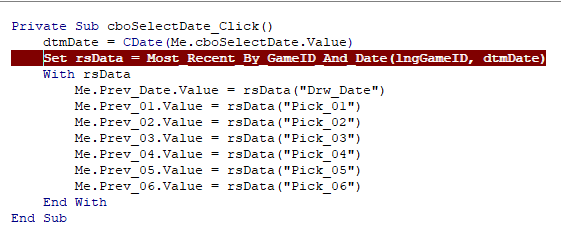
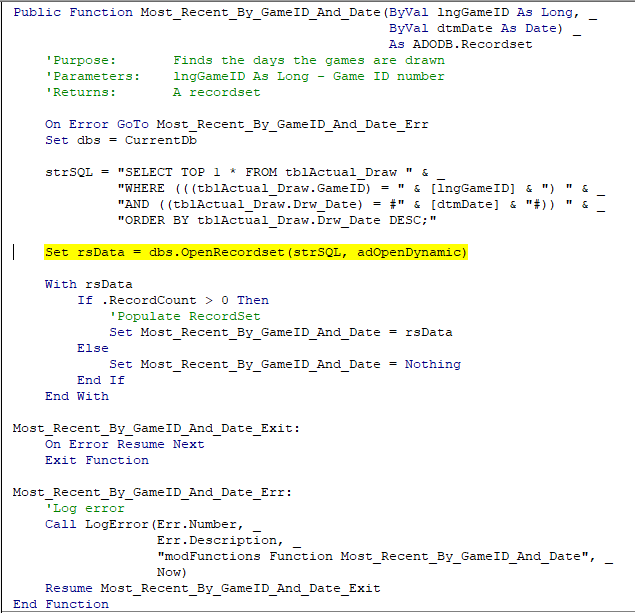
It is returning a record, but it says it is the wrong type.. The error is occuring at the highlighted line>
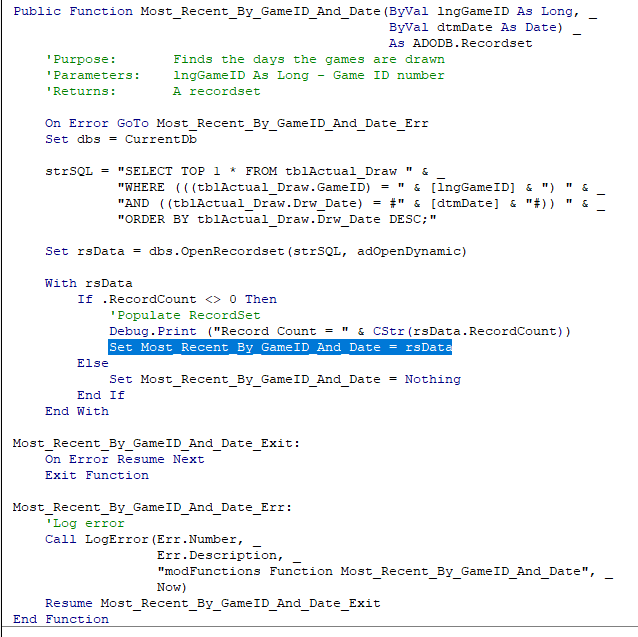
It looks like a declaration error, but doesn't tell you how to fix it.
There is no easy way to correct responses.
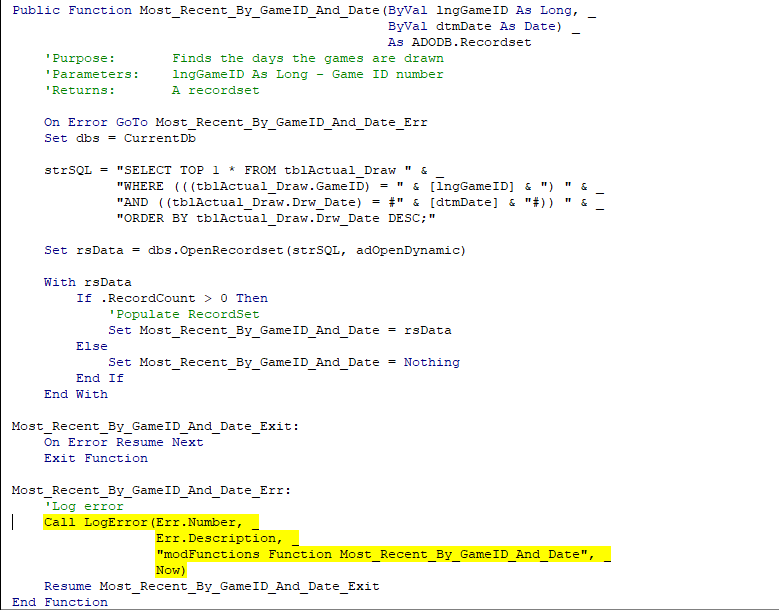
Error entry:
Before and after execution of function.
Hi. You'll have to step through the code and tell us which lines are highlighted when you get those errors.
Here is where I invoke the function.
Private Sub cboSelectDate_Click()
dtmDate = CDate(Me.cboSelectDate.Value)
Set rsData = Most_Recent_By_GameID_And_Date(lngGameID, dtmDate)
With rsData
Me.Prev_Date.Value = rsData("Drw_Date")
Me.Prev_01.Value = rsData("Pick_01")
Me.Prev_02.Value = rsData("Pick_02")
Me.Prev_03.Value = rsData("Pick_03")
Me.Prev_04.Value = rsData("Pick_04")
Me.Prev_05.Value = rsData("Pick_05")
Me.Prev_06.Value = rsData("Pick_06")
End With
End Sub
Before error:
![120546-before-setting-rs.png][1]
After setting recordset.