Microsoft 365 and Office | SharePoint | For business | Windows
A group of Microsoft Products and technologies used for sharing and managing content, knowledge, and applications.

This browser is no longer supported.
Upgrade to Microsoft Edge to take advantage of the latest features, security updates, and technical support.
' cx='32' cy='32' r='32' /%3E%3Ctext x='50%25' y='55%25' dominant-baseline='middle' text-anchor='middle' fill='%23FFF' %3ES%3C/text%3E%3C/svg%3E)
Pre migration report is ready ( on premsis) after generating from SMAT tool.
We have seen different reports from each category, Just few questions on this. please help me in clarifying following 2 questions

@sns ,
More information about how to scan report results:
If an Answer is helpful, please click "Accept Answer" and upvote it.
Note: Please follow the steps in our documentation to enable e-mail notifications if you want to receive the related email notification for this thread.
HI Julie Wang,
Thank you for the response. I have gone through articles you have shared. Can you please clarify on my below questions:
@sns ,
Hi Julie Wang,
Please help on first point (answer),
Regarding customized master pages fix on first point point you have mentioned, it seems like it worked however it seems we get an error when switching to the default master on the front page, however the other pages are rendering fine...
so we can do with front page? 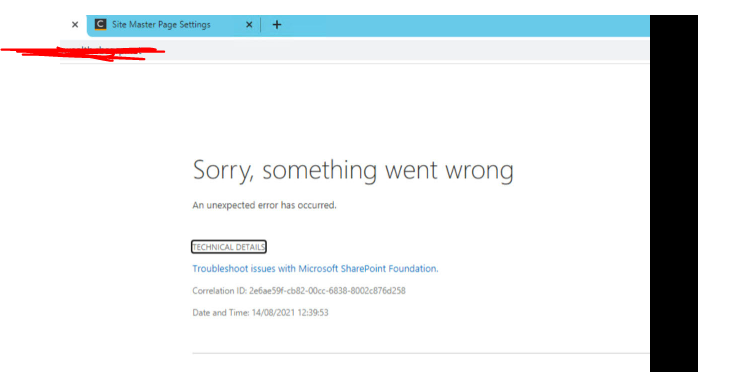
& few questions, please help me in understanding these questions also. Perhaps it could be last==)
how do we take custom master page from on premisis and re-work in SharePoint online?
do we need to take CSS & JS files from on premisis & Put it in the SharePOint online site assests & style library ?
If it so can you please give some clarity on site assests & style library role? & why should place CSS & JS files only in site assest and style library?
@sns ,
1.What did you mean get an error when switching to the default master? Did an error occur when changing the master page under the following settings?
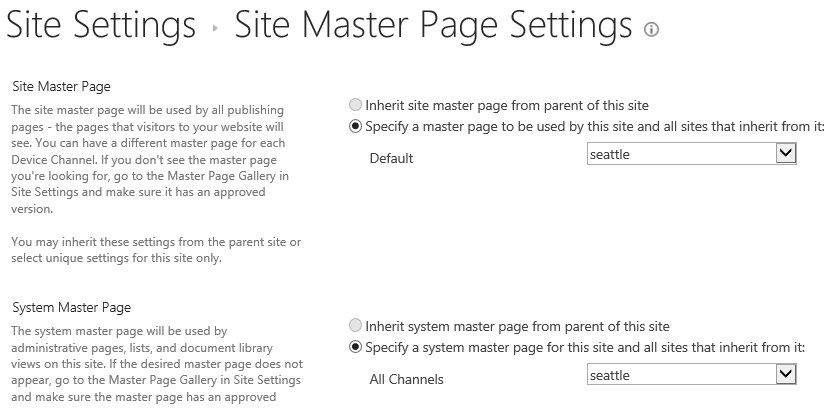
2.Open SharePoint online site in SharePoint designer>navigate to All files > _catalogs > masterpage, then copy and paste all the downloaded html template files like image, css, script folders and HTML file in it:
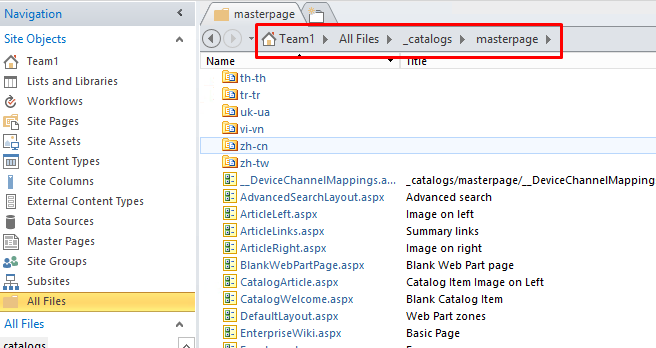
After uploading successfully, Go back to the site> site settings>select Designer manager under look and feel option>Convert an HTML file to a SharePoint master page>select you pasted HTML page and click Insert> publish the newly added master page in Design Manager:
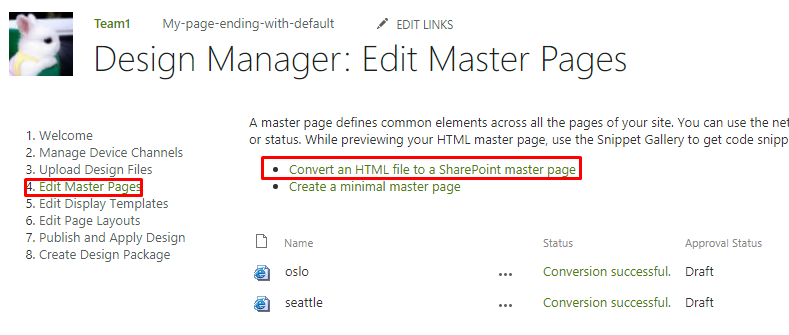
After publishing, go to the site settings and click master pages link under look on feel, select newly added master page in site master page drop down list and click OK to apply the new master page.
Hi Wang,
Thank you very much, Please clarify my follow up questions:
I see only SP designer 2013 not SP online designer, can you please share me the link to download SharePoint online Designer link?
Big thank you once again
@sns ,
1.Yes, you could switch to default master page in SharePoint designer:
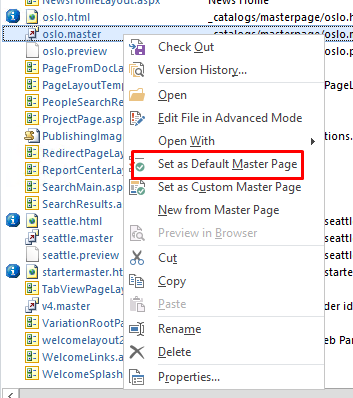
2.Yes, access the on-premise site in SharePoint designer, navigate to the master page folder as mentioned above, copy the custom master page with the suffix html, if you have any custom css, js folder related to the page, copy all of them, then still open the SharePoint online site in SharePoint designer 2013, paste them under the same directory.
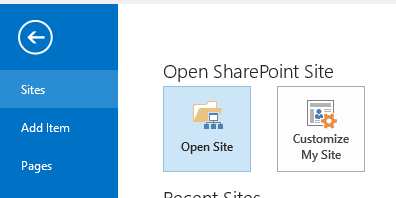
There is no SharePoint designer online, we could open online site in SharePoint designer 2013 too.
HI Wang,
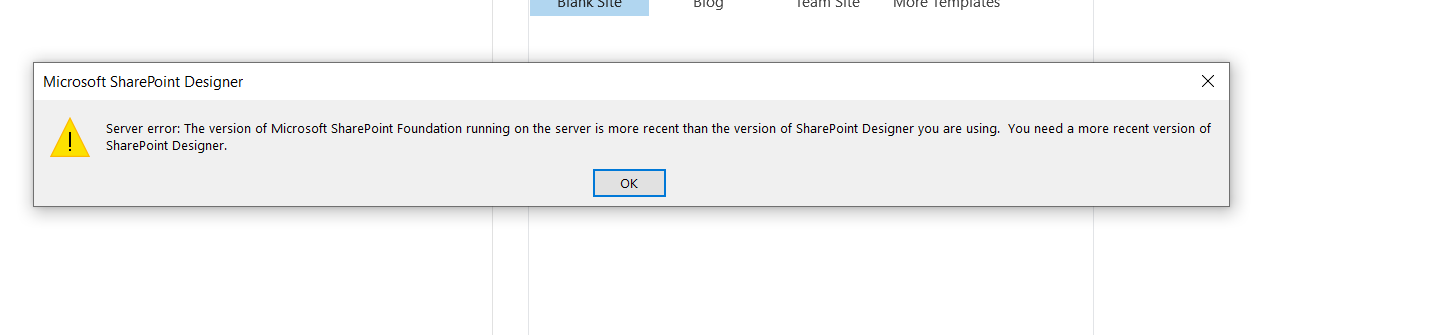
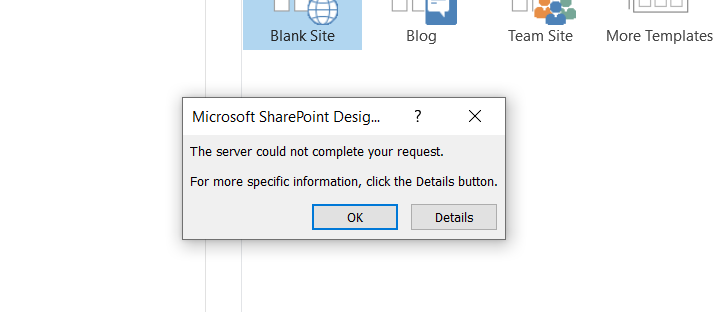
I am using SP designer 2013, but getting error, PFA. Please help further
Hi Wang,
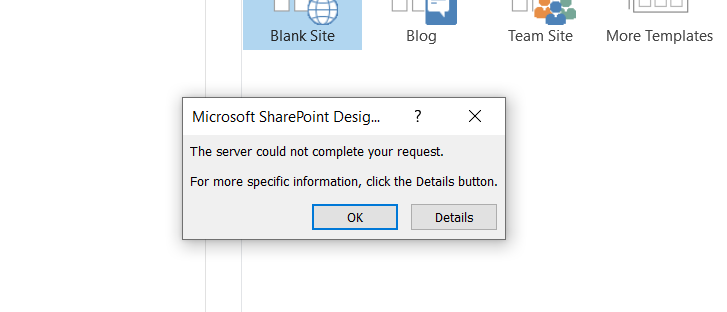
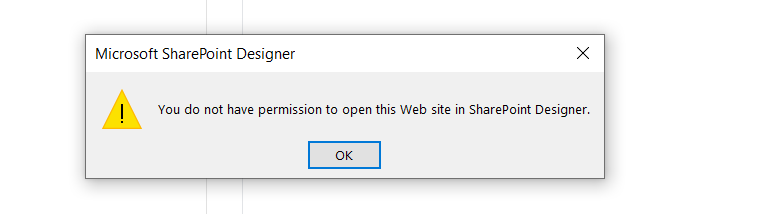
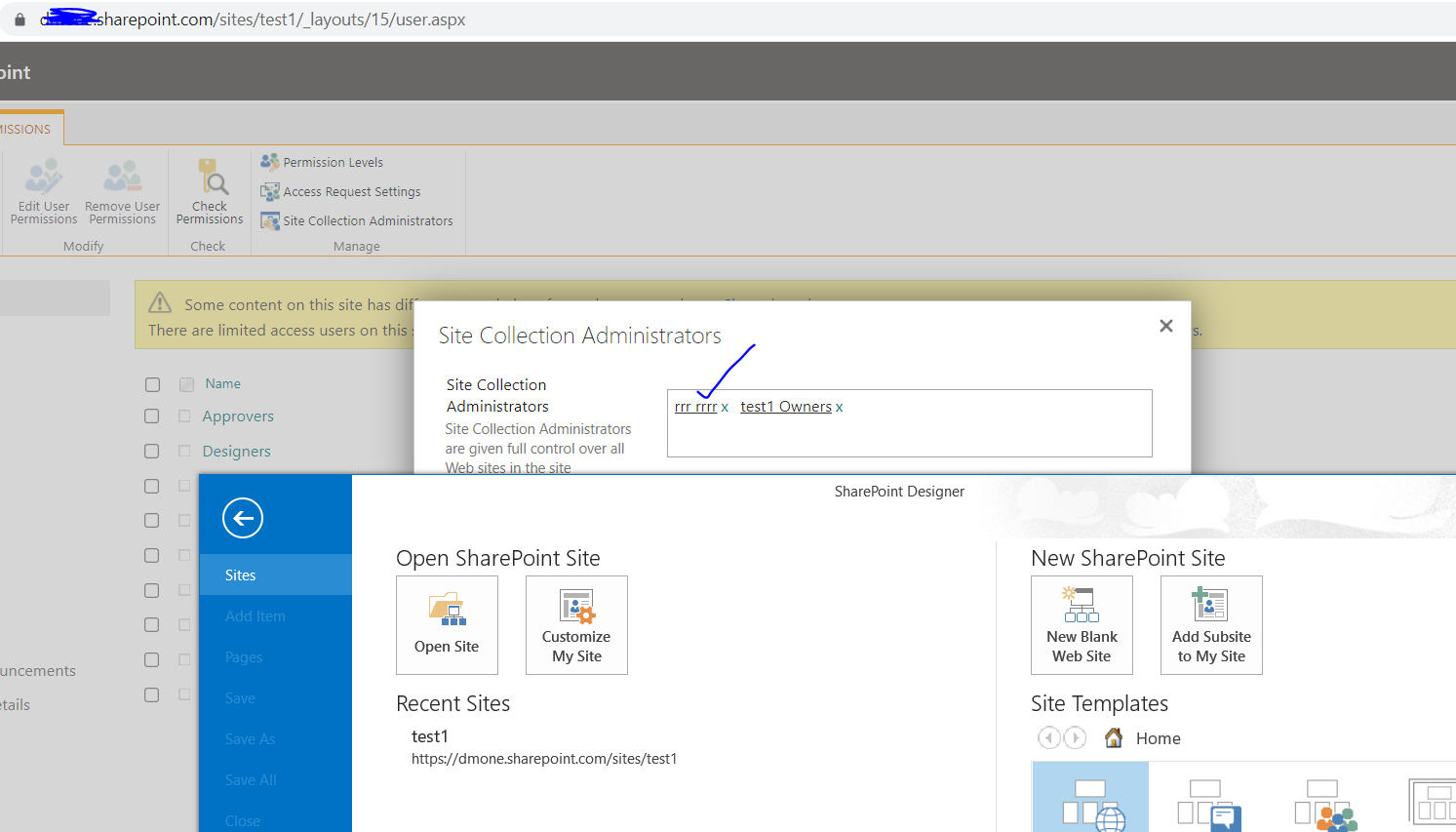
Thank you for your continues support. I switched to respective account. However I am still getting showing in the attached screenshot called "error" subsequently when I clicked on OK it is giving permission error in the attached screenshot called "Capture" . So I added as site collection admin and Tried to clear the designer cache but still the access denied error. Please help on this.
@sns ,
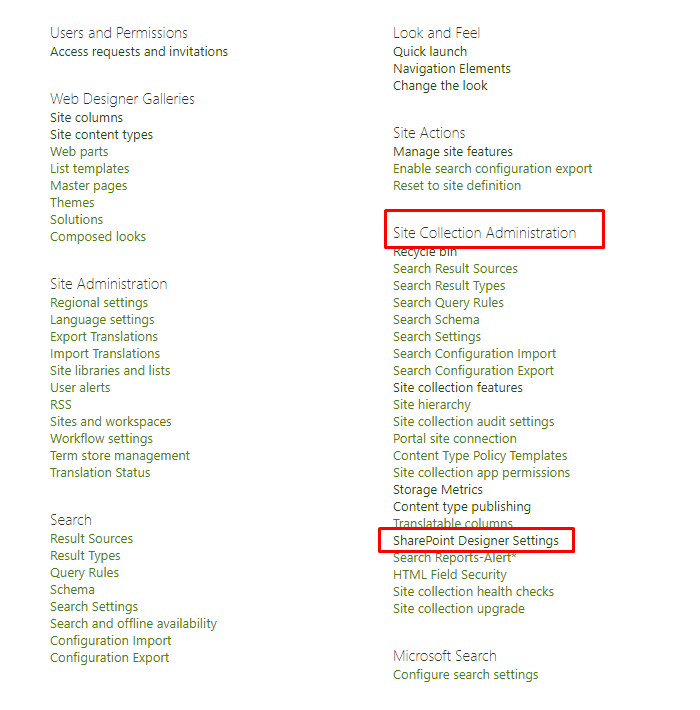
1.Please go to your SharePoint online site collection site settings > SharePoint Designer Settings, make sure you enable the SharePoint Designer.
2.Remove SharePoint Designer 2013 related credentials. To do it, open Control Panel > Credential Manager > Windows Credential > Generic Credentials, then delete any items which contains MicrosoftOffice15_Data.
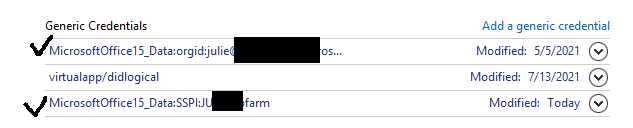
Try signing in with your Office 365 account again.
HI Wang
Thank you, It appears to be screenshot for designer settings you have shared is not appropriate.
However I don't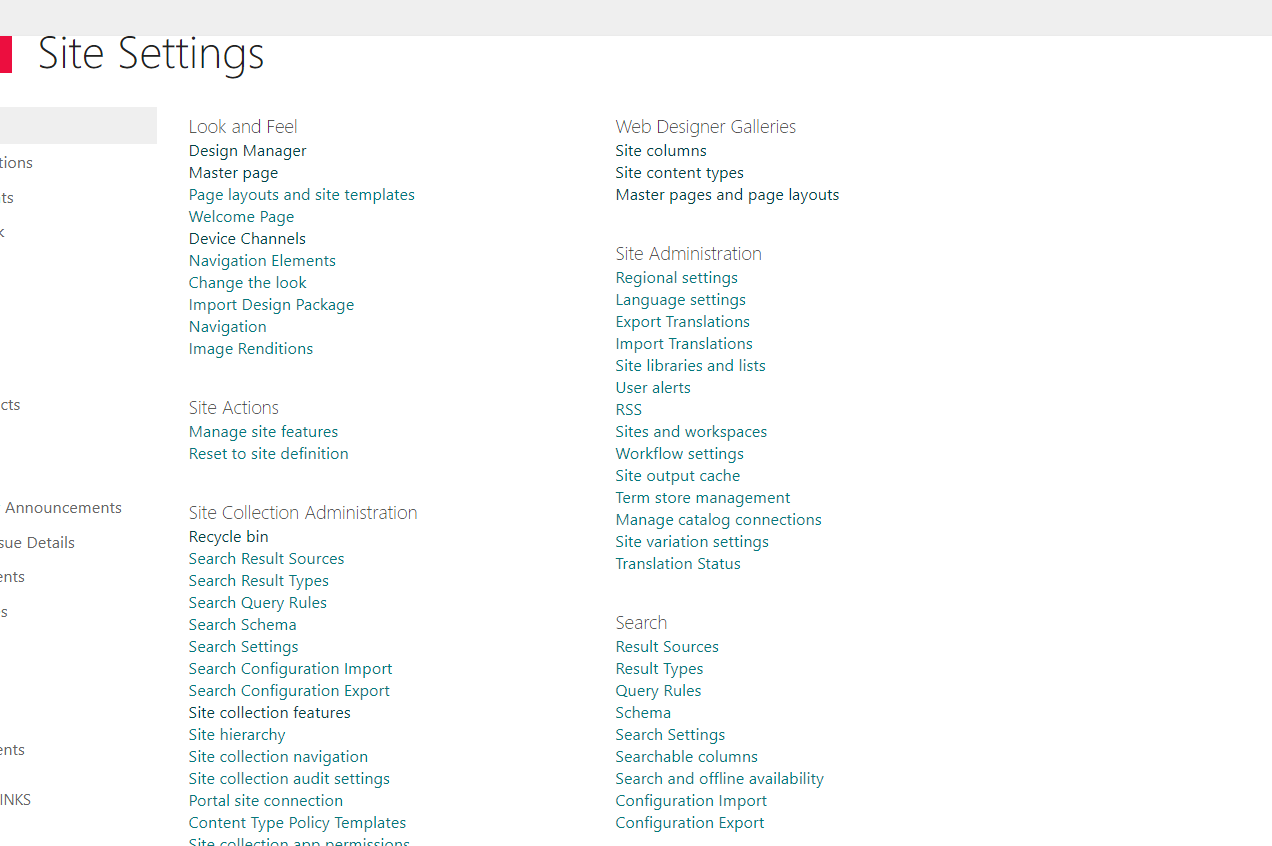 find designer settings option under site collection settings, PFA
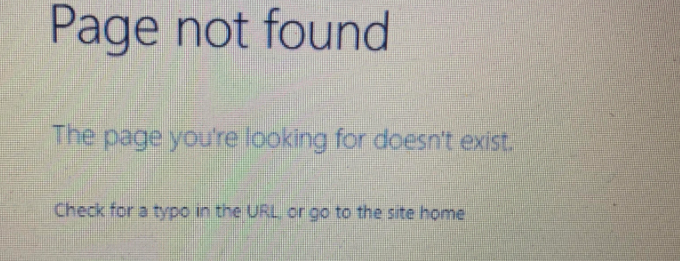
And what about page not found error which I shared in my previous thread. Please help here also.
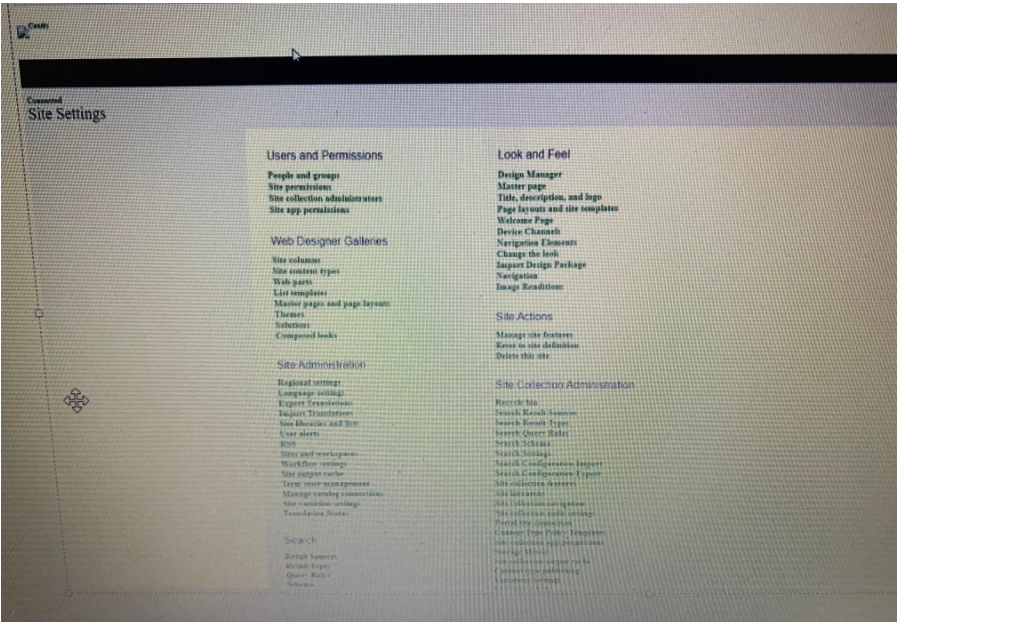
as you aware we have migrated from on premises to online, we saw global navigation missing, PFA called "GNavigation" along with other issue "Page not found"
other than above 3 issues, please suggest how we can customize online search in the SharePoint online after migrating from on premises SharePoint.
@sns ,
I have updated the picture in the reply above, if you still not see SharePoint designer settings, please go to Microsoft admin center>SharePoint admin center>Settings>Go to the classic settings page, then turn on custom script as shown below:

Note, the custom script could take up to 24 hours for the change to take effect.
Please go to the site settings> select Navigation under look and feel to check the global navigation, if related navigations are not migrated, we suggest you re-create it.
About how to customize online search, we suggest you open a new thread for this issue.
HI Wang,
Please help about page not found error also explained in previous thread
Hi Wang,
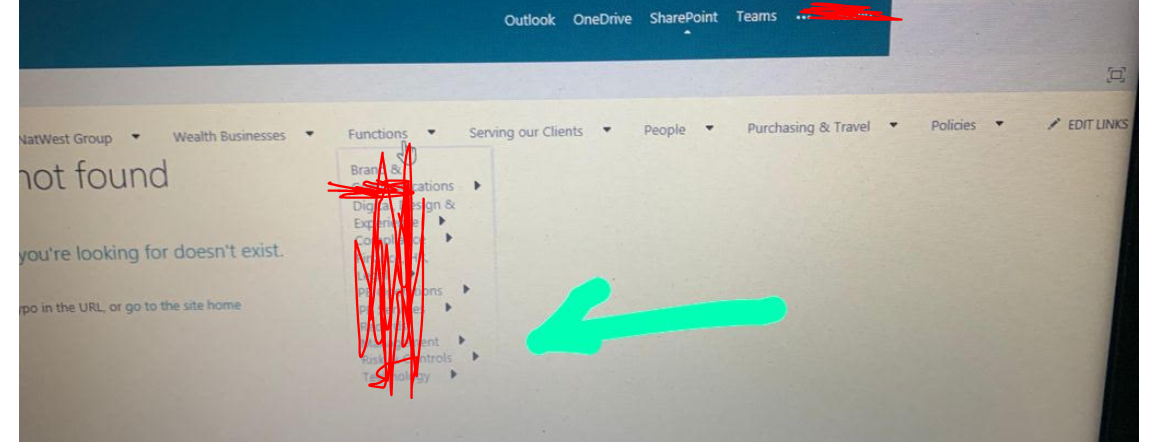
Hi Wang,
@sns ,
HI Wang,
Thank you. how to replace for home page for site? Please guide.
and second question is coming to our old topic regarding master page issue.. Development team set default master page as default in on premises and followed by what ever steps u mentioned regarding copying master page from designer with html & pasted them in the online, but looks like developers have not used SharePoint designer in the whole process to fix master page and global navigation instead they might have done it from site settings/site content . so what I got to know from developer is Master page reflecting in the site settings but not from site contents.
& one more point to add which I got to know from developer is, in our environment we don't have html page and what further developers said is master pages migrated automatically no need to download and upload, and fix the links manually for the master page once migration is done. This is what developer said.
Please suggest what mistake developers must have done?
I hope I have conveyed what is the problem, Please suggest
Hi Wang,
Did you have a chance to get in to my previous thread?