Hi Jules,
Sorry for all the inconveniences it may have caused on your and your colleagues' sides.
Based on the description, it seems like the issue is it takes several times before a data can be added into a chart in PowerPoint presentations.
If so, please check following details for a further troubleshooting, it helps us to narrow down the cause of the issue and provide you with the appropriate resolutions more efficiently.
1.Please create a new PowerPoint presentation file locally and insert a chart to see if the same issue will happen again on a new file.
If not, then send me the issue file for a double test on our side: Share OneDrive files and folders - Office Support (microsoft.com).
2.If it happened on a brand-new file, then the issue may be related with the local environment. Please try to test again with a new file in Safe Mode. This helps us to exclude any possible influences from background programs.
If you are using PC: Open Office apps in safe mode on a Windows PC - Microsoft Office. If persists, run PC follow: Open Office apps in safe mode on a Windows PC - Microsoft Office.
If you are using Mac: https://support.apple.com/guide/mac-help/mh21245/mac. Also, if you are a Mac user, please post back and let me know because suggestions would be different based on Windows and OS system.
3.Based on my tests just now, the moment I entered data in the worksheet, it will immediately show on the chart in PPT. Hence, please share back if the added data will immediately make the change on the chart. Also, we need the screenshot about the workbook when you click 'Edit Data in Excel' similar as the attached one.
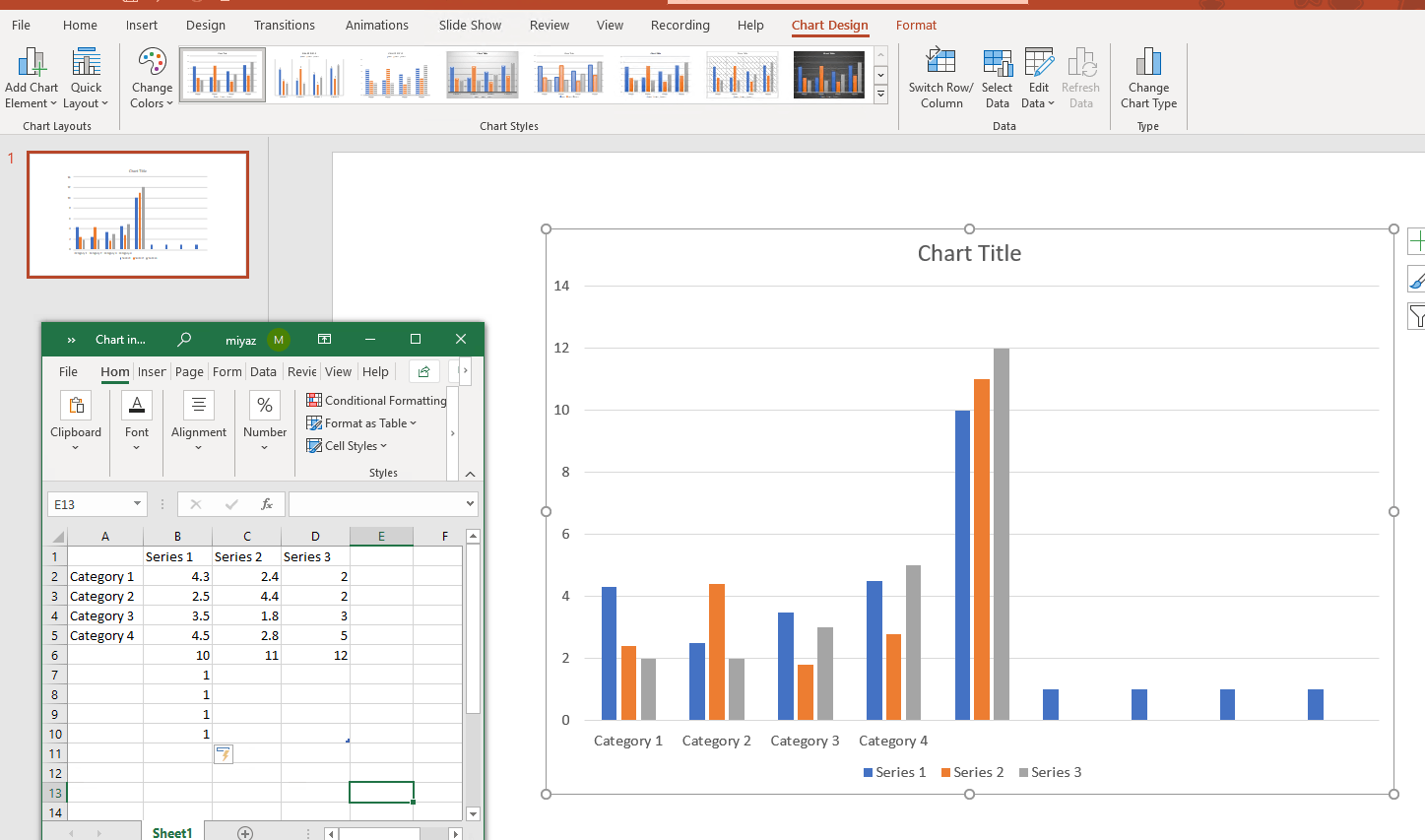
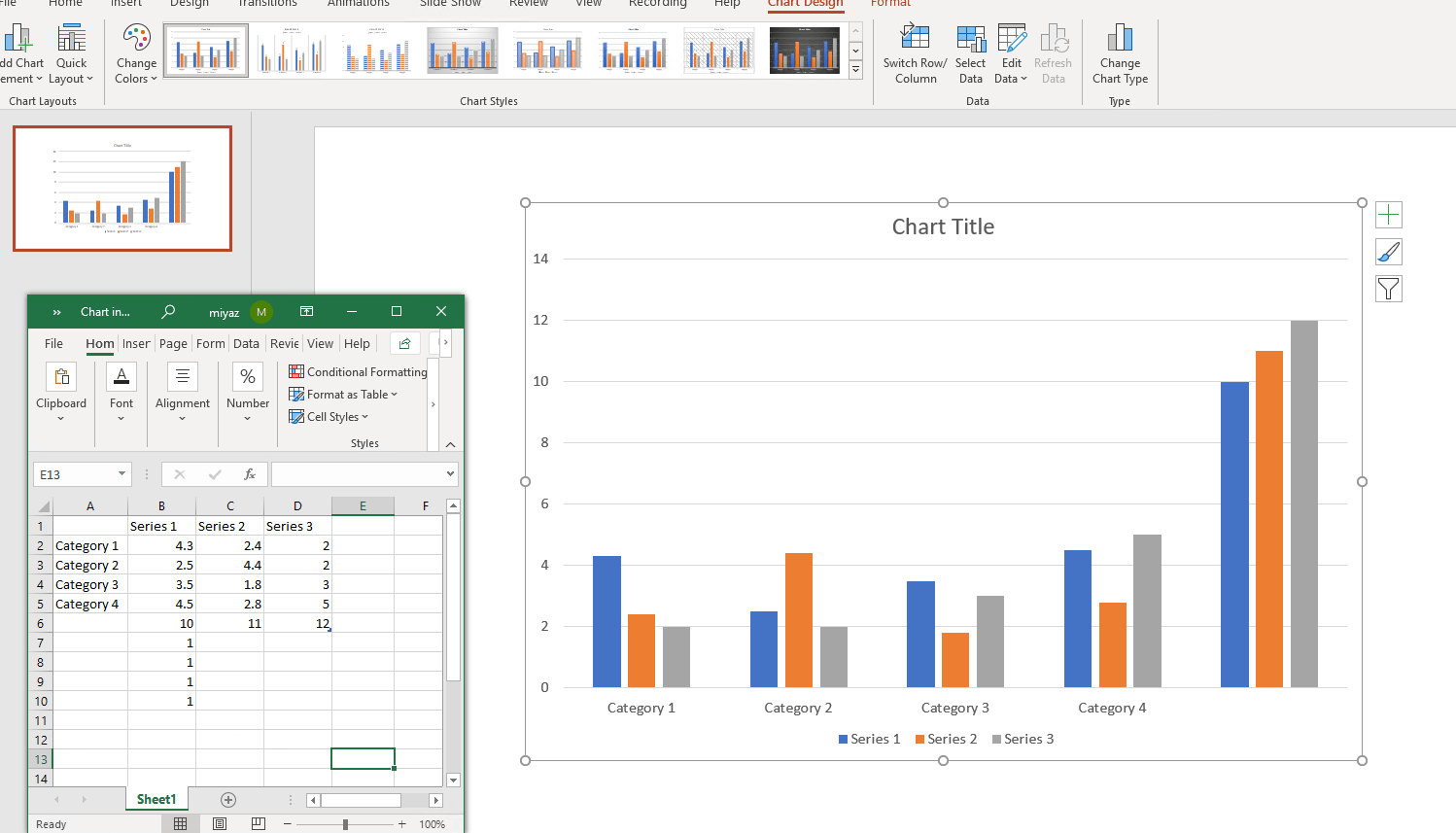
4.Make sure the version of PowerPoint app is up to date. It should be 2106**(on PC)** or 16.51**(on Mac)**. If not, please update the app.
Feel free to let me know the updates, I will share further suggestions after we narrow down the issue based on more details shared back.
Best Regards,
Mia
' cx='32' cy='32' r='32' /%3E%3Ctext x='50%25' y='55%25' dominant-baseline='middle' text-anchor='middle' fill='%23FFF' %3EA%3C/text%3E%3C/svg%3E)
