Microsoft 365 and Office | Development | Other
Building custom solutions that extend, automate, and integrate Microsoft 365 apps.

This browser is no longer supported.
Upgrade to Microsoft Edge to take advantage of the latest features, security updates, and technical support.
' cx='32' cy='32' r='32' /%3E%3Ctext x='50%25' y='55%25' dominant-baseline='middle' text-anchor='middle' fill='%23FFF' %3ER%3C/text%3E%3C/svg%3E)
I can't find any Excel VBA code for:
With Cells(1, 1).Comment.Shape
  .Fill.UserPicture "C:\Users\JohnDoe\Pictures\Picture.jpg"

  '\How to set option [Format Comment]-[Colors and Lines]-[Fill Effects]-[Picture]-[Lock picture aspect ratio] in VBA?

  '\Following line is not the same
  .LockAspectRatio = msoTrue
End With
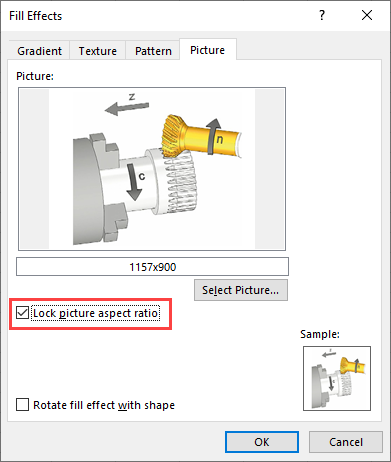
Cells(1, 1).Comment.Shape..LockAspectRatio = msoTrue is not the same
Any ideas?
TIA
Reinhard

Hi @reinht ,
Welcome to Q&A forum!
Since your issue is more related to Excel VBA code, I will remove the tag office-excel-itpro that focuses on general issue about Excel client.
Thanks for your understanding!