Microsoft Teams | Microsoft Teams for business | Other
Additional features, settings, or issues not covered by specific Microsoft Teams categories

This browser is no longer supported.
Upgrade to Microsoft Edge to take advantage of the latest features, security updates, and technical support.
' cx='32' cy='32' r='32' /%3E%3Ctext x='50%25' y='55%25' dominant-baseline='middle' text-anchor='middle' fill='%23FFF' %3EDM%3C/text%3E%3C/svg%3E)
Hoping someone can help, when I log in to my team on my pc (program) i keep getting the following error I've been to my campus IT who said every thing on their side is correct.
any help would be appreciated, thing I've done to try to solve the problem:
-restart pc
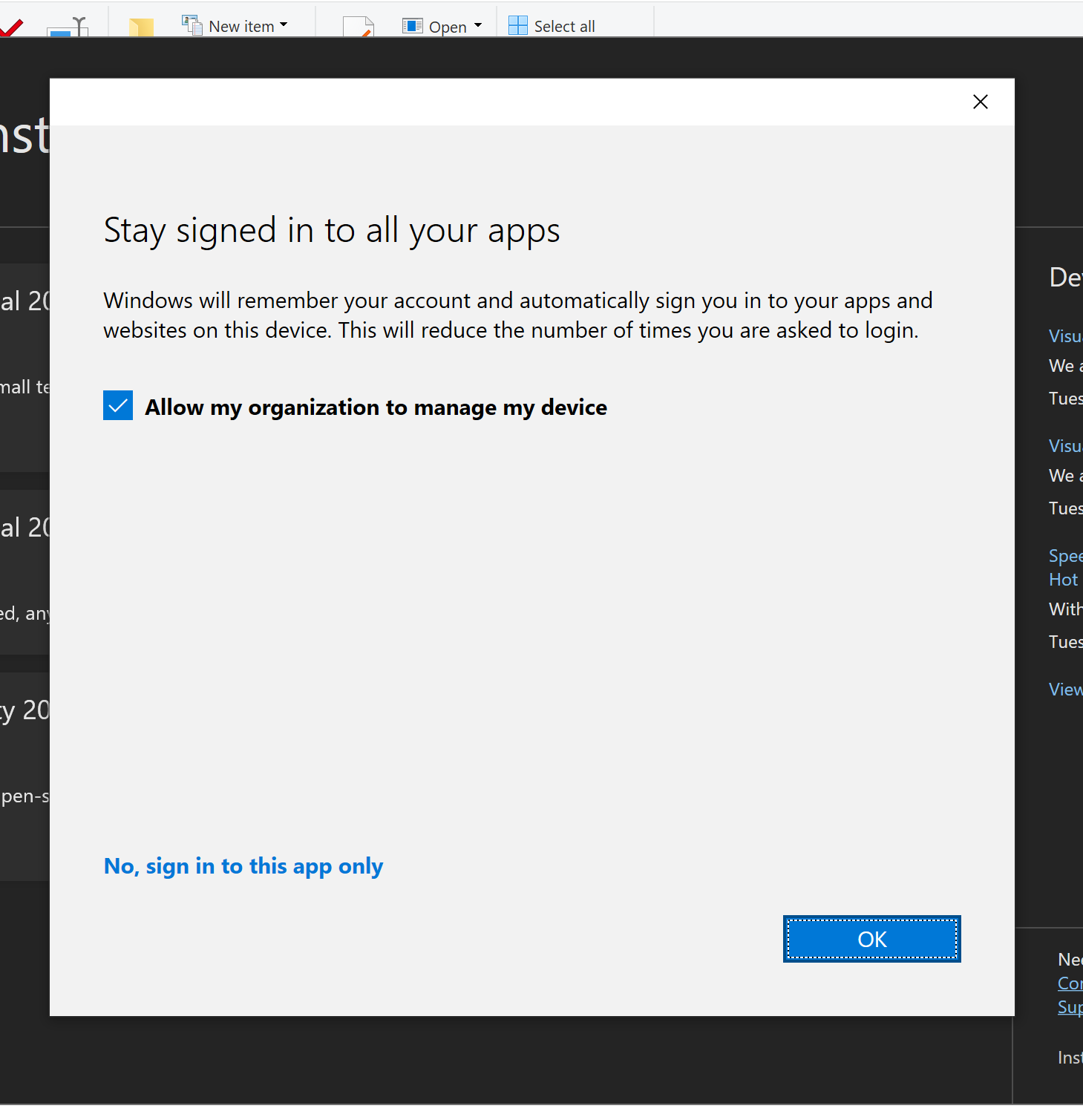


As mikecantin said, you could try to click No, sign in to this app only.
This problem should related to Azure AD join and registration service. It is suggested to contact your IT admin to log in Azure AD admin center > Devices > Devices settings to check if ’User may register their devices with Azure AD’ is enabled.
Besides, there are three solutions you could try in this thread. I captured them as below:


If the response is helpful, please click "Accept Answer" and upvote it.
Note: Please follow the steps in our documentation to enable e-mail notifications if you want to receive the related email notification for this thread.
Thank you this had helped, at the end I signed out of all account on the device signed in to them again.
@Dominique Muller ,
Glad to hear that my reply helps:)

Don't click 'okay' click 'No, sign into this app only'.
thank you for the help but it won't allow me.