
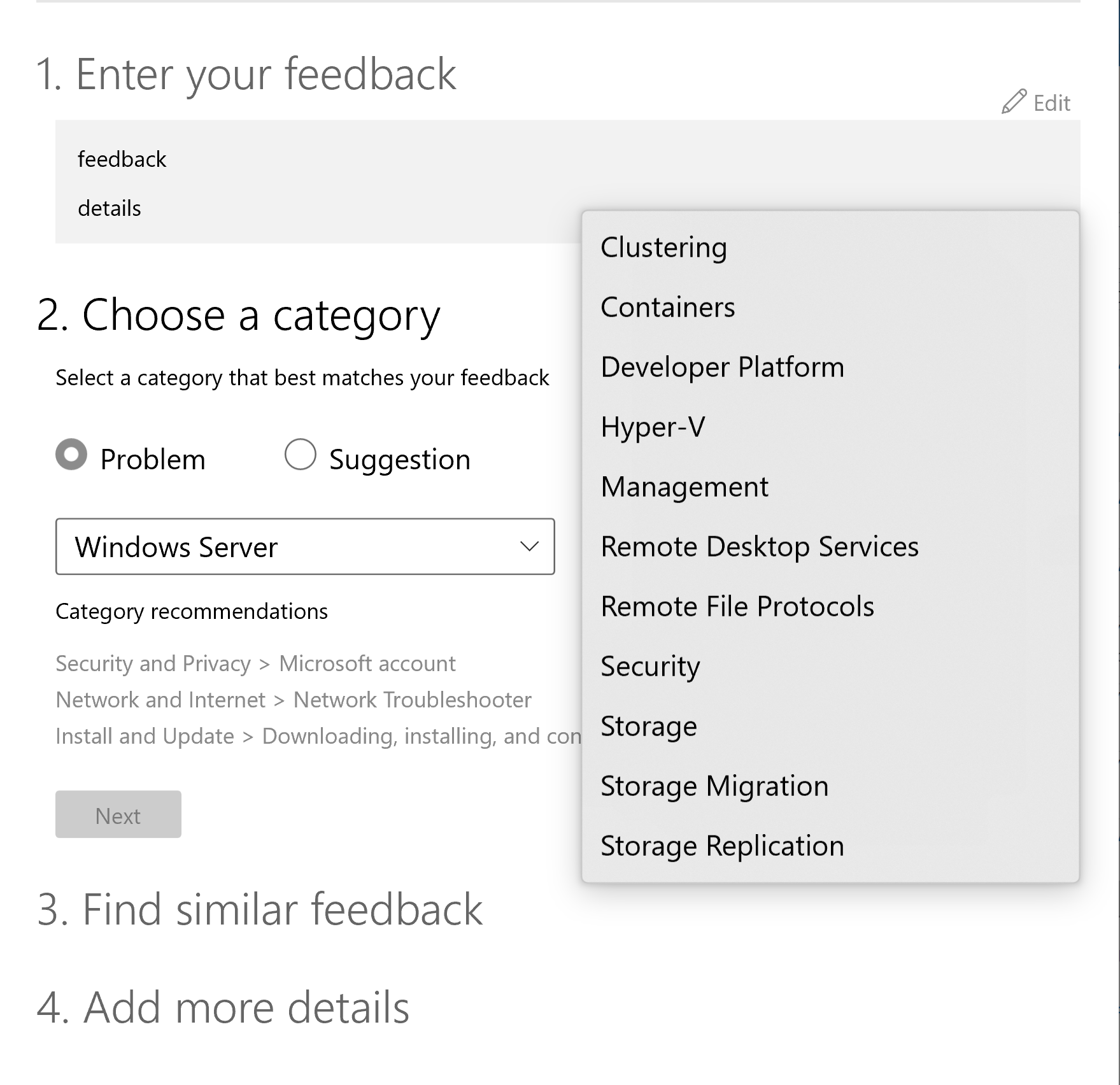
From windows 10 you can use the feedback hub to provide this feedback.
--please don't forget to upvote and Accept as answer if the reply is helpful--
This browser is no longer supported.
Upgrade to Microsoft Edge to take advantage of the latest features, security updates, and technical support.
' cx='32' cy='32' r='32' /%3E%3Ctext x='50%25' y='55%25' dominant-baseline='middle' text-anchor='middle' fill='%23FFF' %3EH%3C/text%3E%3C/svg%3E)
Minor feedback on the Server 2016 restart options
When our server needs to restart I will usually schedule this for 3am the next day, when no one is using it. Going from the "Windows update" settings page, I click on "Restart options" and it says "Schedule a time", on/off, Pick a time:, Pick a day: IN THAT ORDER.
BUT I cannot select these items in that order - when I select 3am it says that's already been and gone, I have to go down to Pick a day first, then back up to Pick a time. Counter intuitive and wastes everyone's time.
' cx='32' cy='32' r='32' /%3E%3Ctext x='50%25' y='55%25' dominant-baseline='middle' text-anchor='middle' fill='%23FFF' %3EA%3C/text%3E%3C/svg%3E)
From windows 10 you can use the feedback hub to provide this feedback.
--please don't forget to upvote and Accept as answer if the reply is helpful--
Thanks for the prompt reply. I'm pretty sure MS doesn't actually want any feedback - I posted this in the MS community and a moderator suggested posting it here, now I'm being sent to feedback hub, I wonder where we'll go after that ;)
I commented in the first thread: "I always feel that the "silo" nature of big corporations should not be the customers' problem to navigate - we should not have to find and bang on different doors to ask different questions!"
Cheers,
Hugh
Agreed, there used to be a dedicated uservoice for this purpose but it has been abandoned.
' cx='32' cy='32' r='32' /%3E%3Ctext x='50%25' y='55%25' dominant-baseline='middle' text-anchor='middle' fill='%23FFF' %3ED%3C/text%3E%3C/svg%3E)
Had you tried using taskschd.msc?