How to Access a "Project Web App or Project for the Web" Project using "Project Online or Project Desktop"?

Anonymous
2024-03-07T20:36:25+00:00

Hello,

How can you access a project made in "Project" (the one at project.microsoft.com) using Project Desktop?

Searching for solutions has been extremely frustrating, as searching "How to open a project from an online Project using Project desktop" or "How to open a Project Web App project using Project" leads to nothing but frustration.

I upgraded to Project Desktop / Project Online to better manage the significant number of user generated projects in "Project" (project.microsoft.com). I have connected to the local Project Web App Sharepoint site, but none of the "Online" or "Web" projects made in "Project" are present.

Microsoft 365 and Office | Project | For business | Windows

Locked Question. This question was migrated from the Microsoft Support Community. You can vote on whether it's helpful, but you can't add comments or replies or follow the question.

0 comments No comments
{count} votes

5 answers

Sort by: Most helpful
  1. Dale Howard [MVP] 29,825 Reputation points MVP Volunteer Moderator
    2024-03-07T20:54:25+00:00

    Matthew --

    The "Project" to which you are referring is formally known as Project for the Web. Yes, I know. It is confusing. Microsoft Marketing has made a mess of things!

    To open the project in question, you must use Project for the Web and log into the same instance in which the project was created. You CANNOT open it in the Microsoft Project desktop app. In addition, the person who created the project will need to share the project with you, or make you the Owner of the project. Hope this helps.

    1 person found this answer helpful.
    0 comments No comments
  2. Anonymous
    2024-03-07T21:05:44+00:00

    Yes, it is a nightmare of a branding strategy.

    As far as I can tell, "Project for the Web" does not support cross project sprints / Kanban boards. I was hoping "Project Online" / "Project Desktop" would allow them, but clearly it doesn't.

    Do you know of any method of using the data in "Project for the Web" ("Dataverse") that doesn't involve creating a Power App?

    Because if I have to create a Power App, I might as well push the company to implement Jira (my background) or some other PM tool instead of continuing to use "Project for the Web".

    0 comments No comments
  3. Anonymous
    2024-03-08T03:07:14+00:00

    Dear Matthew,

    Sorry for the confusing and inconvenience.

    Project for the web can't be currently connected with the Project desktop client.

    However, from the article Project for the web and Project Online desktop client - Microsoft Support, it seems that the product developers are considering on adding more features on Project for the web based on users' feedback.

    Project for the web's data is stored in Dataverse, so you may need to use PowerApps to edit it. It may not be possible to connect the data without PowerApps.

    Handling data for Project - Project for the web | Microsoft Learn

    As our product developers are willing to hear users' requirements, I suggest you submit your feedback and convey your suggestions to our new Feedback platform mentioned in the following article for the product developers to know your suggestions and opinions for product improvements.

    Introducing Feedback for Microsoft 365 - Microsoft Community Hub

    Please note the platform page will be loaded after some time based on the network environments.

    You may access the page as follows to submit the feedback as well.
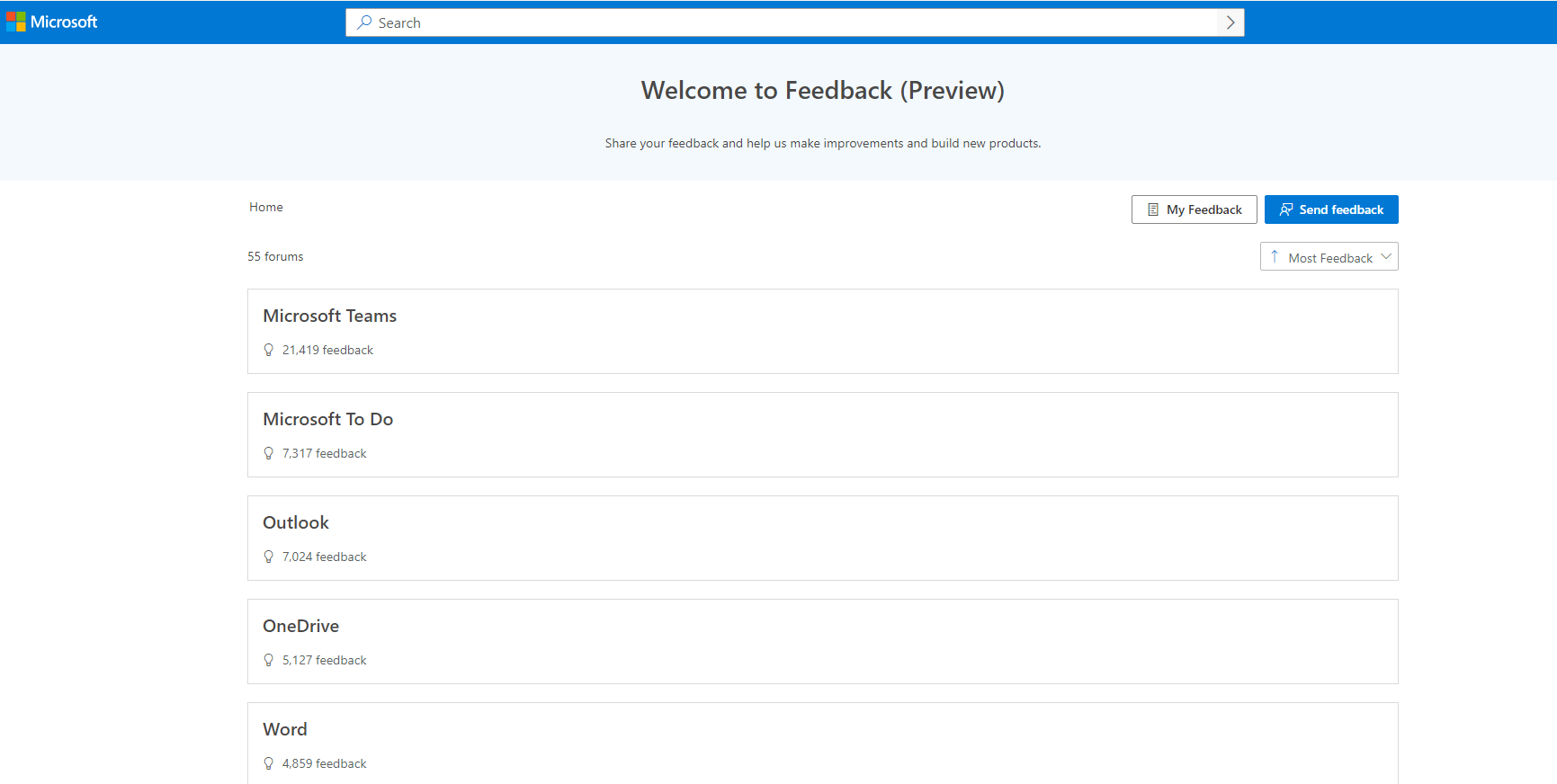
    Image

    You may use a personal account or a Microsoft 365 business work or school account to submit the feedback.

    Thanks for your understanding.

    Have a nice day!

    Sincerely

    Cliff | Microsoft Community Moderator

    1 person found this answer helpful.
    0 comments No comments
  4. Anonymous
    2024-08-28T07:31:42+00:00

    This whole process has been so confusing. If I had known this...

    0 comments No comments
  5. Anonymous
    2024-08-29T07:32:15+00:00

    Dear Nathan,

    The original thread has been closed. If you encounter some issue, welcome to post a new thread on our forum at your convenience for further help.

    Your effort and time are greatly appreciated!

    Sincerely

    Cliff | Microsoft Community Moderator

    0 comments No comments