Microsoft 365 and Office | Excel | For education | MacOS
A family of Microsoft spreadsheet software with tools for analyzing, charting, and communicating data

This browser is no longer supported.
Upgrade to Microsoft Edge to take advantage of the latest features, security updates, and technical support.
' cx='32' cy='32' r='32' /%3E%3Ctext x='50%25' y='55%25' dominant-baseline='middle' text-anchor='middle' fill='%23FFF' %3EA%3C/text%3E%3C/svg%3E)
I have created a number of different sheets within a workbook in which each of my students' grades are shown on their individual sheet through a filtered view in Sheet View. However, everytime I return to the workbook, the individual sheets return to the default view which is not automatically filtered. Is there any way to assign which Sheet View is always the one shown first when opening the sheet up?
A family of Microsoft spreadsheet software with tools for analyzing, charting, and communicating data
Locked Question. This question was migrated from the Microsoft Support Community. You can vote on whether it's helpful, but you can't add comments or replies or follow the question.
There is no such function to set sheet view to special user as default one.
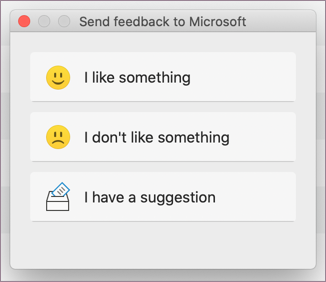
You may send feedback to Microsoft to add a such feature.
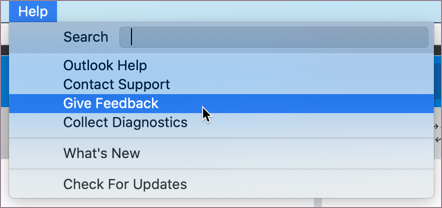 2. In the dialog box that opens, select the feedback you want to give> I have a suggestion.