' cx='32' cy='32' r='32' /%3E%3Ctext x='50%25' y='55%25' dominant-baseline='middle' text-anchor='middle' fill='%23FFF' %3EIH%3C/text%3E%3C/svg%3E)


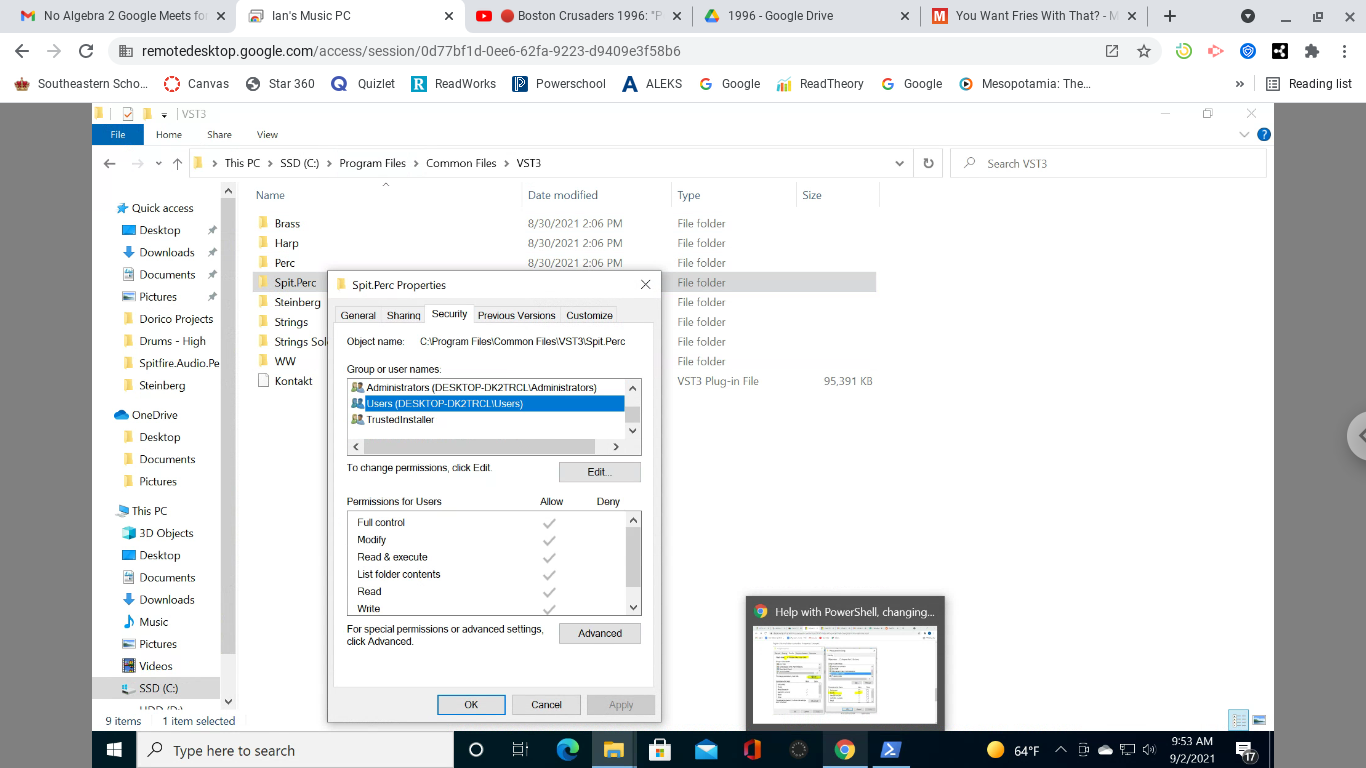
You have to put quotes around the folder name since it has a space in it. That is true for both Powershell and a command prompt.
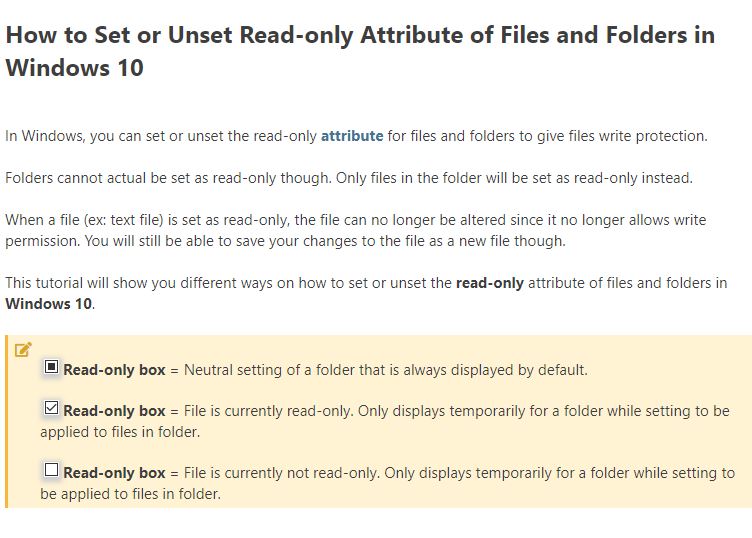
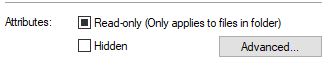
attrib -r +s "C:\Program Files\Common Files\VST3\Spit.Perc"
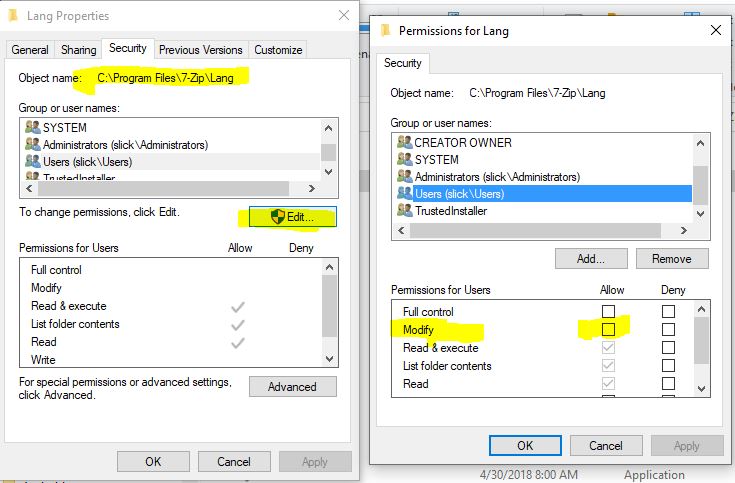
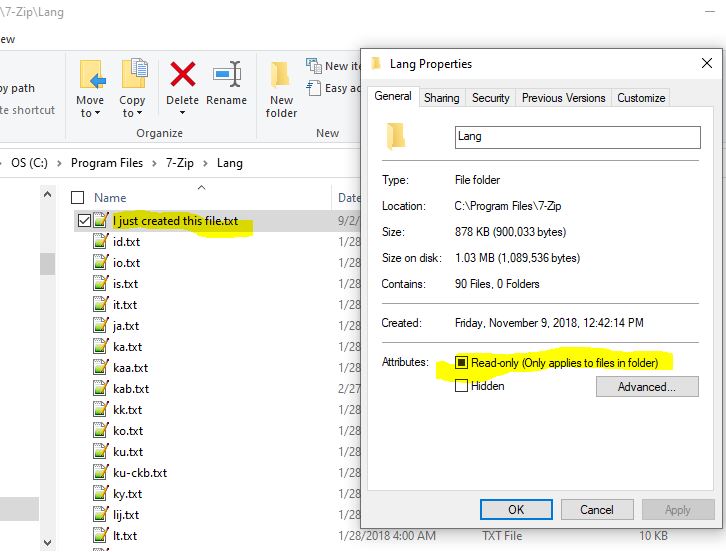
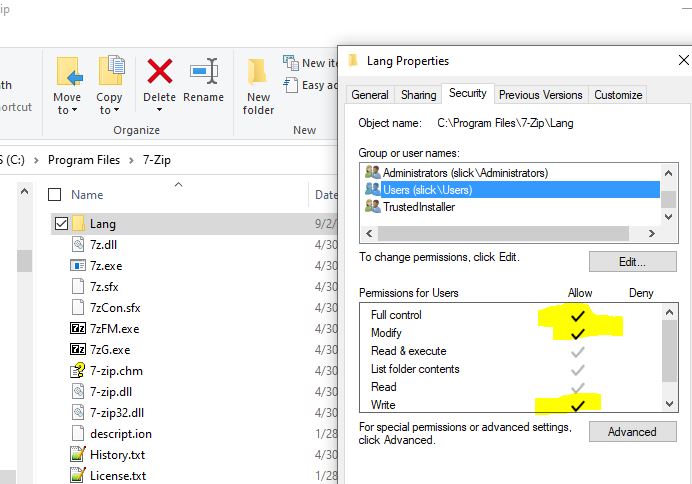
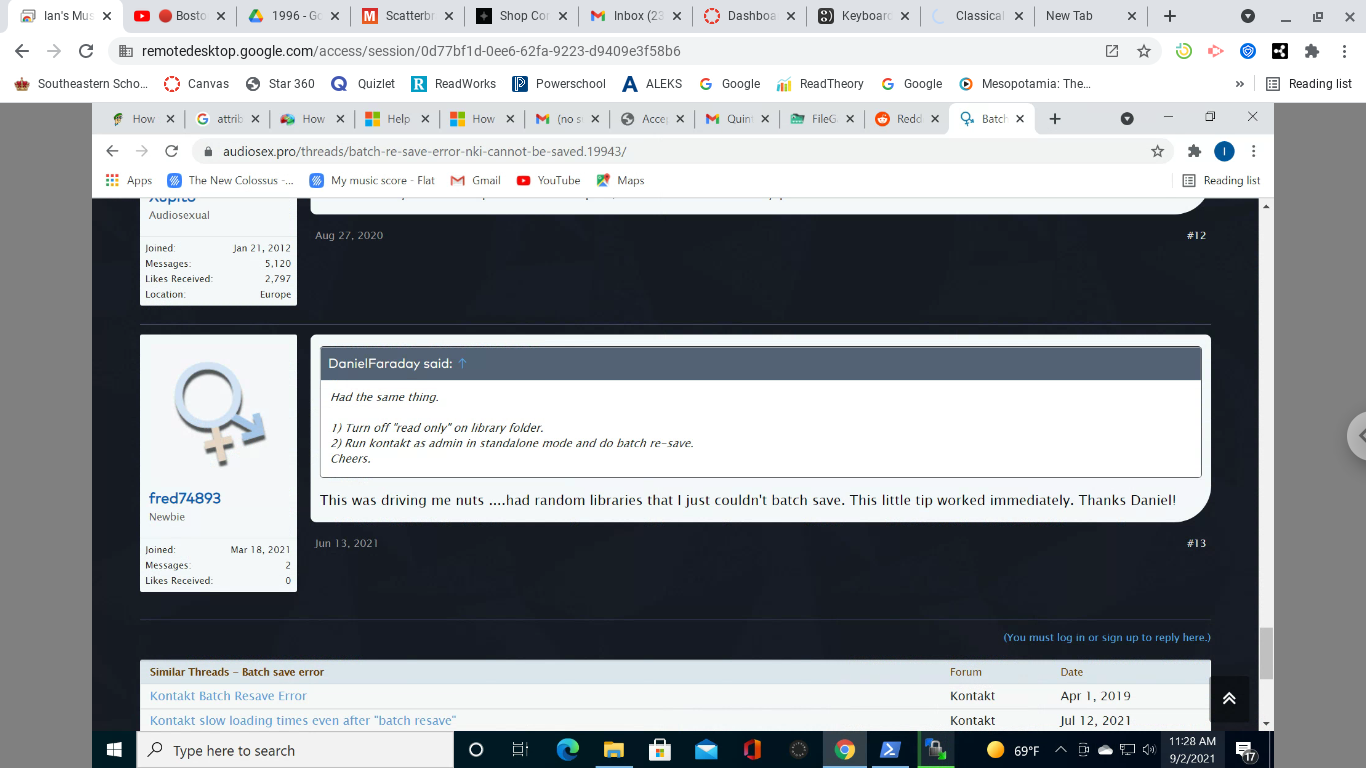
Having said that, what is the real problem that you are trying to solve? Windows is not going to arbitrarily set a file/folder to read only just to annoy users. For "Program Files" folders, the Windows Installer is going to try to maintain the folder permissions that were defined by the software developer when they built the .MSI to install the software. Normally you would need to modify the NTFS permissions and not a file/folder attribute in order to enable update. You really shouldn't need to touch "Program Files" because your data files should be in C:\ProgramData or C:\Users\YourID\somewhere.
Again, I would recommend that you explain the problem that you are trying to solve because I don't think that running attrib is the correct solution.