Developer technologies | ASP.NET | ASP.NET Core
A set of technologies in the .NET Framework for building web applications and XML web services.
This browser is no longer supported.
Upgrade to Microsoft Edge to take advantage of the latest features, security updates, and technical support.
' cx='32' cy='32' r='32' /%3E%3Ctext x='50%25' y='55%25' dominant-baseline='middle' text-anchor='middle' fill='%23FFF' %3EZB%3C/text%3E%3C/svg%3E)
Hello,
I created a web application with ASP.NET Core MVC technology, where I created the database using Entity Framework and Sql Management Studio. In the most general sense, I created every stage of my project, which consists of a login page, admin page and user pages.
I Published my project using Web Deploy methods with IIS so that I can present it as a demo in the company.
I can see my project with a few problems. But when I perform operations on the Web Page that I need to connect to the Database, I get the following error.
When I look at the resources to fix the error, it says SQL> Security>login>new login to define the specified user and authorize the database. When I perform the steps, I still get the error I shared below. I'm using the local database I created via Migration and I've made the configuration settings.
How can I get it resolved. This is my first project, it is very important in terms of presentation. Please help.

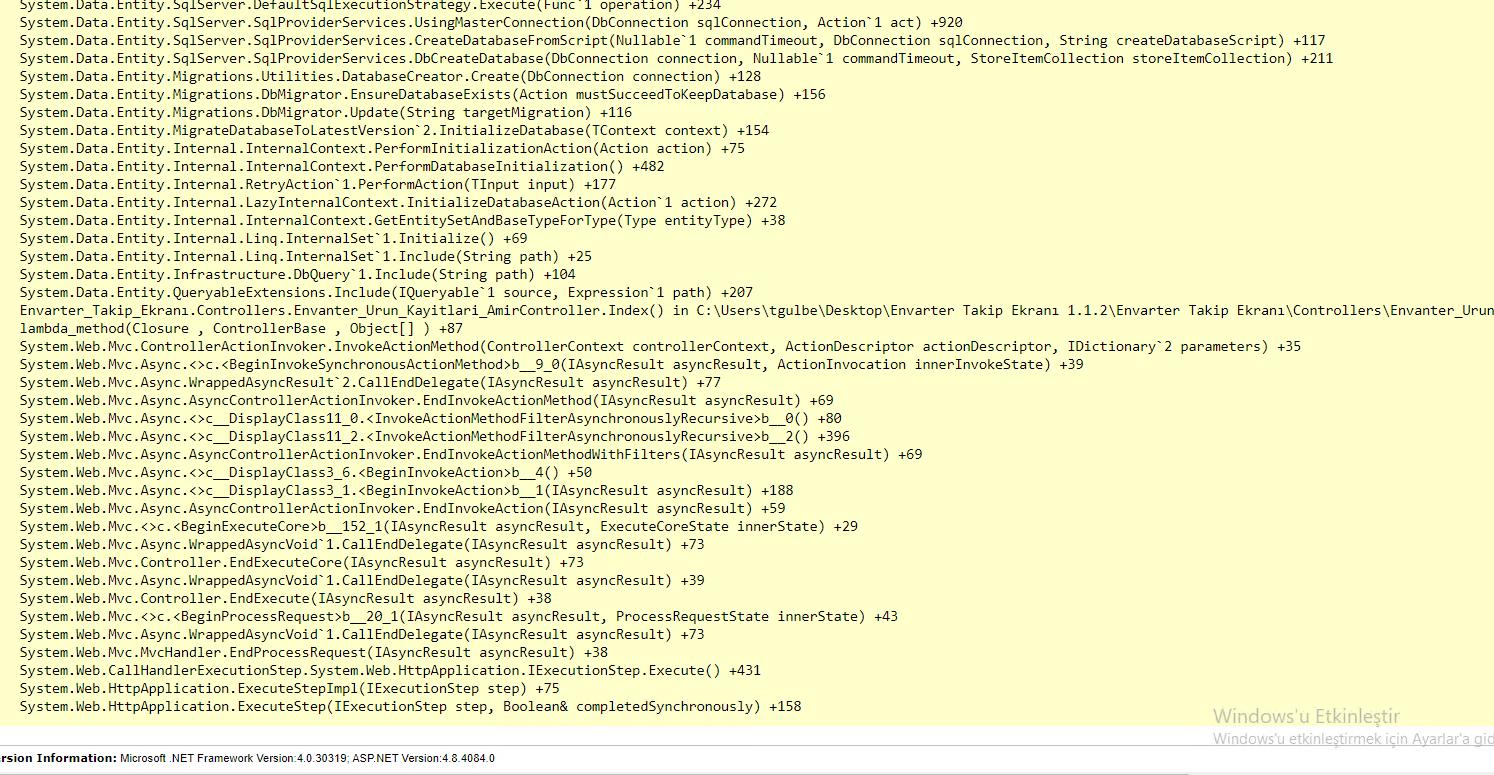
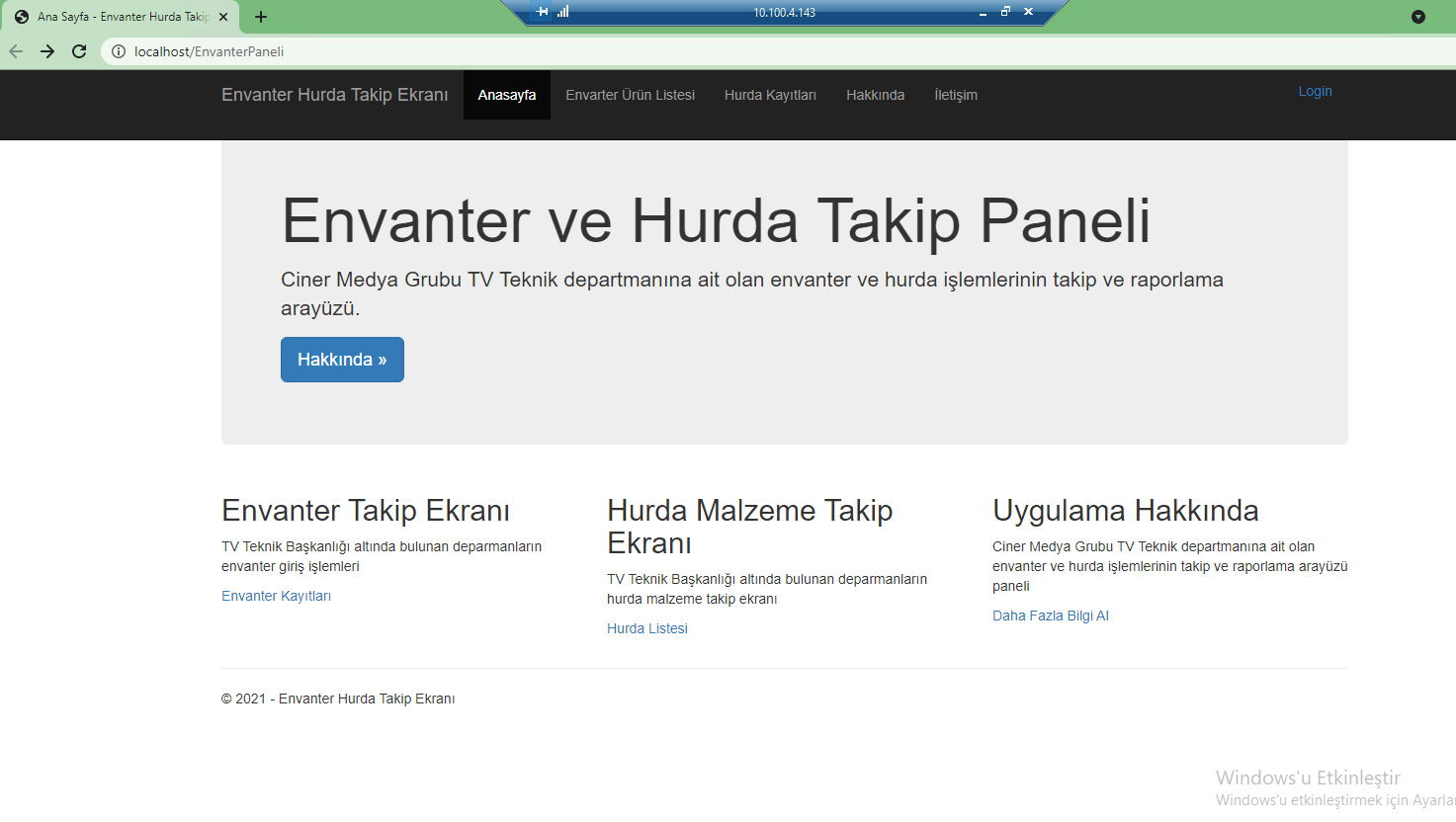



BROADCAST\TEKNIK-PC1$ is a service account, correct? Be sure to set the IIS application pool identity to BROADCAST\TEKNIK-PC1$. Your connection string will use Trusted_Connection=True and the application pool identity (BROADCAST\TEKNIK-PC1$) will pass the service account to login. If you are still having issues then contact your AD account admin for assistance.
You are correct using the SA account is considered insecure. As a matter of fact, any security assessment will consider an active SA account an active security risk.
Hi @AgaveJoe ,
II checked the link. As in the link, I made LocalSystem the identity of the repository my application is connected to. This time, I had to authorize on the SQL side, when I gave an error for NT AUTHORITY\SYSTEM, I gave my authorization at the SQL stage as in the pictures above. Now it gives an error like in the picture. But when I run the application on Visual Studio, I don't get an error. What can I do?
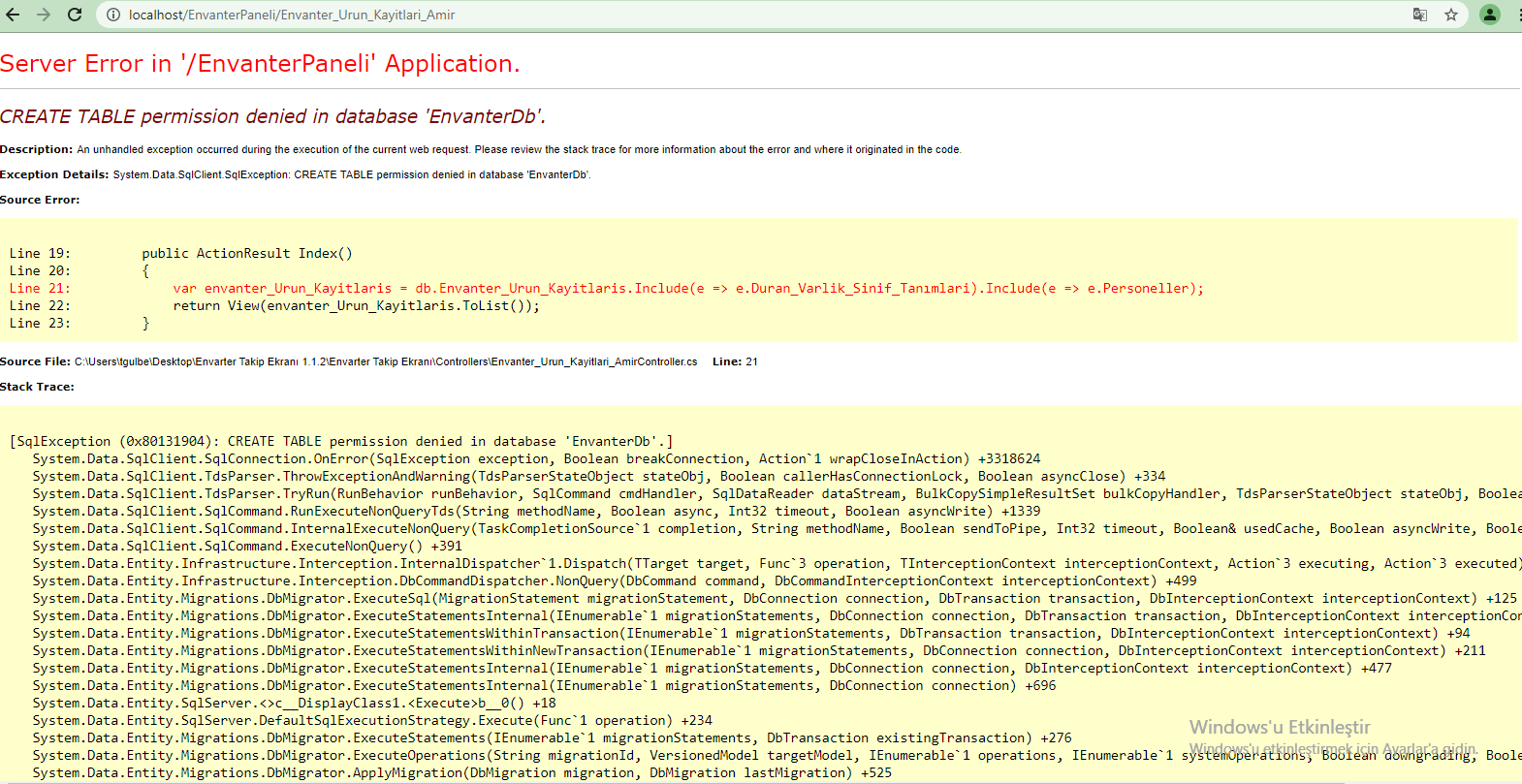
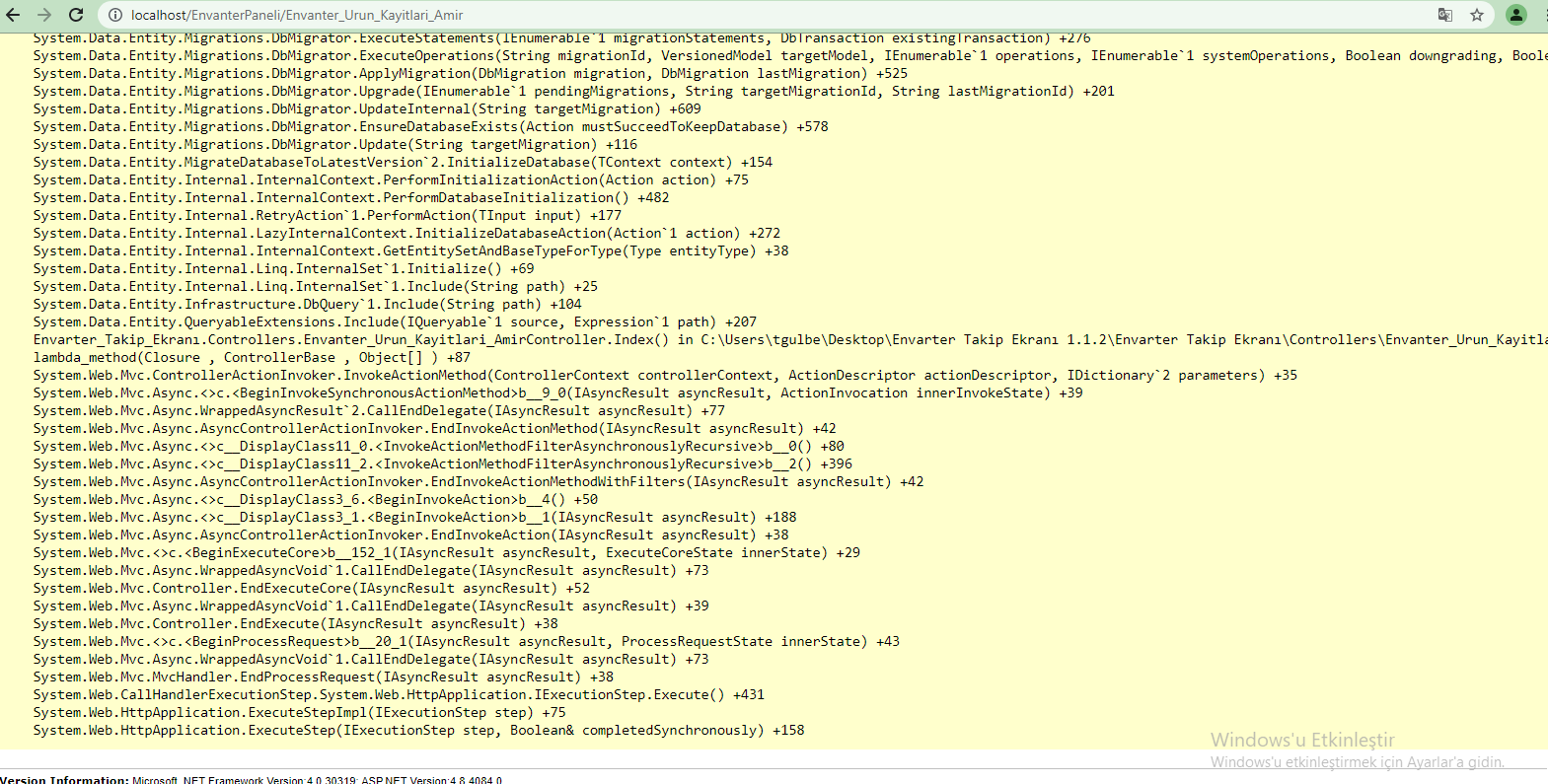
The error is very clear. The SQL account does not have the authority to create a table. Assign the SQL user to an appropriate SQL role or grant proper access.
Thank you @AgaveJoe I solve this problem... Thank you very much:)

IMO, the easiest thing to do is use the 'sa' account and password to logon to the database, which is the system administrator account for all MS SQL Server databases that on your development machine.
Then you can go to the appsettings.json file for the MVC project in Visual Stuido to use the SA and password on the connectionstring in the appsetttings.json file, which is a text file.
connetionString="Data Source=ServerName;
Initial Catalog=DatabaseName;User ID=UserName;Password=Password"
http://csharp.net-informations.com/data-providers/csharp-sql-server-connection.htm
Hello @Duane Arnold ,
I did not use the sa user because it is said that it is not very safe to use during publishing. Is sa user safe? I will present this application because that's why I'm asking. I want to solve it without giving way to security vulnerability. And of course I don't know my sa password.
I converted a text file into a sql script, imported it into my MVC project and wrote the following command. It still gives the same error. How can i solve it.
USE EnvanterDb ;
GO
EXEC sp_change_users_login 'Auto_Fix', 'BROADCAST\TEKNIK-PC1$' ;
GO
f 'SA' is being used on your local development machine for some demo that is doing database access that's on your local , then 'sa' is save to use.