Dear Joshua Thurman,
Good day! Thank you for posting to Microsoft Community. We are happy to help you.
As per your description, it seems that you are having issue with "Record from current slide" in PowerPoint, stops after about 5 slides. For the situation you encountered, we do understand the inconvenience caused and feel very sorry about it.
We've done a quick test with PowerPoint desktop app version 2410 and we cannot reproduce a similar situation on our side, below are the screenshots of our test for your reference:
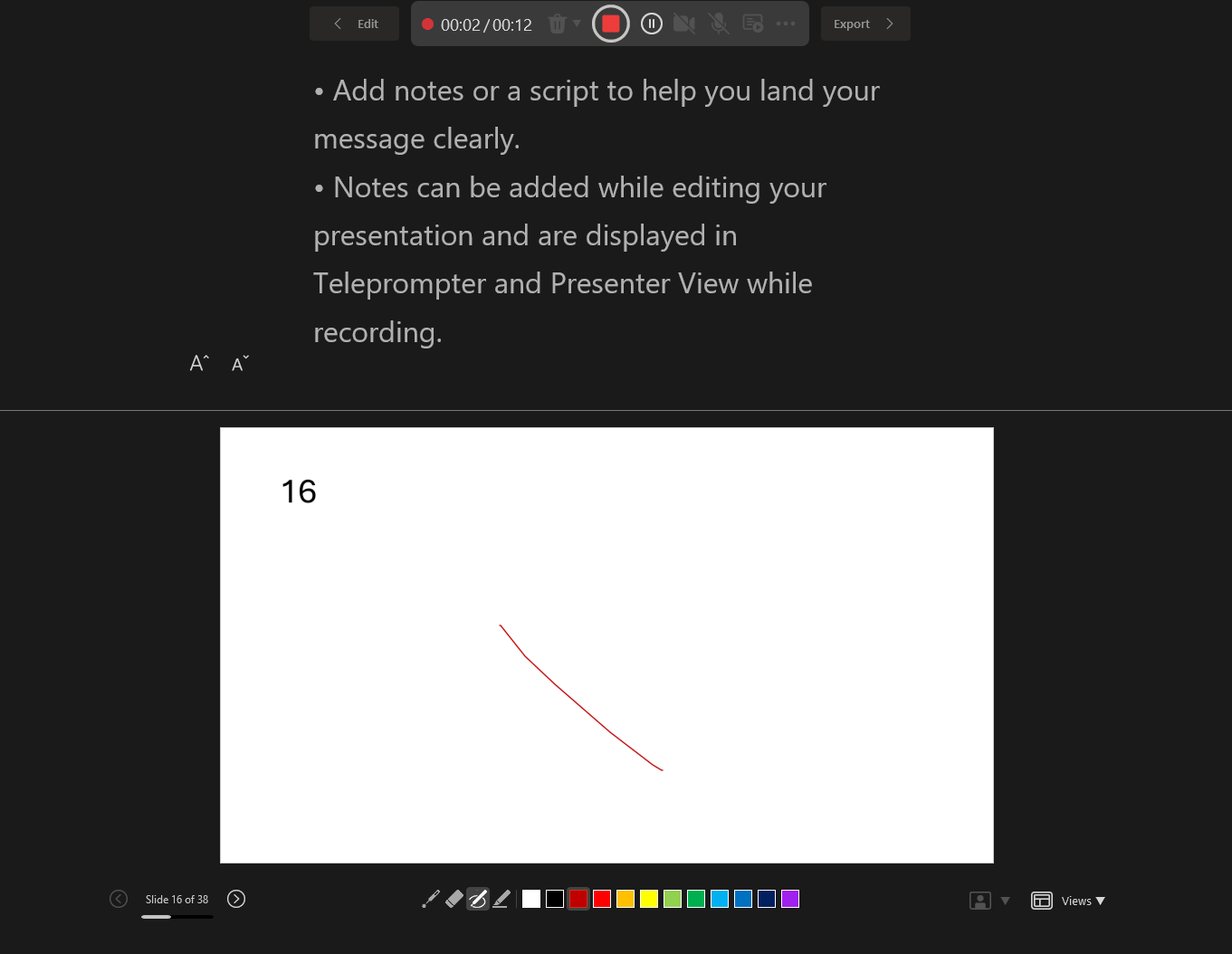
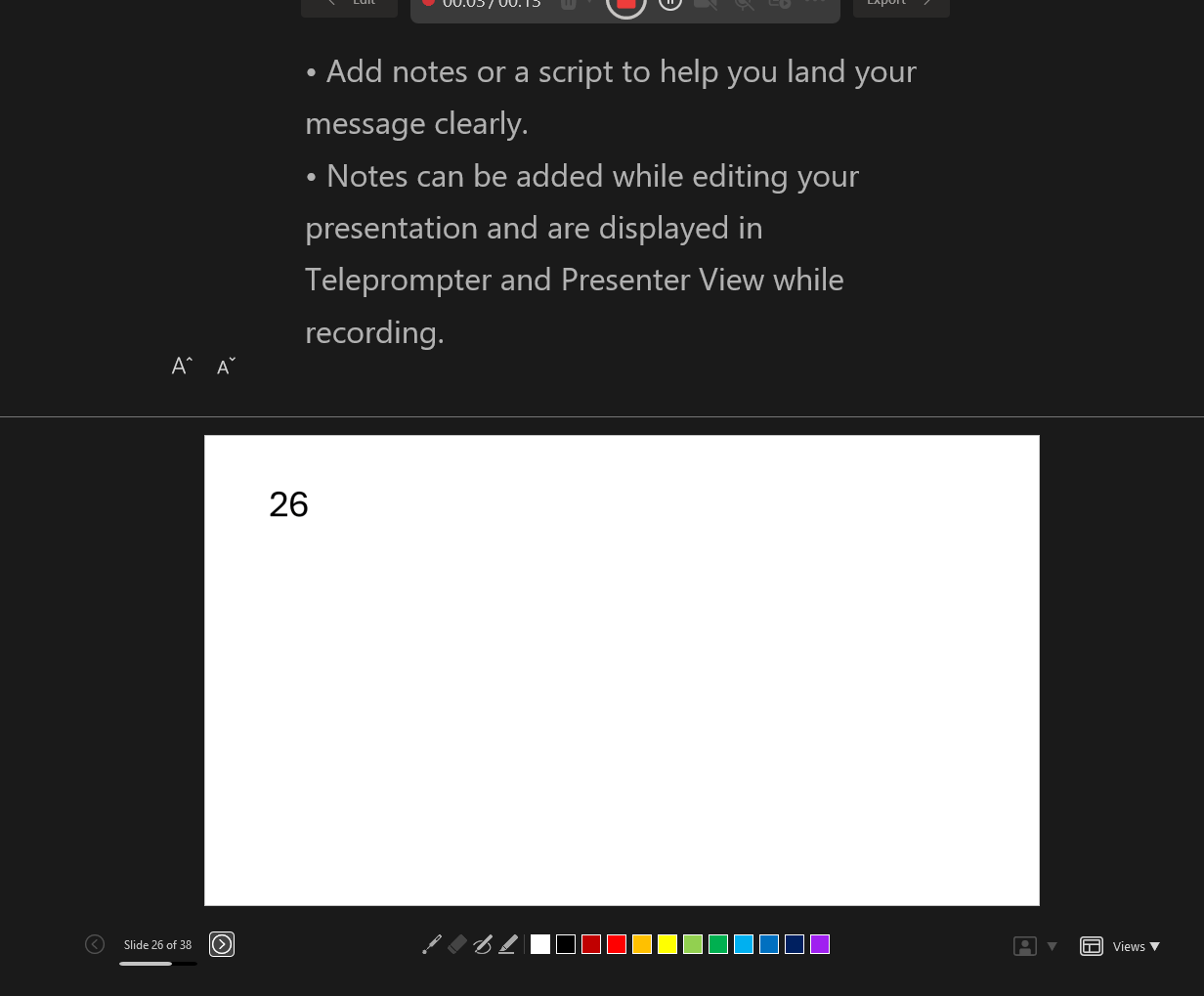
Given this, please check if Online Repair and Office safe mode can help make any difference.
For your reference: Open Office apps in safe mode on a Windows PC - Microsoft Support
Repair an Office application - Microsoft Support
If the issue still persists, we do understand the inconvenience caused and apologize for it. To help you better and for the further troubleshoot, we would like to collect more detailed information you're experiencing so that we can have a further investigation:
- Is there any error prompt while recording in PowerPoint? Any screenshots of the issue ""record from current slide" stop working after about 5 slides" would be appreciated.
- May I know that whether the problem happens on all the PowerPoint files, or only this specific file? Please also check if issue can be reproduced if you create a new file, copy the slides from the issued file to test.
- What about the other people in your organization, do they encounter the same situation as yours?
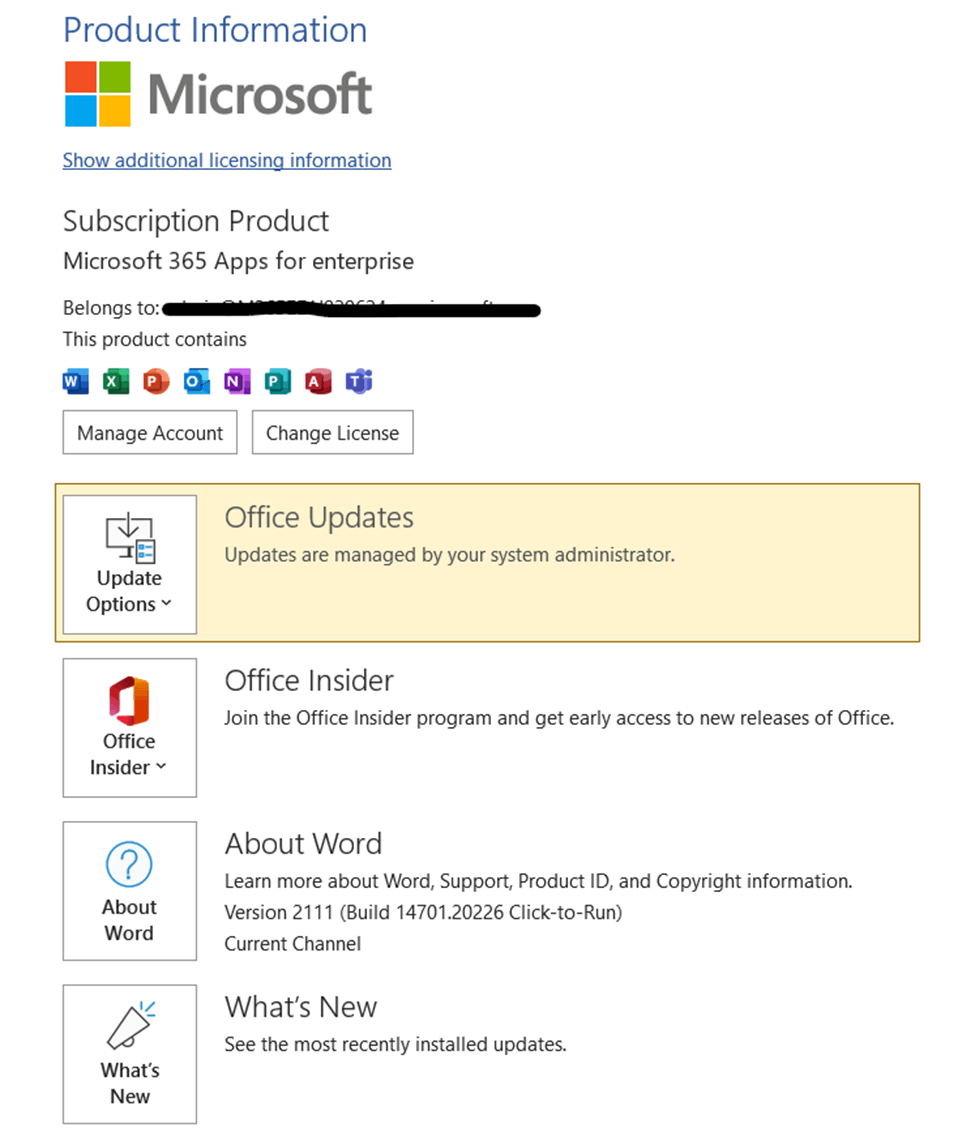
- Please share you operating system version and Office version with us. For Office version, please navigate to PowerPoint > File > Account and take a screenshot as shown below:
Welcome to post back when you have any update, we will continue doing best to assist you.
Sorry for the inconvenience again. Your patience and understanding are highly appreciated. Hope you stay safe and healthy.
Sincerely,
Rhoda | Microsoft Community Moderator
' cx='32' cy='32' r='32' /%3E%3Ctext x='50%25' y='55%25' dominant-baseline='middle' text-anchor='middle' fill='%23FFF' %3EA%3C/text%3E%3C/svg%3E)
