Dear Andres Padron,
Thank you for posting your question in our community
According to the Microsoft official article here ( you can click here to enter the article ---->>>> Add questions that allow for file uploads)
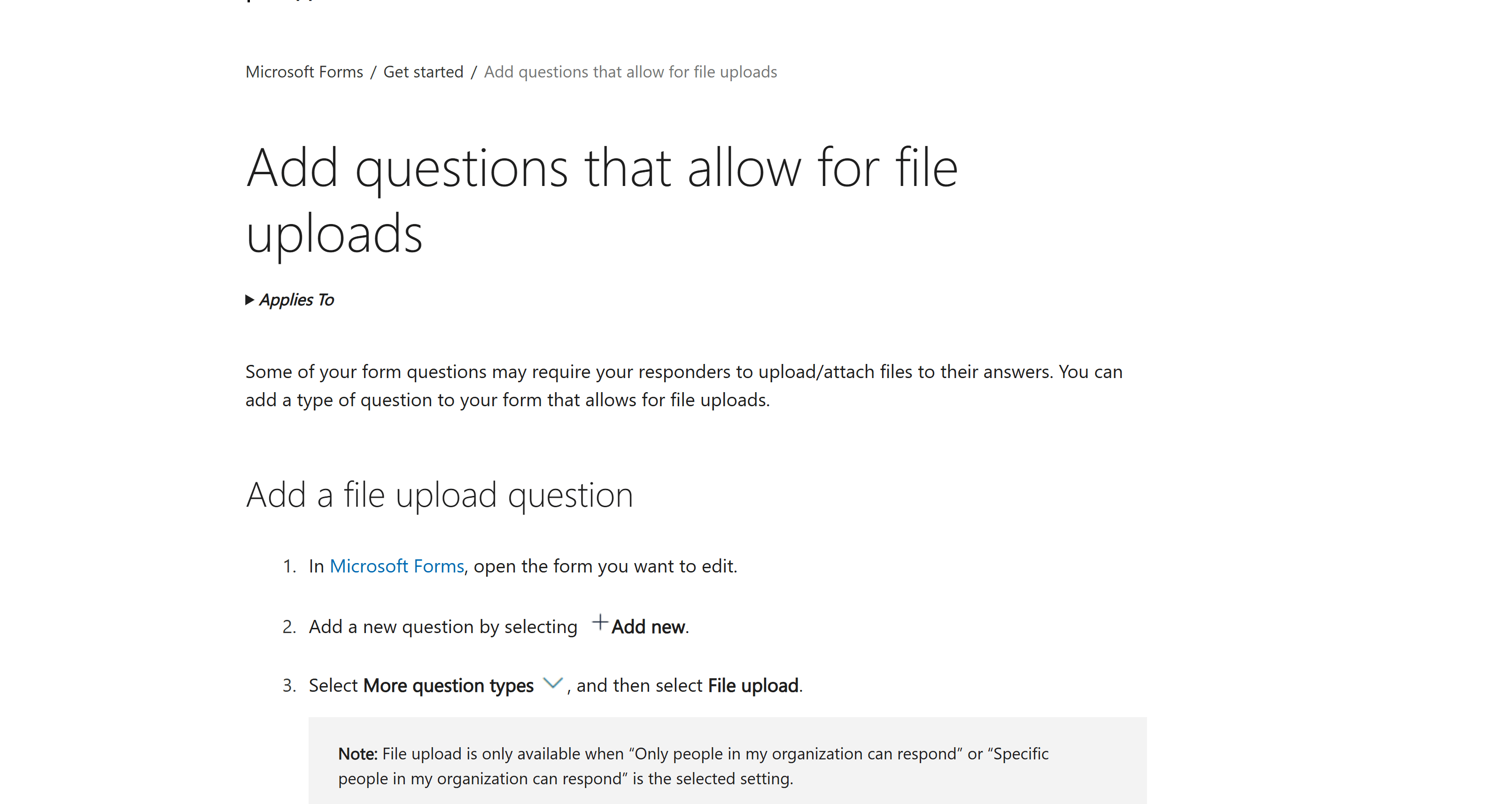
Add a file upload question
- In Microsoft Forms, open the form you want to edit.
- Add a new question by selecting Add new.
- Select More question types and then select File upload.
**Note:**File upload is only available when “Only people in my organization can respond” or “Specific people in my organization can respond” is the selected setting.
- You'll see the following message: A new folder will be created in your OneDrive for Business. Responders will be able to upload their files to this folder. Continue? Select Yes to continue. (If you don't wish to proceed, select Cancel).
- Enter the text you want to display for the question.
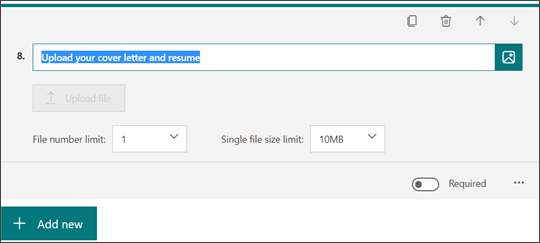
**Note:**The Upload file button is inactive for you as the form author. It will be active for your form responders.
- Select the File number limit drop-down list to select the maximum number of files you'll allow to be uploaded to the question.
**Note:**A maximum of 10 files is allowed to be uploaded per question.
- Select the Single file size limit drop-down list to select the maximum file size (10MB, 100MB, or 1GB) you'll allow per question.
- Move the Required toggle to the right if you want to require this question to be answered.
- Select More settings for question to choose either or both of the following:
- Subtitle - Add a subtitle under your question.
- File type - Choose the file types (Word, Excel, PPT, PDF, Image, Video, or Audio) you'll allow for upload.
Notes:
- Word file types include the following file formats: .doc, .dot, .wbk, .docx, .docm, .dotx, .dotm, and .docb.
- Excel file types include the following file formats: .xls, .xlt, .xlm, .xlsx, .xlsm, .xltx, and .xltm.
- PPT (abbreviation for PowerPoint) includes the following file formats: .ppt, .pot, .pps, .pptx, .pptm, .potx, .potm, .ppam, .ppsx, .ppsm, .sldx, and .sldm.
- PDF file type format is .pdf.
- Image file types include the following file formats: .jpg, .jpeg, .png, .gif, .bmp, .tiff, .psd, .thm, .yuv, .ai, .drw, .eps, .ps, .svg, .3dm, and .max.
- Video file types include the following file formats: .avi, .mp4, .mov, .wmv, .asf, .3g2, .3gp, .asx, .flv, .mpg, .rm, .swf, and, .vob.
- Audio file types include the following file formats: .mp3, .aif, .iff, .m3u, .m4a, .mid, .mpa, .ra, .wav, and .wma.
Permissions and Requirements
- Microsoft 365 Account Requirement: File upload in Forms is only available to users with Microsoft 365 business, education, or enterprise licenses. It won’t work on personal or non-licensed accounts.
- Form Access: Only people within your organization can submit files. File upload questions aren't available if the form is set for anonymous access (like forms open to external users).
I hope my answer helps you to clarify your question.
Sincerely,
Microsoft Moderator | Sophia

' cx='32' cy='32' r='32' /%3E%3Ctext x='50%25' y='55%25' dominant-baseline='middle' text-anchor='middle' fill='%23FFF' %3EA%3C/text%3E%3C/svg%3E)