Community Center | Not monitored
Tag not monitored by Microsoft.

This browser is no longer supported.
Upgrade to Microsoft Edge to take advantage of the latest features, security updates, and technical support.
' cx='32' cy='32' r='32' /%3E%3Ctext x='50%25' y='55%25' dominant-baseline='middle' text-anchor='middle' fill='%23FFF' %3EFL%3C/text%3E%3C/svg%3E)
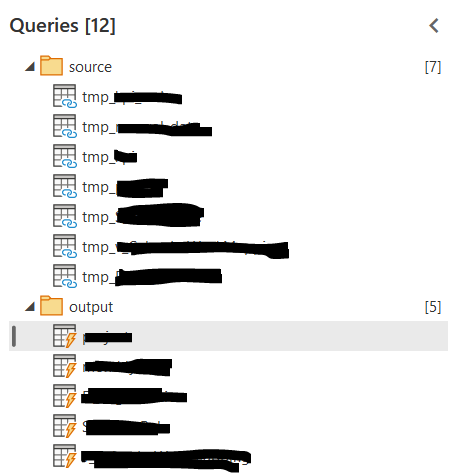
I am testing the dataflows in the Power BI cloud. I created the first dataflow, which connects to my sources. Then created second one, where I linked the tables to the first dataflow, then referenced them to be computed tables and if necessary (not in all cases), did some additional transformations. So my second dataflow looks like this:
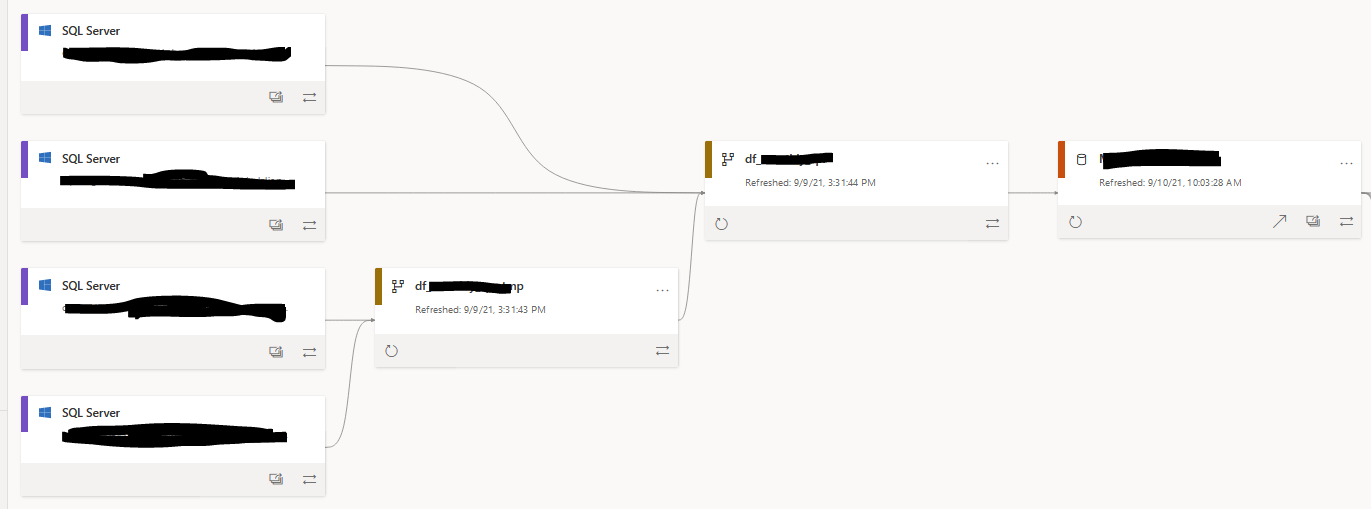
Lineage looks like this:
Side questions:
Then, in the dataset I linked the tables to the 2. dataflow, so they would be a DirectQuery. This dataset contained 5 DirectQuery tables from the 2. dataflow and one 'empty' table (with no columns) for the measures, so in general it was 'mixed'.
However, I noticed that the reports slowed significantly. I thought that the whole point of the DirectQuery to the dataflow is that data is read from the datalake and performance should increase, however it was the opposite. When I switched the connection to the dataflow tables to import, reports worked fast again.
Main question:
Do I do something wrong or it might be, that the DirectQuery to the dataflow doesn't always improve the performance and it's better to stick with the import?
Tag not monitored by Microsoft.
' cx='32' cy='32' r='32' /%3E%3Ctext x='50%25' y='55%25' dominant-baseline='middle' text-anchor='middle' fill='%23FFF' %3EEM%3C/text%3E%3C/svg%3E)
Hi there. Power Query is no longer supported here on Q&A. I'd recommend you post this over on the https://aka.ms/PQCommunity site.