Azure Machine Learning
An Azure machine learning service for building and deploying models.
This browser is no longer supported.
Upgrade to Microsoft Edge to take advantage of the latest features, security updates, and technical support.
' cx='32' cy='32' r='32' /%3E%3Ctext x='50%25' y='55%25' dominant-baseline='middle' text-anchor='middle' fill='%23FFF' %3EMB%3C/text%3E%3C/svg%3E)
I'm trying to run an Automated ML run with a 5Gb .csv file as the dataset. I've selected the Standard_D8_v3 (8 cores, 32 GB RAM, 200 GB disk) for my compute cluster and it allows 2 nodes.
When it starts out initially the CPU Utilization spikes to 80%, but then stays below 1% for as long as I'll let it run, which has been over a day. I see this utilization measure under the "Monitoring (preview)" tab of the run, and I've also setup configured Metrics at the Workspace level, which reflect the same thing. The CPUMemoryUtilization never raises.
No models have ever appeared in the "models" tab.
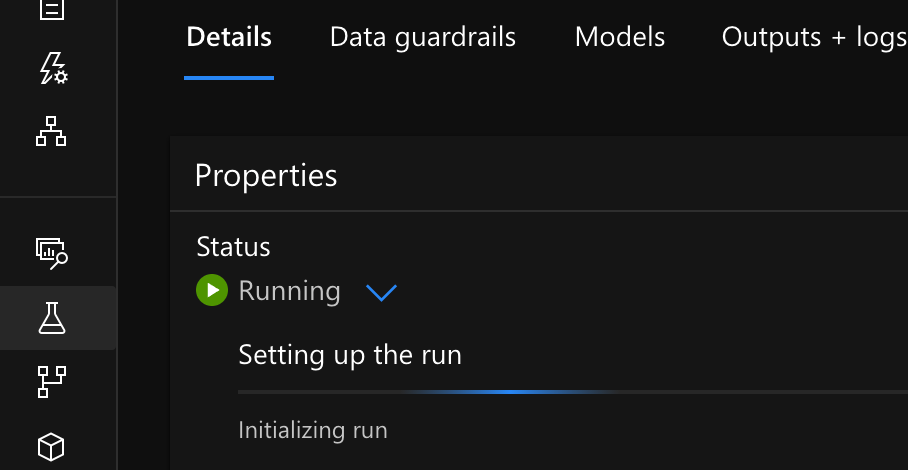
The first run continually indicates "Setting up the run", but the one child run indicates "running". I think I've got a managed ID issue.
I suspect the training never starts. Is there an error I can look for in the logs? I'm not even sure which log would have it. I'll post them here if needed.
An Azure machine learning service for building and deploying models.
' cx='32' cy='32' r='32' /%3E%3Ctext x='50%25' y='55%25' dominant-baseline='middle' text-anchor='middle' fill='%23FFF' %3EGM%3C/text%3E%3C/svg%3E)
Hi, perhaps you cancel the run and try again? Here's information on how to view log information for a run (including description of log files).