Microsoft Security | Microsoft Entra | Microsoft Entra ID
A cloud-based identity and access management service for securing user authentication and resource access

This browser is no longer supported.
Upgrade to Microsoft Edge to take advantage of the latest features, security updates, and technical support.
' cx='32' cy='32' r='32' /%3E%3Ctext x='50%25' y='55%25' dominant-baseline='middle' text-anchor='middle' fill='%23FFF' %3EBC%3C/text%3E%3C/svg%3E)
We are switching our admins to two accounts, a "normal user" account and a "admin" account so each admin will have two accounts doej for normal use and a doej-A for their admin account.
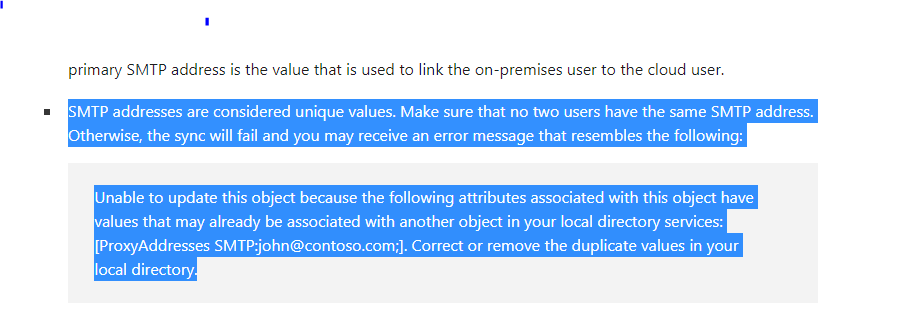
In testing this I made sure the Display name, UPN and Object GUID were different but in creating a couple tests Azure connect sync immediately failed with this duplicate attribute issue. Only one account was synced to Azure AD whichever one I happen to make first.
Now the email for both accounts are the same. However that isn't one of the unique attributes to my knowledge. I thought it was the 3 I listed above.
So does the email address have to be unique in syncing accounts to Azure AD from on premise? If that is the case have to make aliases for these users but I can't find docs that state email is a unique attribute.
Thank you