Hi,
The first step would be to try reinstalling the Printer.
Please click Start > Settings > Bluetooth and devices > Printers.
Locate your printer in the Printers section, Right-click it, and select Remove device.
Restart your PC.
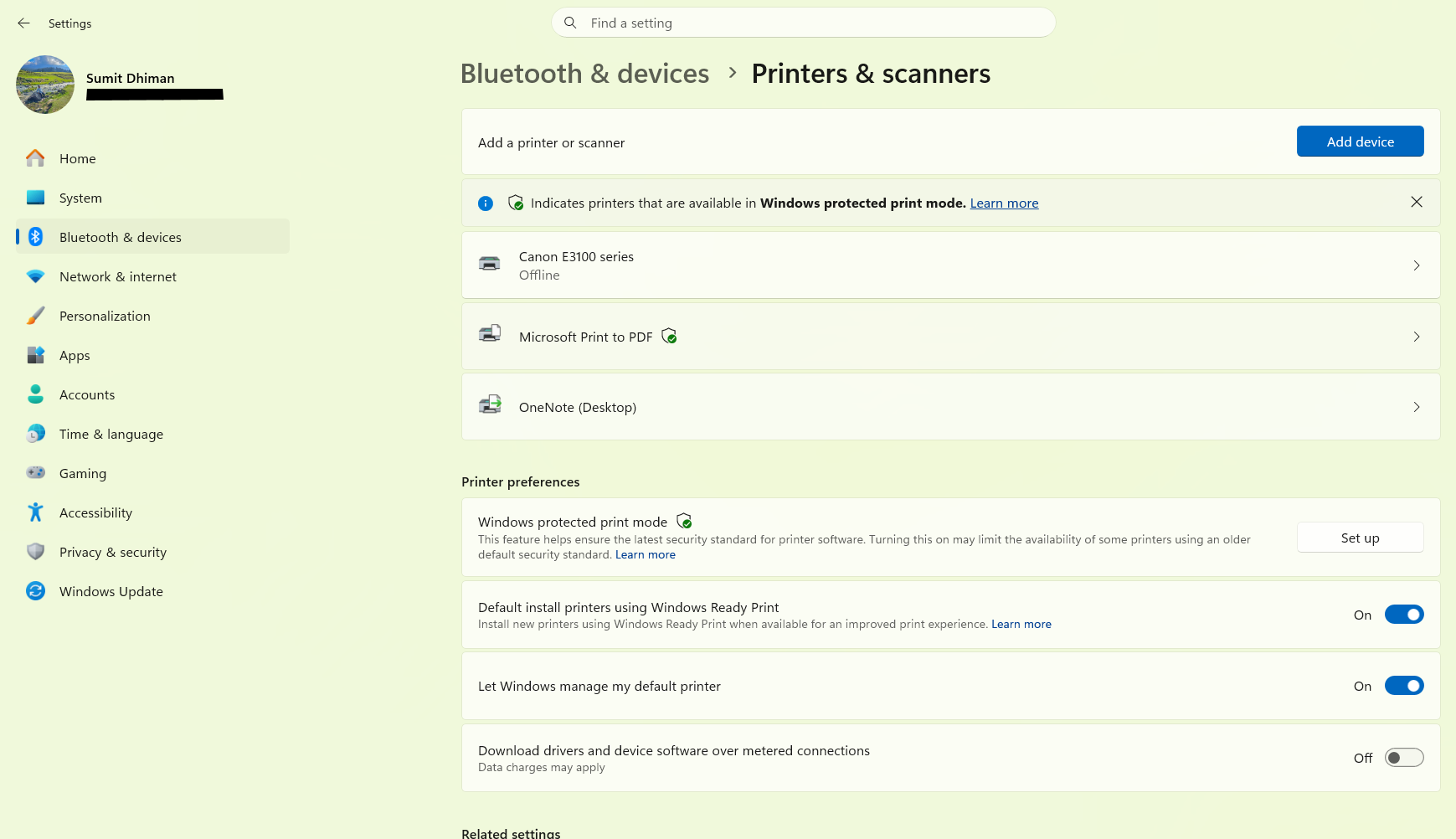
If you have setup media for the Printer driver(This is usually a CD or Setup program supplied with the Printer), run the utility and let the Printer Install.
If you do not have setup media, try adding a printer manually using the "Add a printer" button in the menu bar. It should automatically detect and Install the Printer.
After the Printer Installs, try printing a test page to see if it works as desired.
Retry the task again.
I look forward to hearing from you to get the results of the troubleshooting.
' cx='32' cy='32' r='32' /%3E%3Ctext x='50%25' y='55%25' dominant-baseline='middle' text-anchor='middle' fill='%23FFF' %3ESS%3C/text%3E%3C/svg%3E)

' cx='32' cy='32' r='32' /%3E%3Ctext x='50%25' y='55%25' dominant-baseline='middle' text-anchor='middle' fill='%23FFF' %3ESI%3C/text%3E%3C/svg%3E)