Developer technologies | Windows Presentation Foundation
A part of the .NET Framework that provides a unified programming model for building line-of-business desktop applications on Windows.
This browser is no longer supported.
Upgrade to Microsoft Edge to take advantage of the latest features, security updates, and technical support.
' cx='32' cy='32' r='32' /%3E%3Ctext x='50%25' y='55%25' dominant-baseline='middle' text-anchor='middle' fill='%23FFF' %3EA%3C/text%3E%3C/svg%3E)
I have created a new proyect under my visual solution using a wpf class library and when I try to add a entity framework model, I cant fin anything related with ado.net entity framework to create diagrams. But when I create a wpf application, then I can add a ado.net entity framework framework element.
If I creadted a normal class library, I can find entity framework. What can I do?
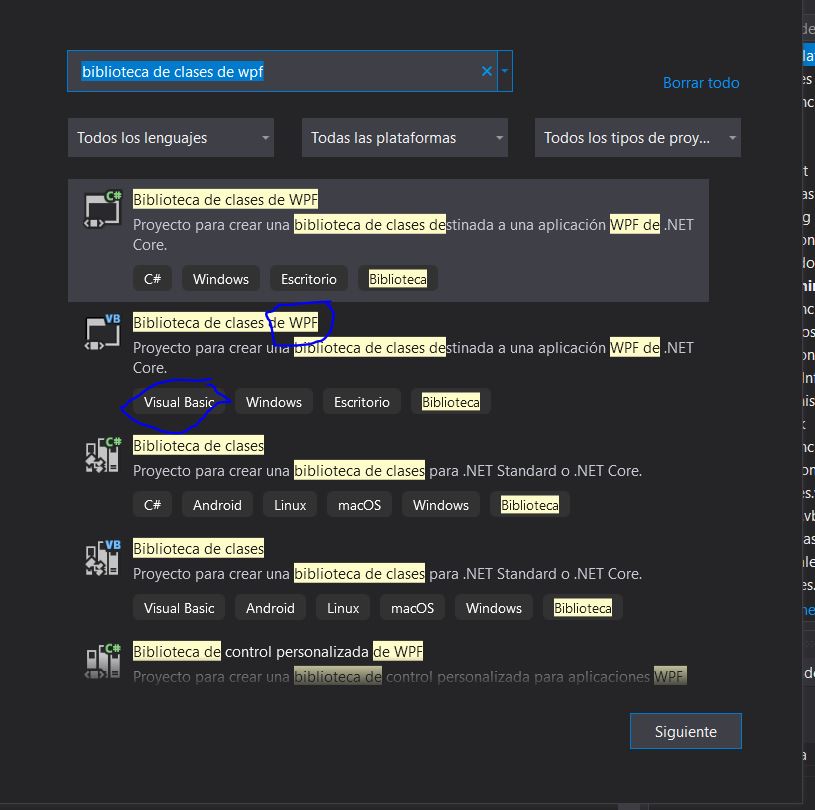
Perhaps I haven't find the correct type of wpf class library, what wpf class library should I choose?
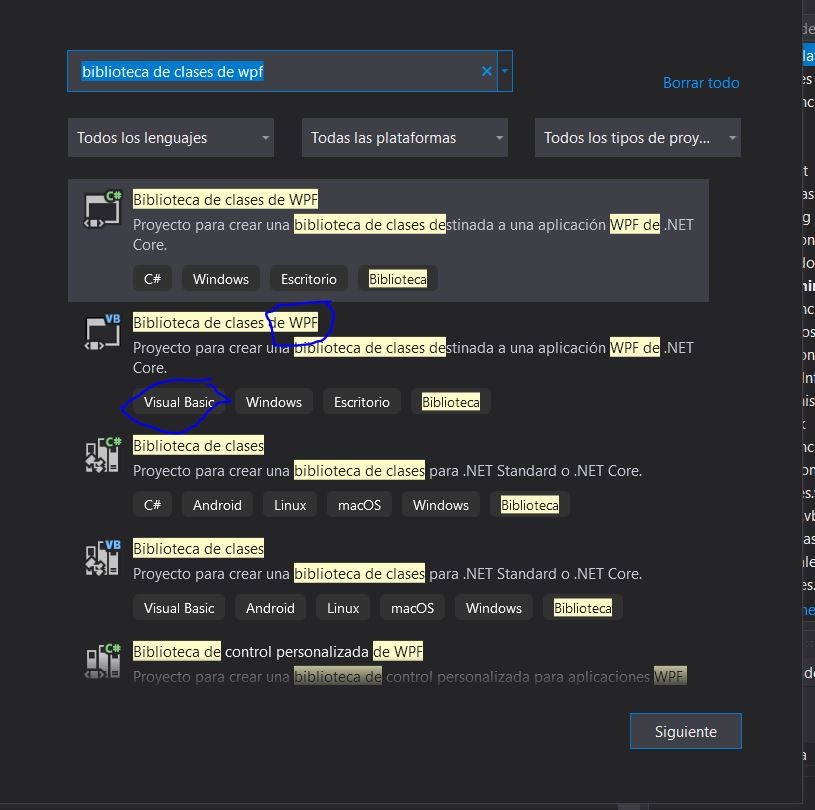
thanks
' cx='32' cy='32' r='32' /%3E%3Ctext x='50%25' y='55%25' dominant-baseline='middle' text-anchor='middle' fill='%23FFF' %3EHL%3C/text%3E%3C/svg%3E)
The target framework of the WPF class library is .NET Core, it seems that the ADO.NET entity data model cannot be used directly. If you want to use the ADO.NET entity data model, please make sure that the target framework of the project is the .NET Framework. You can refer to links ADO.Net Entity Data Model and Using Entity Framework.
If the answer is the right solution, please click Accept Answer and kindly upvote it. If you have extra questions about this answer, please click Comment.
Note: Please follow the steps in our documentation to enable e-mail notifications if you want to receive the related email notification for this thread.
I have put .net framework 5.o and now happears entity framework.
Hi,@Asier . Yes, if the target framework of the project is .NET 5, the ADO.NET entity data model option will appear. But an error will be reported when adding it, the first link as mentioned.