Community Center | Not monitored
Tag not monitored by Microsoft.

This browser is no longer supported.
Upgrade to Microsoft Edge to take advantage of the latest features, security updates, and technical support.
' cx='32' cy='32' r='32' /%3E%3Ctext x='50%25' y='55%25' dominant-baseline='middle' text-anchor='middle' fill='%23FFF' %3ESY%3C/text%3E%3C/svg%3E)
On windows version 10.0.17763.2114, open PerfMon, the system summary information is missing. What could be the root cause?
see attachment.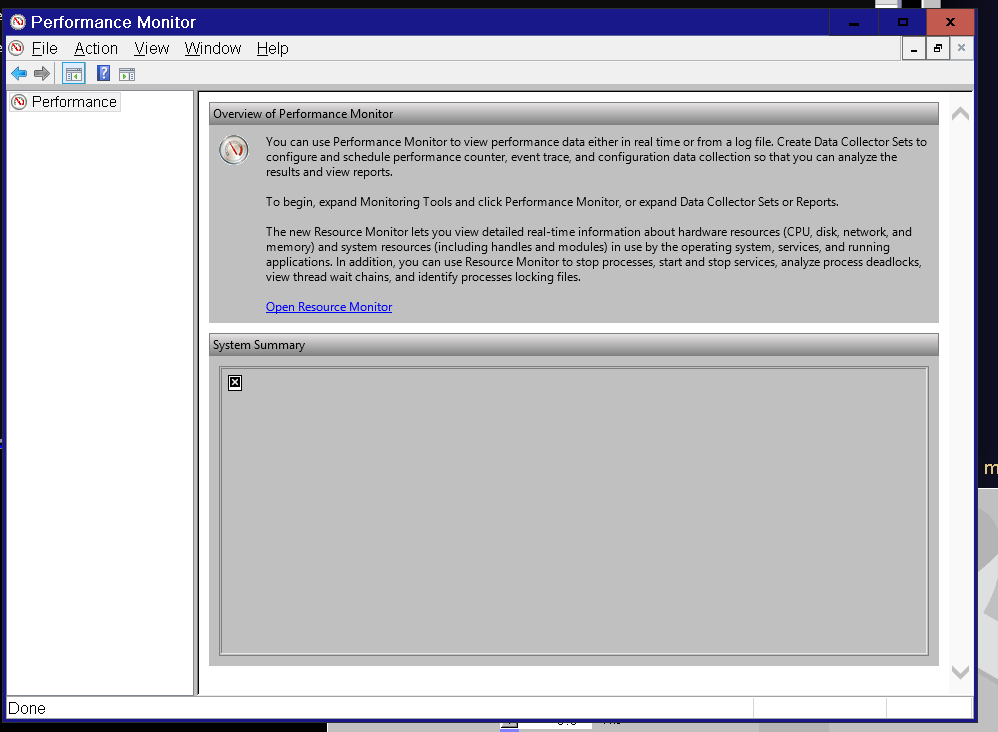
Thanks for all your help.
Here's the update of this issue.
We finally find that sysmon.ocx is blocked by Applocker, error code 8036. We solved the issue based on this article:
https://learn.microsoft.com/en-us/windows/security/threat-protection/windows-defender-application-control/allow-com-object-registration-in-windows-defender-application-control-policy
' cx='32' cy='32' r='32' /%3E%3Ctext x='50%25' y='55%25' dominant-baseline='middle' text-anchor='middle' fill='%23FFF' %3ED%3C/text%3E%3C/svg%3E)
How come the computer is running 17763?
Was there failure to upgrade Windows 1809 or were there methods used to block Windows upgrades?
Run: setupdiag > post results into this thread using a share link: one drive, drop box, or google drive
https://learn.microsoft.com/en-us/windows/deployment/upgrade/setupdiag
Open administrative command prompt and type or copy and paste:
sfc /scannow
dism /online /cleanup-image /restorehealth
perfmon/report
perfmon
resmon.exe
Post images of the commands with results into this thread.
.
.
.
.
.
Please remember to vote and to mark the replies as answers if they help.
On the bottom of each post there is:
Propose as answer = answered the question
On the left side of each post: Vote = a helpful post
.
.
.
.
.
Thank you for your reply.
This machine is used for production. Windows upgrade is blocked. Some customization of the windows has been performed.
I don't want to execute sfc and dism command on this machine, since I don't want to change the system.
perfmon result image has been uploaded before.
Perfmon /report and resmon.exe can be executed successfully.

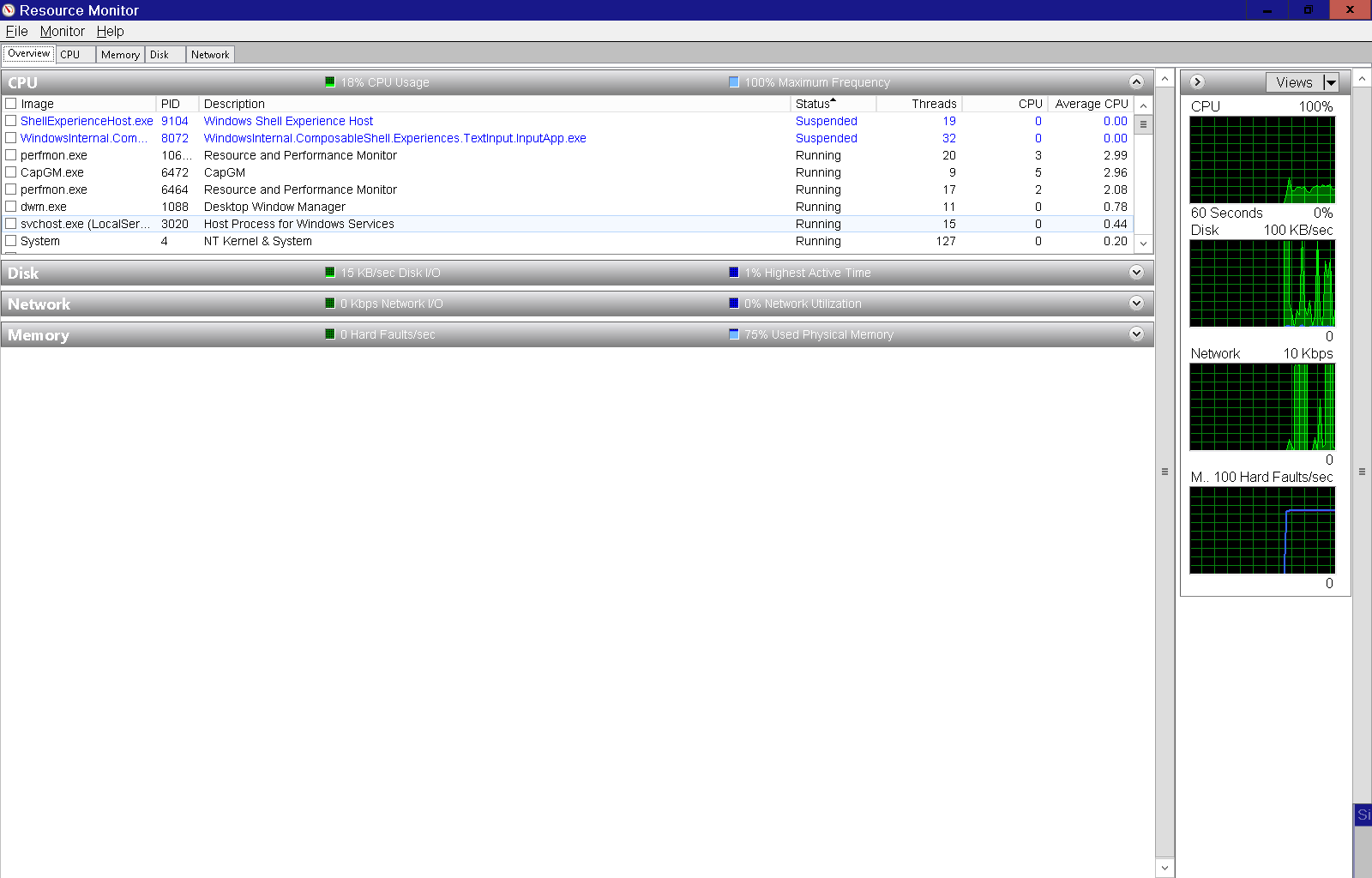
CBS log is attached145713-cbs.log.
Some of the CBS findings:
2021-11-02 11:34:34, Info CSI 00001ef8 [SR] Repairing corrupted file \??\C:\Windows\SystemApps\Microsoft.Windows.Cortana_cw5n1h2txyewy\SearchUI.exe from store
2021-11-02 11:35:53, Info CSI 00002cd4 [SR] Repairing corrupted file \??\C:\Program Files\Common Files\System\msadc\msadds.dll from store
2021-11-02 11:35:54, Info CSI 00002cf1 [SR] Repairing corrupted file \??\C:\Program Files\Common Files\System\msadc\msaddsr.dll from store
2021-11-02 11:35:55, Info CSI 00002d28 [SR] Repairing corrupted file \??\C:\Program Files\Common Files\System\msadc\msdaprst.dll from store
2021-11-02 11:35:55, Info CSI 00002d33 [SR] Repairing corrupted file \??\C:\Program Files\Common Files\System\msadc\msdaprsr.dll from store
2021-11-02 11:35:56, Info CSI 00002d4d [SR] Repairing corrupted file \??\C:\Program Files\Common Files\System\msadc\en-US\msadcer.dll.mui from store
2021-11-02 11:39:00, Info CSI 00004fe3 Warning: Overlap: Duplicate ownership for directory \??\C:\inetpub\logs\FailedReqLogFiles in component Microsoft-Windows-IIS-HttpTracingBinaries, version 10.0.17763.1, arch Host= amd64 Guest= x86, nonSxS, pkt {l:8 b:31bf3856ad364e35}
2021-11-02 11:39:03, Info CSI 000050ec Warning: Overlap: Duplicate ownership for directory \??\C:\inetpub\custerr\en-US in component Microsoft-Windows-IIS-HttpErrorsBinaries.Resources, version 10.0.17763.1, arch Host= amd64 Guest= x86, culture [l:5]'en-US', nonSxS, pkt {l:8 b:31bf3856ad364e35}
etc.
If you do not want to modify corruptions / failures /errors etc. then run administrative command prompt:
sfc /verifyonly
dism /online /cleanup-image /scanhealth
To make a superficial check and online repair of the drive file system then run administrative command prompt: chkdsk /scan
To investigate further a log collector can be run and files can be scanned.
setupdiag does not repair but only search for known failures blocking upgrades.
There is little that can be done without the use of common troubleshooting steps:
a) check and repair the operating system
b) check and repair the component store
c) upgrade the operating system
etc.
A log collector can be run to check for additional problems.
.
.
.
.
.
Please remember to vote and to mark the replies as answers if they help.
On the bottom of each post there is:
Propose as answer = answered the question
On the left side of each post: Vote = a helpful post
.
.
.
.
.