Developer technologies | .NET | Blazor
A free and open-source web framework that enables developers to create web apps using C# and HTML, developed by Microsoft.
This browser is no longer supported.
Upgrade to Microsoft Edge to take advantage of the latest features, security updates, and technical support.
' cx='32' cy='32' r='32' /%3E%3Ctext x='50%25' y='55%25' dominant-baseline='middle' text-anchor='middle' fill='%23FFF' %3EJL%3C/text%3E%3C/svg%3E)
Strange thing. Trying to configure Serilog for my Blazor WebAssembly app. There was no log file being created. The same configuration code is used in Blazor server app works fine.
The WebAssembly app uses SeriLog.Sinks.File while the server app uses Serilog.AspNetCore
var loggerConfiguration = new LoggerConfiguration()
.Enrich.WithProperty("Host", host)
.Enrich.WithProperty("Version", appVersion)
.Enrich.WithProperty("logger", appName)
.Enrich.WithProperty("thread", threadId)
.Enrich.WithProperty("Pid", pid)
.WriteTo.Console(outputTemplate: logAppenderConfig.OutputTemplate, levelSwitch: levelSwitch)
.WriteTo.File(
path: fqn,
restrictedToMinimumLevel: logAppenderConfig.EventLevel,
outputTemplate: logAppenderConfig.OutputTemplate,
fileSizeLimitBytes: logAppenderConfig.MaxFileSize,
levelSwitch: levelSwitch,
rollingInterval: RollingInterval.Day,
retainedFileCountLimit: logAppenderConfig.RetentionCount,
rollOnFileSizeLimit: true
);
When I look at the loggerConfiguration in the debugger, I noticed that roller._directory = /
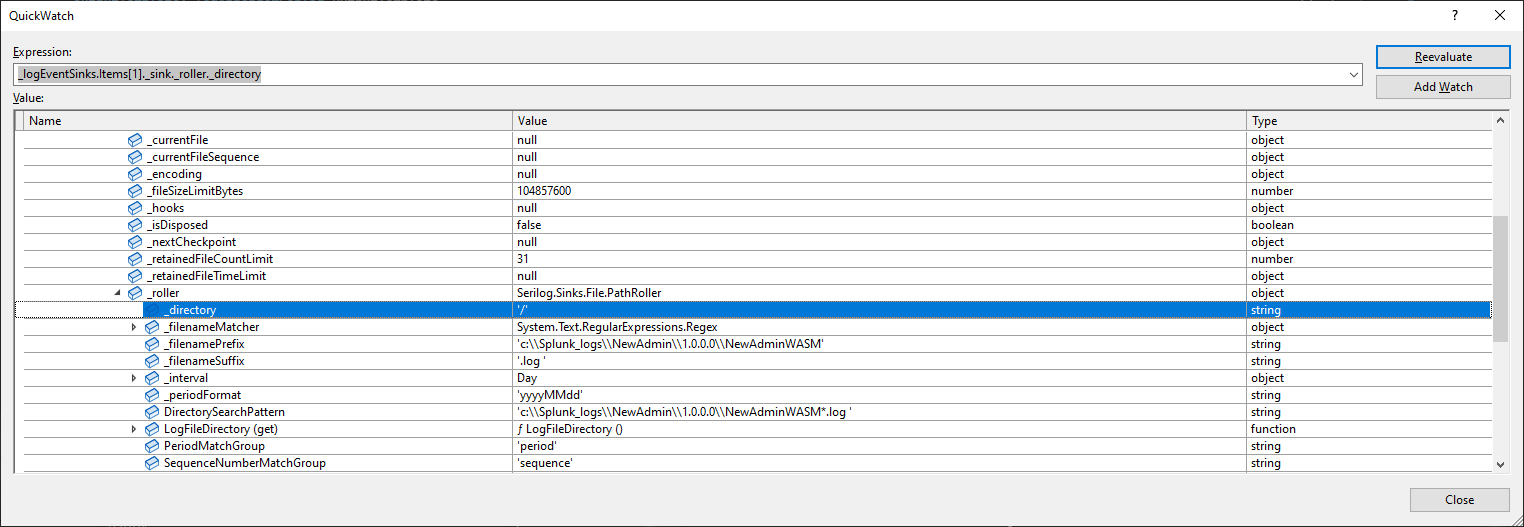
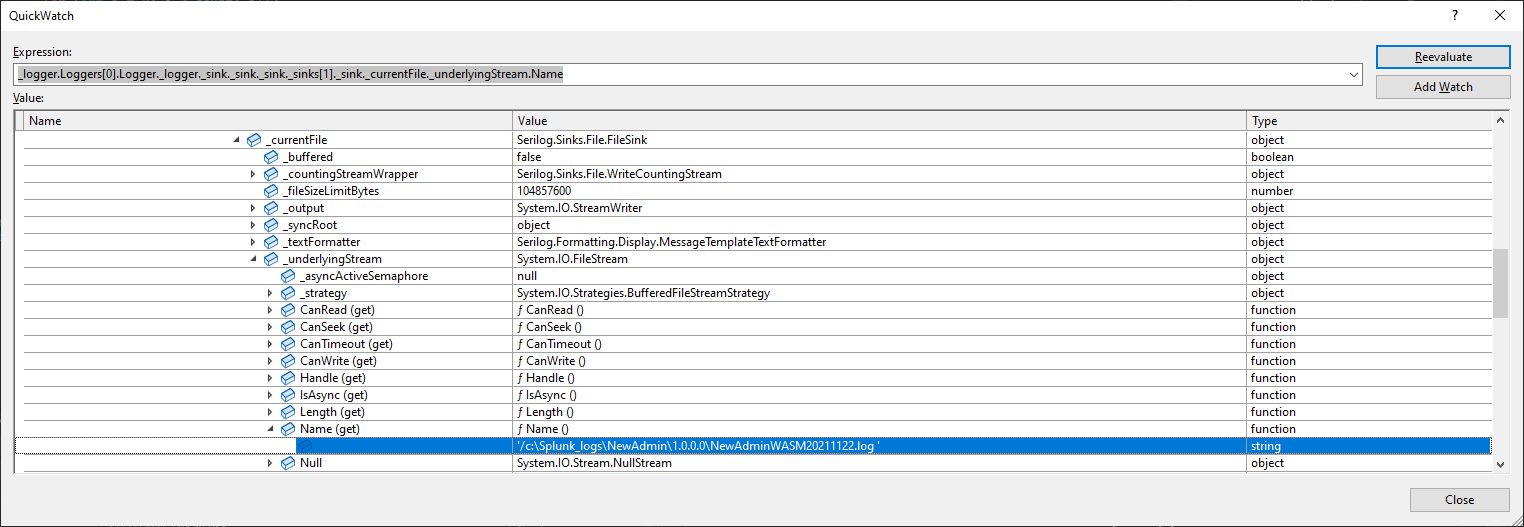
The file name then also starts with /, which doesn't work well with Windows.
' cx='32' cy='32' r='32' /%3E%3Ctext x='50%25' y='55%25' dominant-baseline='middle' text-anchor='middle' fill='%23FFF' %3EA%3C/text%3E%3C/svg%3E)
Hi @John Lee ,
The WebAssembly app uses SeriLog.Sinks.File while the server app uses Serilog.AspNetCore
Try to use the Serilog.AspNetCore in the WebAssembly application.
Besides, when you set debugger, is there have any error or exception? Can you tell us which version of asp.net core you are using, so we can try to create a sample using the same version? And whether the application works well in the local environment using the Administrator, because from the screenshot, we can see that you are writing the log file in the C disk?

Blazor WASM runs in a sandbox within the browser. Browser security does not allow writing files to disk. The log must be sent to the console or submitted to Web API if you wish to persist the logs in a database or file.
' cx='32' cy='32' r='32' /%3E%3Ctext x='50%25' y='55%25' dominant-baseline='middle' text-anchor='middle' fill='%23FFF' %3EBS%3C/text%3E%3C/svg%3E)
Serilog has a console sink for blazor webassembly
https://github.com/serilog/serilog-sinks-browserconsole
as suggested, there is no file support in Blazor/WASM