Azure App Service
Azure App Service is a service used to create and deploy scalable, mission-critical web apps.
This browser is no longer supported.
Upgrade to Microsoft Edge to take advantage of the latest features, security updates, and technical support.
' cx='32' cy='32' r='32' /%3E%3Ctext x='50%25' y='55%25' dominant-baseline='middle' text-anchor='middle' fill='%23FFF' %3EB%3C/text%3E%3C/svg%3E)
Hi everyone, I had created and connected to Azure SQL Database and created Azure Storage in Visual Studio 2019.
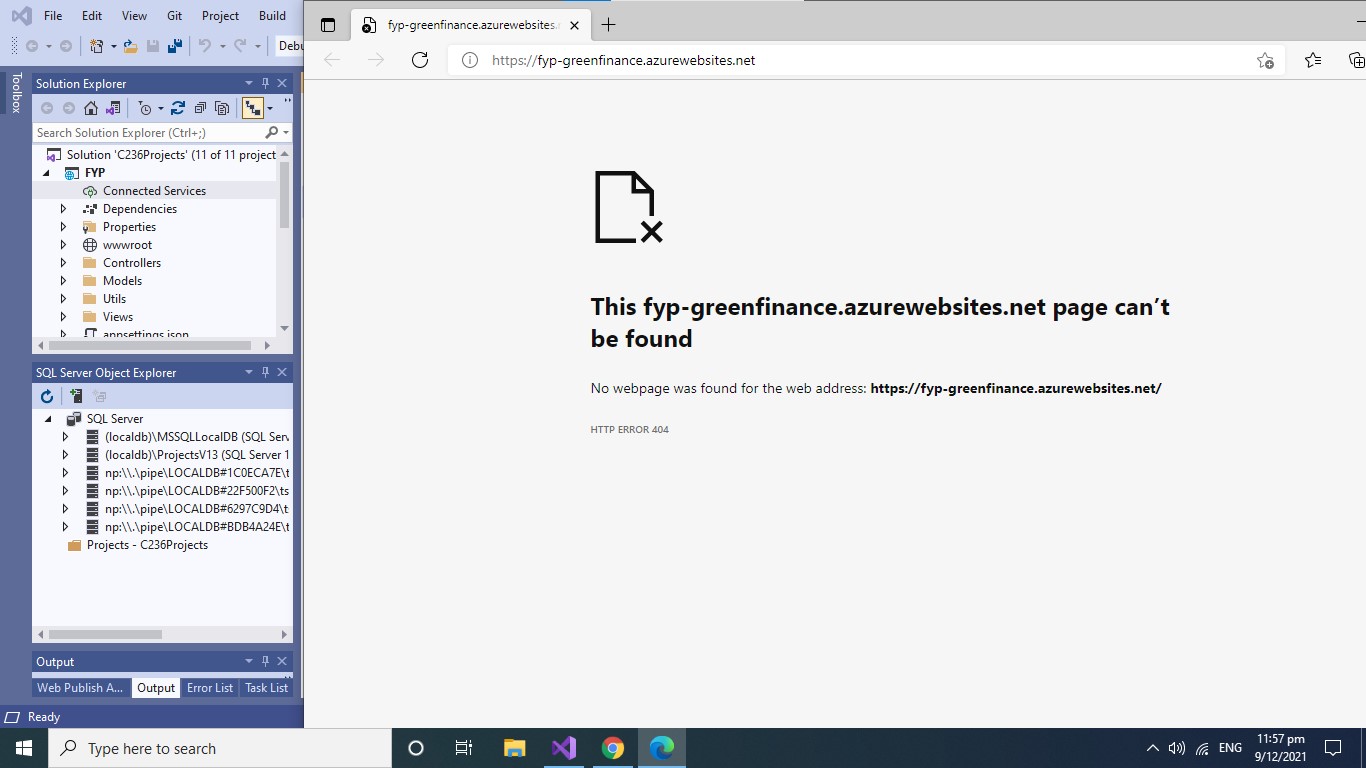
However, when I tried to publish it to Azure Website, it gave me a HTTP 404 error, which could not display the output.
What are steps to rectify to make the Azure Website to display the output on the Screen? Thank you.
Attached are the screenshots.
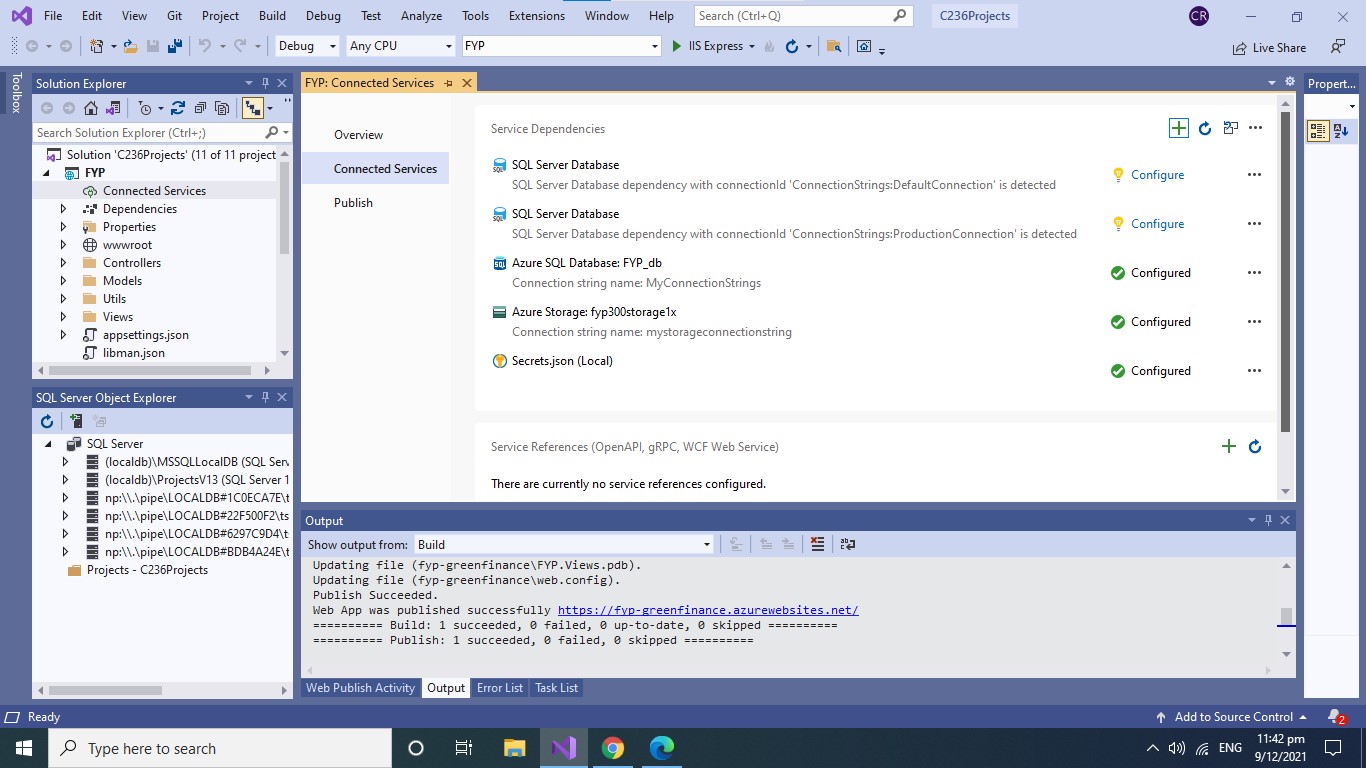
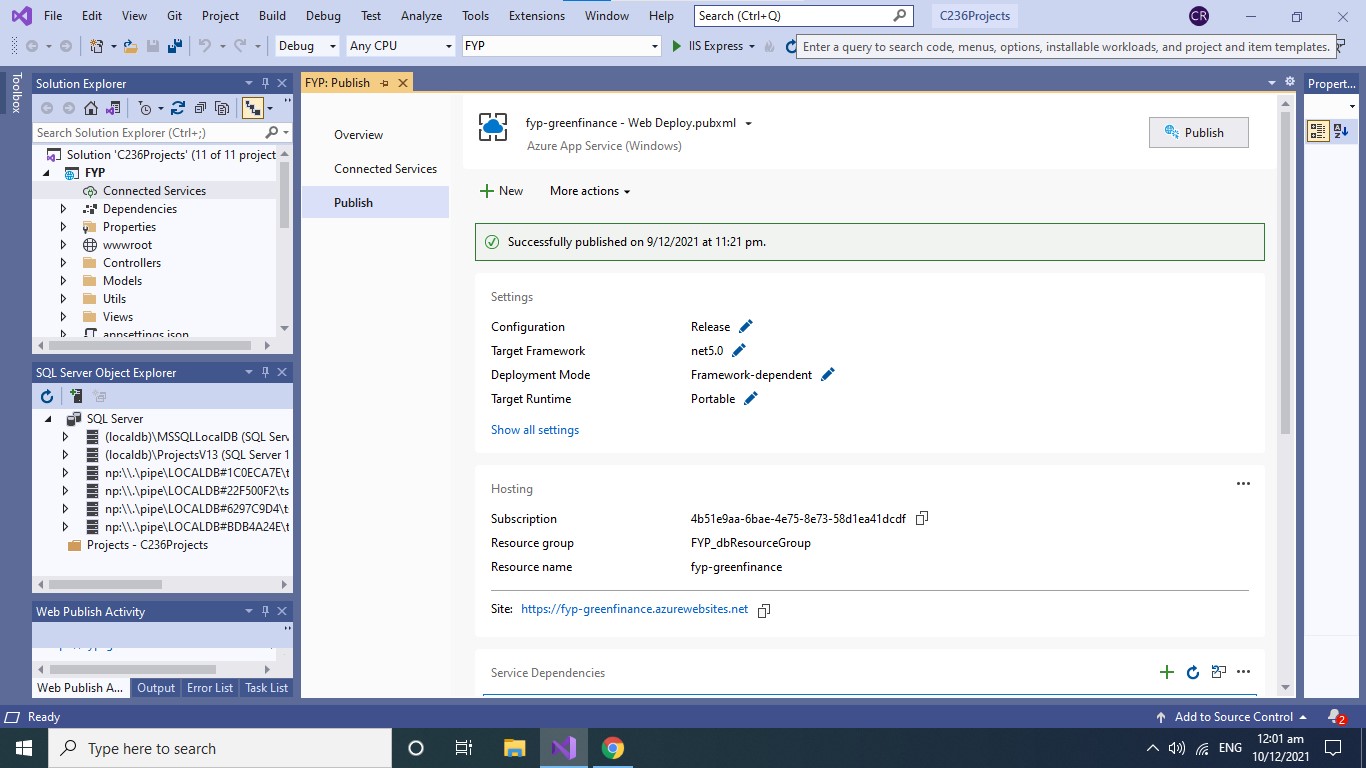
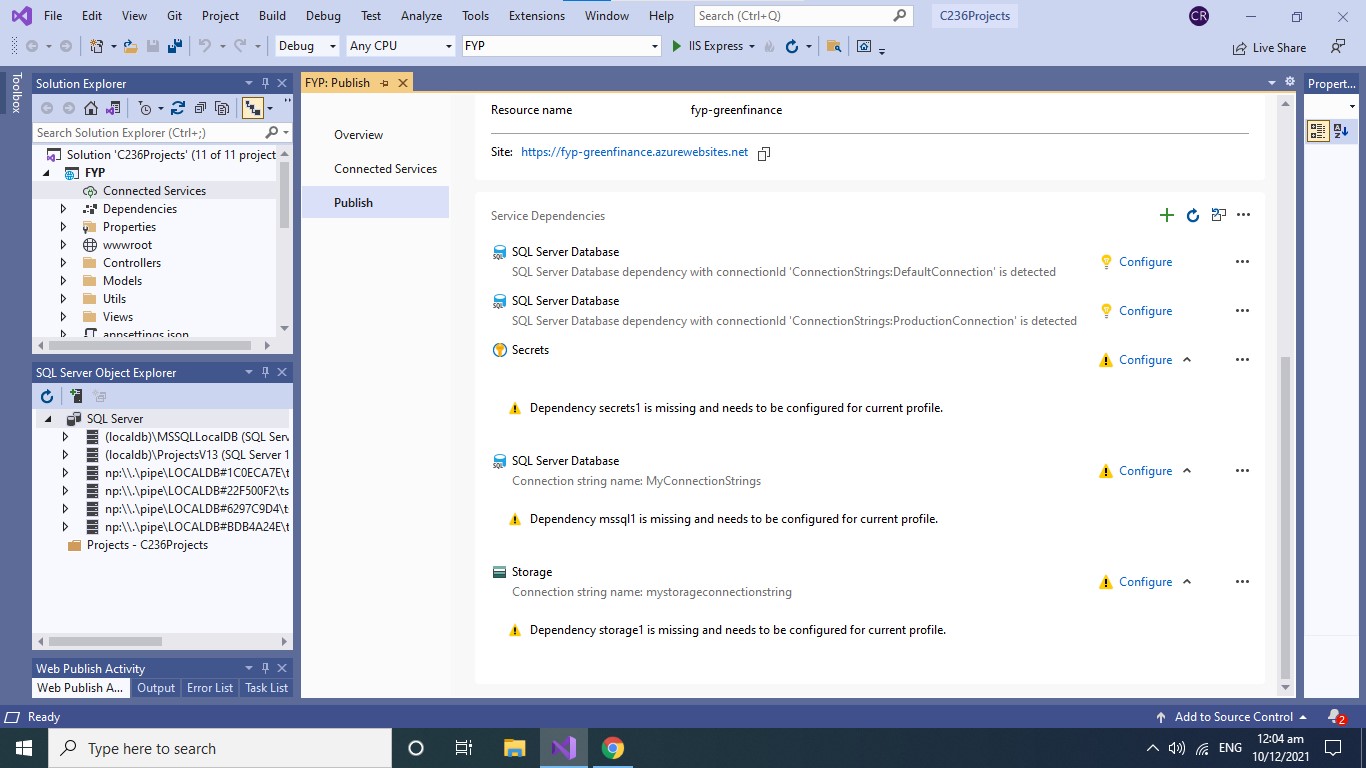
My output :
' cx='32' cy='32' r='32' /%3E%3Ctext x='50%25' y='55%25' dominant-baseline='middle' text-anchor='middle' fill='%23FFF' %3EA%3C/text%3E%3C/svg%3E)
@BT Thanks for posting this question.
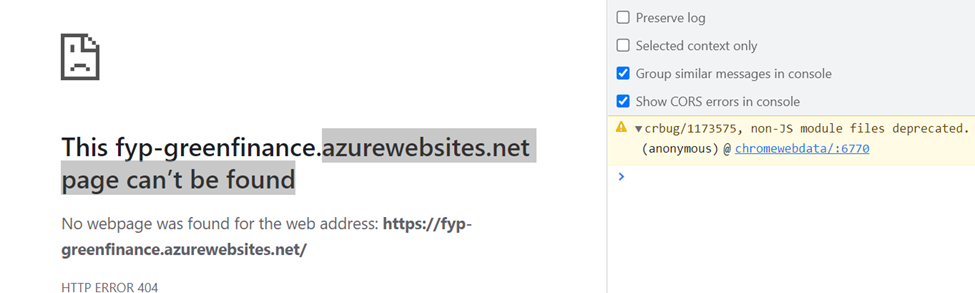
From the browser F12 trace, I see the following error: crbug/1173575, non-JS module files deprecated. (screenshot below)
Just to clarify, does the WebApp work locally fine?
Kindly review the configurations, URL and routes, Node.exe location, Cors/plugins, web.config configuration for correctness etc.
For your Node.js application to run in Azure, it needs to listen on the port provided by the PORT environment variable.
In your generated Express app, this environment variable is already used in the startup script bin/www (search for process.env.PORT). Port 80/443.
Navigate to the Kudu debug Console site https://yoursite.scm.azurewebsites.net/DebugConsole
Go into your **site/wwwroot directory and review the files.
Please check this discussion for isolating the such errors.
Note: Please do not share any PII data on the public forum
Additionally, you may also leverage App Service diagnostics from Azure Portal, it reduces the chance of trial and error and expedites problem resolution by recommending potential solutions.
To access App Service diagnostics, navigate to your App Service app in the Azure portal. In the left navigation, click on Diagnose and solve problems – Checkout the tile for “Diagnostic Tools” and “Availability and Performance” and/ checkout the other tiles.
BT-9906 Additional info:
Try to lazy load your node_modules and not load all of the modules at application start. To Lazy load modules, the call to require(‘module’) should be made when you actually need the module within the function before the first execution of module code.
You may enable Application logs to fetch more information.
Checkout this doc - My node application does not start for more info
You may take a look at the sample here: Create a Node.js web app in Azure /and and let us know the outcome.
' cx='32' cy='32' r='32' /%3E%3Ctext x='50%25' y='55%25' dominant-baseline='middle' text-anchor='middle' fill='%23FFF' %3EB%3C/text%3E%3C/svg%3E)
Hi ajkuma-MSFT,
I had tried to create the node.js web app in Azure, and went to Kudu debug Console site to check the files.
However, after several times of trying, I still could not able to host on Azure website.
Is there any ways or methods that could guide me in solving the hosting and publishing of my web application on Azure website??
Thank you.
BT
BT, apologies for the delay in responding from over the weekend.
You may deploy a sample WebApp via Azure Portal method as outlined in this doc 'Create a Node.js web app in Azure' and then copy your app files via Kudu (as mentioned above).
Test, your App code locally to isolate. If it doesn't work fine locally, then it would also not work on Azure.
Also, just to highlight - please check out this blog: Microsoft’s Response to CVE-2021-44228 Apache Log4j 2
(See this section 'Azure App Service (Windows and Linux)' )
Azure App Service and Functions does not distribute Log4J in the managed runtimes such as Tomcat, Java SE, JBoss EAP, or the Functions Runtime. However, your applications may use Log4J and be susceptible to this vulnerability.
If possible, customers should upgrade Log4j to version v2.15.0 and re-deploy applications. This is the primary recommended mitigation. If you are not able to re-deploy your application, then in Log4j versions 2.10 and greater, you can mitigate this behavior by setting the system property “-Dlog4j2.formatMsgNoLookups=true”.
If you haven't tried-
-On Azure Portal, navigate to your WebApp, In the left navigation, click on Diagnose and solve problems.
-Checkout the tile for “Diagnostic Tools” and “Availability and Performance” and/ checkout the other tiles.