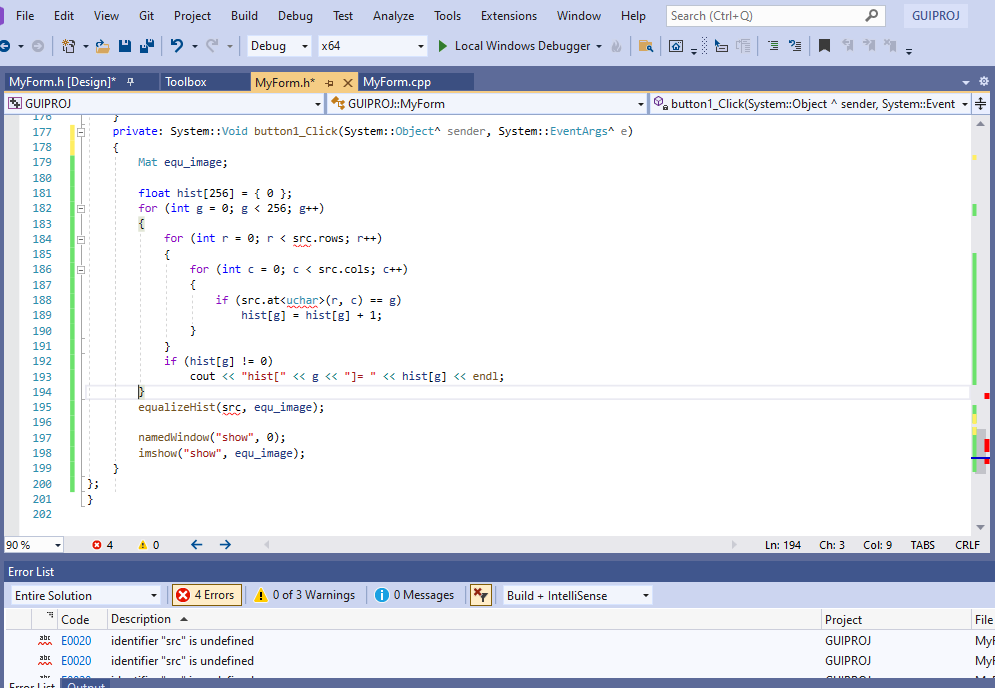
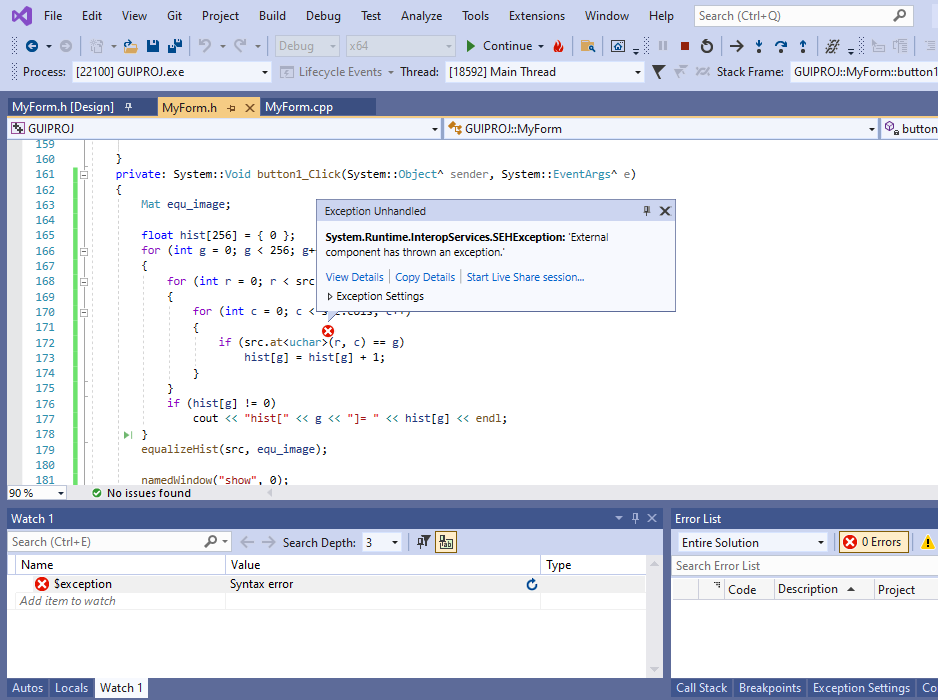
Having a problem with function: openfiledialog iam using c++ win GUI, opencv

Hesham AbdMalek Ramadan 1 Reputation point
2021-12-13T09:06:14.66+00:00

need that "path:"

private: System::Void open_Click(System::Object^ sender, System::EventArgs^ e)
{
openFileDialog1->Filter = "Images Files | *.JPG; *.PNG";
if (openFileDialog1->ShowDialog() == System::Windows::Forms::DialogResult::OK)
{
MessageBox::Show(openFileDialog1->FileName, "Path:");

}
}

to use it at:

Mat src = imread("path:", 0);
namedWindow("show", 0);
imshow("show", src);

to call the image and don't know-how.

tried to save it as a string did not work
help, please

thanks

Developer technologies | C++
A high-level, general-purpose programming language, created as an extension of the C programming language, that has object-oriented, generic, and functional features in addition to facilities for low-level memory manipulation.
{count} votes

1 answer

Sort by: Most helpful
  1. Viorel 125.8K Reputation points
    2021-12-13T09:36:17.403+00:00

    According to https://learn.microsoft.com/en-us/cpp/dotnet/how-to-convert-system-string-to-standard-string, try something like this:

    if (openFileDialog1->ShowDialog() == System::Windows::Forms::DialogResult::OK)  
    {  
        MessageBox::Show( openFileDialog1->FileName, "Path:");  
    
        IntPtr p = Runtime::InteropServices::Marshal::StringToHGlobalAnsi( openFileDialog1->FileName);  
        const char* path = (const char*)p.ToPointer( );  
      
        Mat src = imread( path, 0);  
        . . .  
        Marshal::FreeHGlobal( p);  
    }  
    

    See also:

    1 person found this answer helpful.

Your answer

Answers can be marked as 'Accepted' by the question author and 'Recommended' by moderators, which helps users know the answer solved the author's problem.