' cx='32' cy='32' r='32' /%3E%3Ctext x='50%25' y='55%25' dominant-baseline='middle' text-anchor='middle' fill='%23FFF' %3EDL%3C/text%3E%3C/svg%3E)


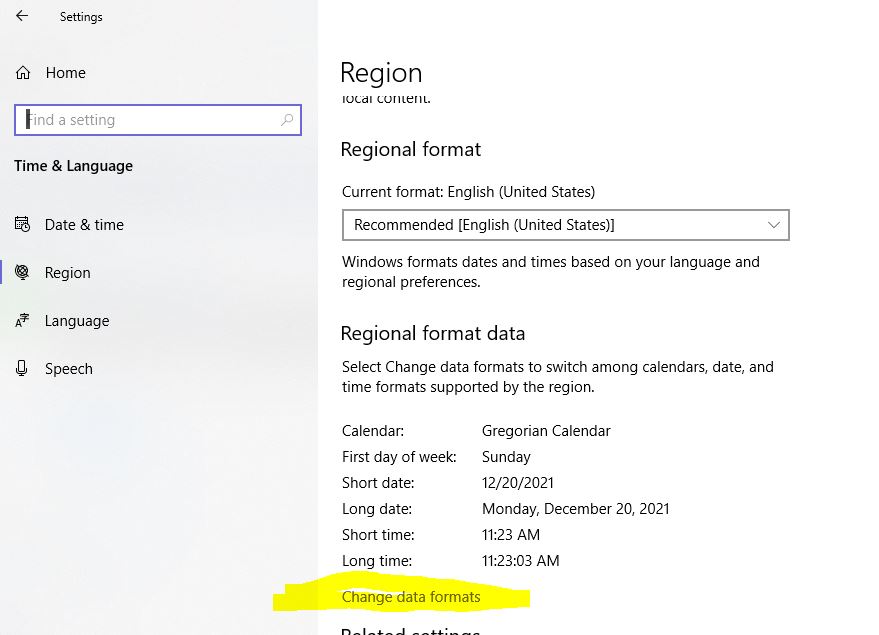
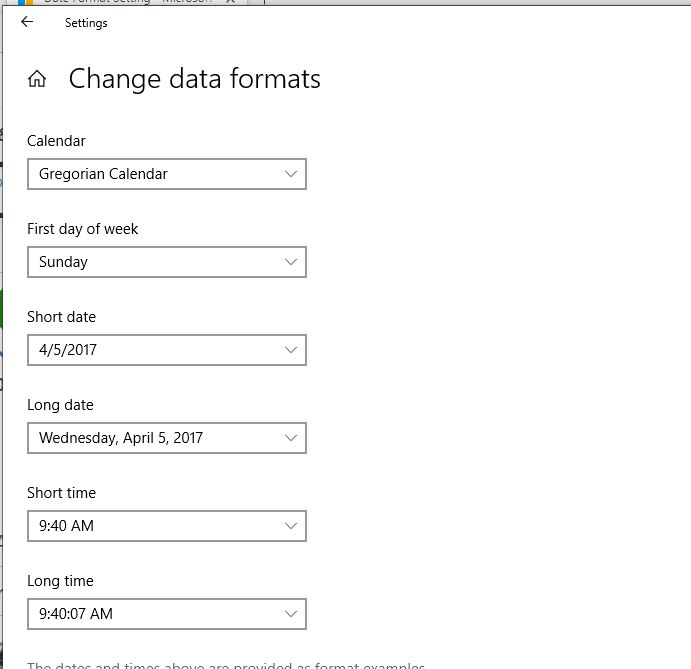
You can check these settings via Settings> Regional Data Format, and also through GPO for your Domain:
Configure Group Policy
First open Group Policy Management and go to User Configuration -> Preferences -> Control Panel Settings -> Regional Options.
Next right click on the area and choose New -> Regional Options.
Now go to Date and set the values.
Hope this helps with your query,
--If the reply is helpful, please Upvote and Accept as answer--