' cx='32' cy='32' r='32' /%3E%3Ctext x='50%25' y='55%25' dominant-baseline='middle' text-anchor='middle' fill='%23FFF' %3ERS%3C/text%3E%3C/svg%3E)
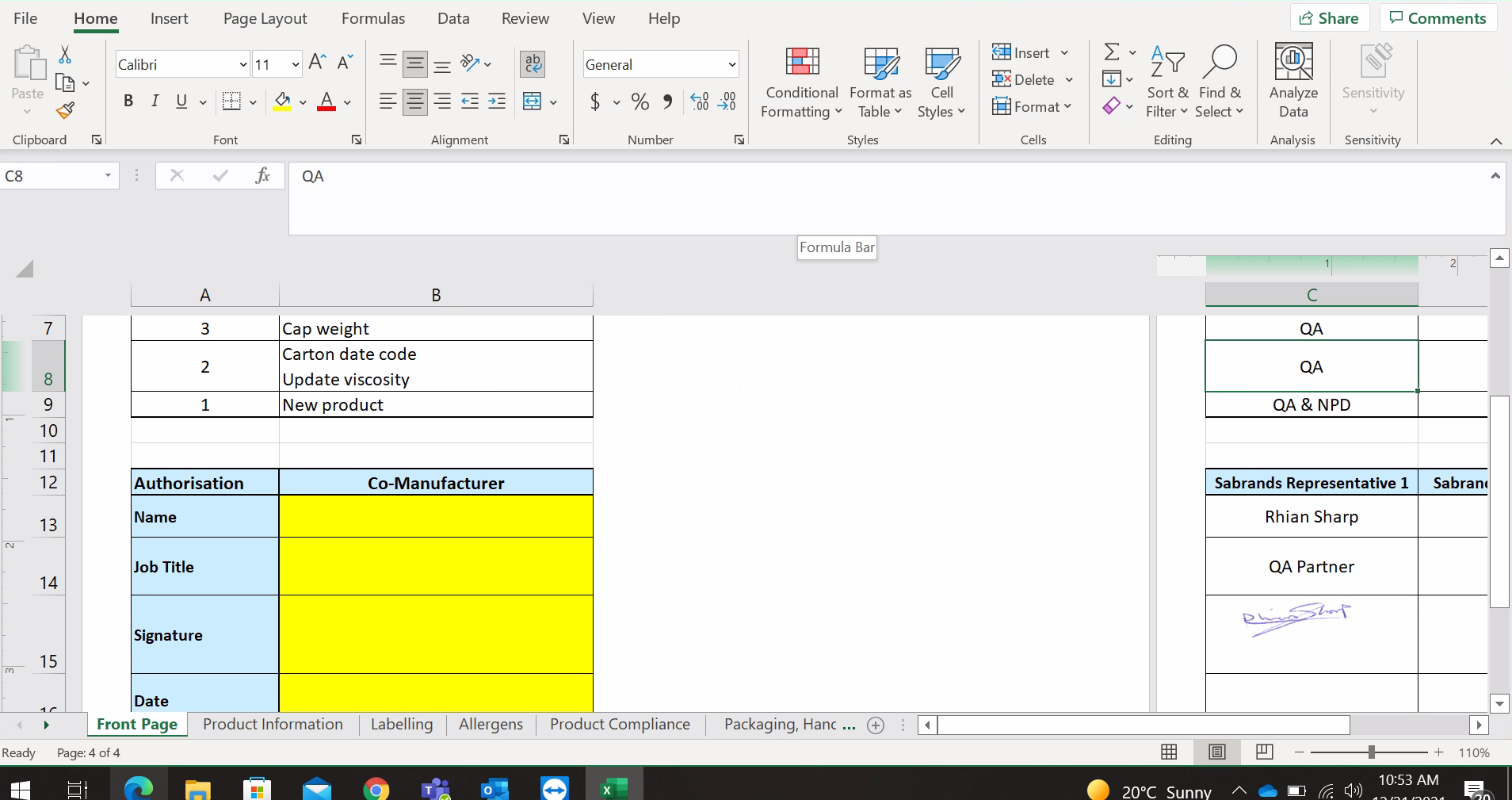



Please run Excel in Safe Mode to have a check.
The safe mode could check the affect of startup items and COM add-ins.
If this issue does not occur with Excel in safe mode, it's recommended to go to File > Options > Add-ins > Manage, COM add-ins > Go, clear the check boxes for any enabled COM add-ins, select OK.
Locate to C:\Users\<User Name>\AppData\Roaming\Microsoft\Excel\XLSTART, check whether there is any subfolder or files. If so, you could temporarily move them to other location.
Then I would also suggest you run the System File Checker to verify the system files in Windows, more information please see "Using System File Checker in Windows".
If the answer is helpful, please click "Accept Answer" and kindly upvote it. If you have extra questions about this answer, please click "Comment".
Note: Please follow the steps in our documentation to enable e-mail notifications if you want to receive the related email notification for this thread.