Developer technologies | ASP.NET | Other
A set of technologies in .NET for building web applications and web services. Miscellaneous topics that do not fit into specific categories.
This browser is no longer supported.
Upgrade to Microsoft Edge to take advantage of the latest features, security updates, and technical support.
' cx='32' cy='32' r='32' /%3E%3Ctext x='50%25' y='55%25' dominant-baseline='middle' text-anchor='middle' fill='%23FFF' %3EP%3C/text%3E%3C/svg%3E)
Hi,
How to ensure all Textbox, buttons are well placed within one div frame on the page, while the div is also centered on the page?

' cx='32' cy='32' r='32' /%3E%3Ctext x='50%25' y='55%25' dominant-baseline='middle' text-anchor='middle' fill='%23FFF' %3ELH%3C/text%3E%3C/svg%3E)
Hi @Peter_1985 ,
Failed to load resource: the server responded with a status of 404 (Not Found)
Hi @Peter_1985 ,
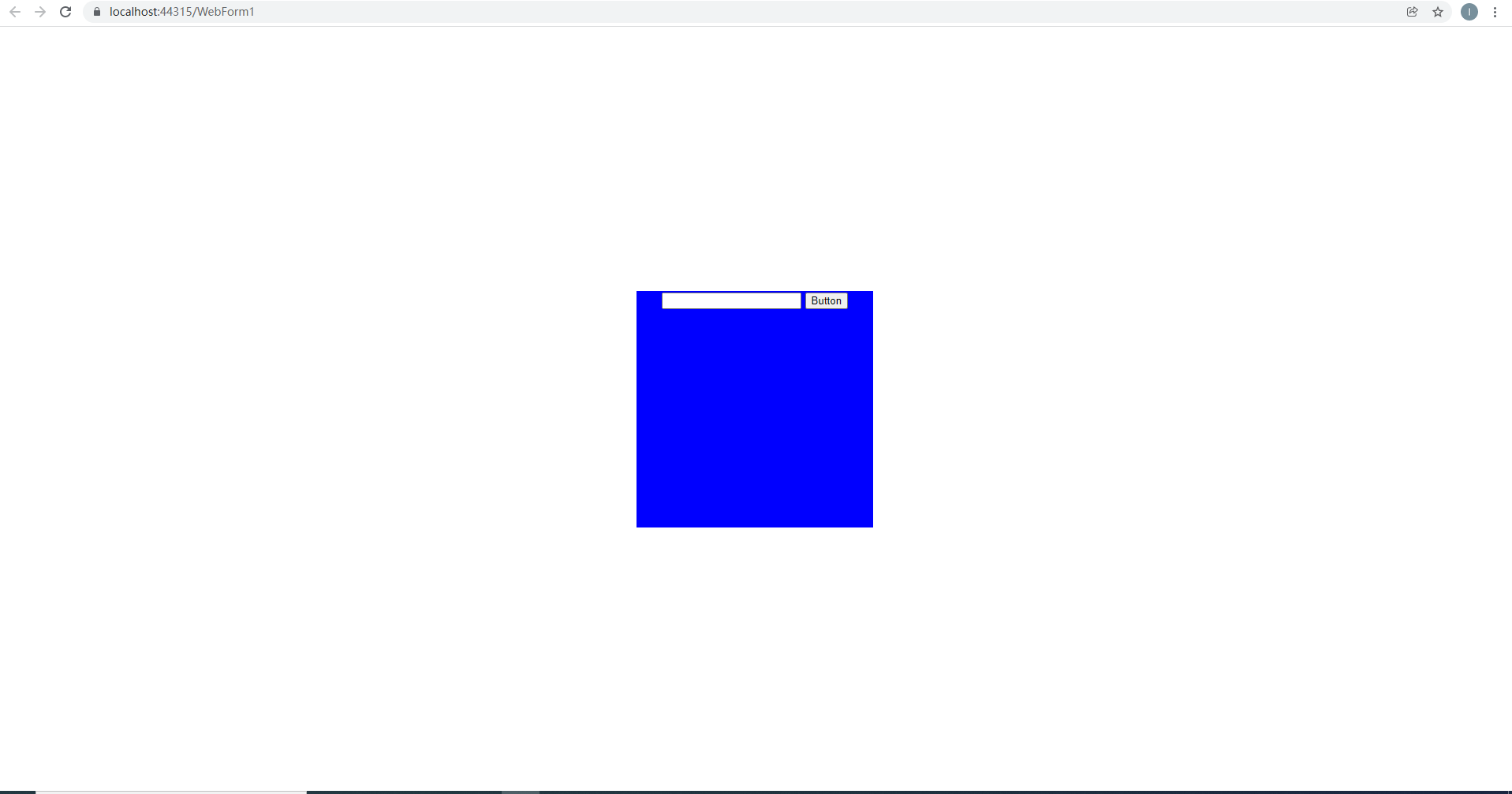
You only need to place all the text boxes and buttons in the div. Regarding the div is located in the center of the page, you can use css, you can refer to the following code.
<body>
    <form id="form1" runat="server">

          <div class="centered">
            <asp:TextBox ID="TextBox1" runat="server"></asp:TextBox>
            <asp:Button ID="Button1" runat="server" Text="Button" />
          </div>

    </form>
</body>
</html>
<style>
    .centered {
        position: absolute;
        margin: auto;
        top: 0;
        right: 0;
        bottom: 0;
        left: 0;
        width: 300px;
        height: 300px;
        text-align: center;
        background-color: blue;
    }
</style>
Best regards,
Lan Huang
If the answer is the right solution, please click "Accept Answer" and kindly upvote it. If you have extra questions about this answer, please click "Comment".
Note: Please follow the steps in our documentation to enable e-mail notifications if you want to receive the related email notification for this thread.
Hi,
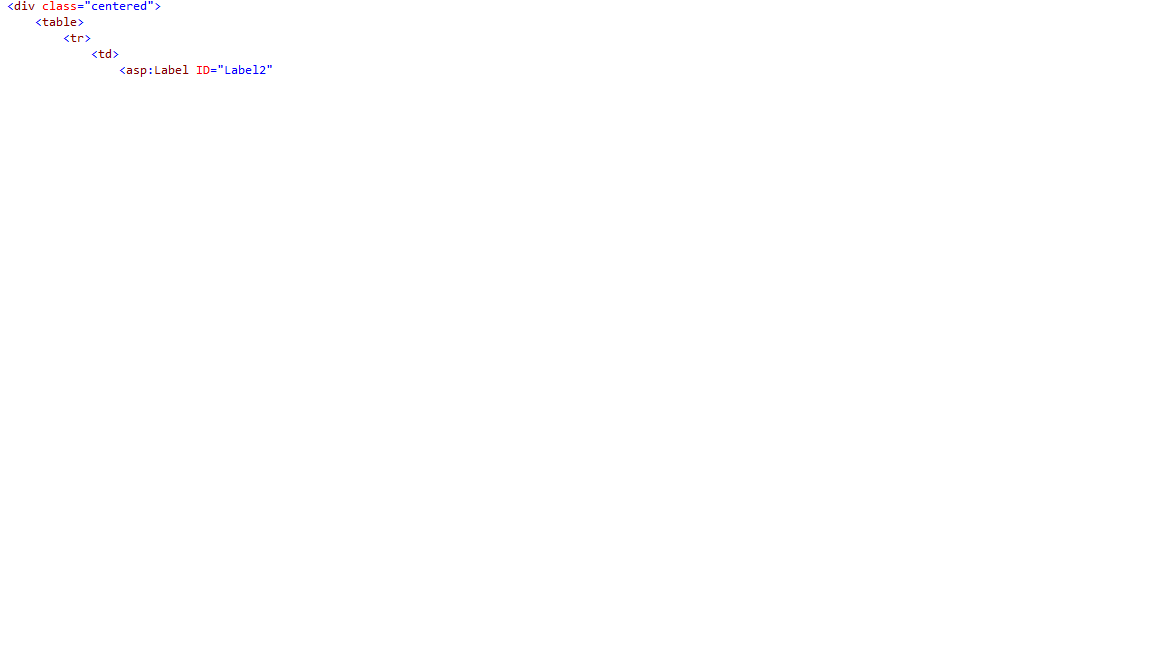
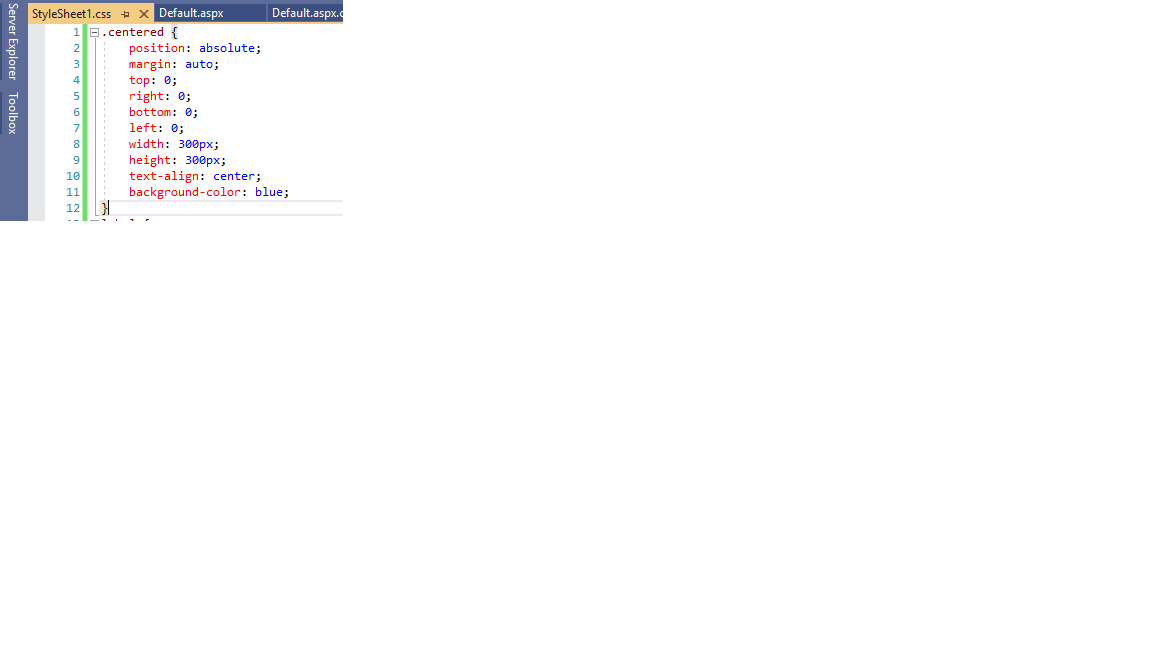
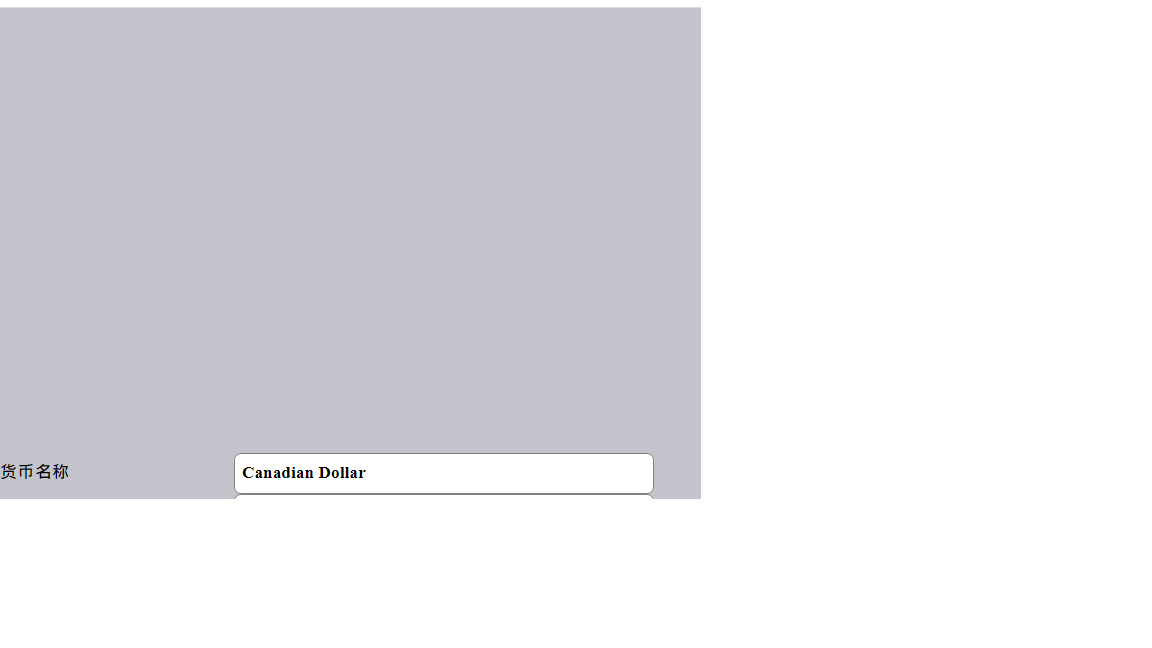
I put your codes to the project and re-published it but the Label, Textbox are not placed well within one centered frame there.
Hi @Peter_1985 ,
Can you provide more detailed code?
I can't see anything from the code you provided,
there may be other factors that affect the layout.
Best regards,
Lan Huang
Hi,
Can you refer to aspx file below?
https://1drv.ms/u/s!Ai8CrEskdewXwk_mes5vys_BrZvQ?e=jROiNc
Hi @Peter_1985 ,
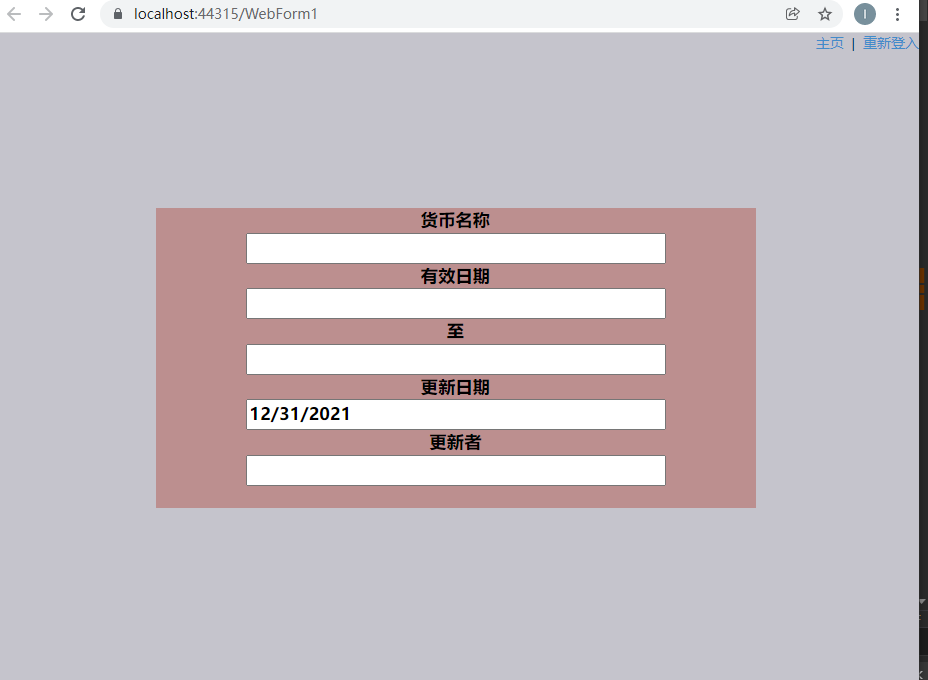
I tried your code, no problem, can you provide css files, it may be affected by other styles.
You can change the width and height of the div as you need.
Best regards,
Lan Huang
Hi,
See css file below
https://1drv.ms/u/s!Ai8CrEskdewXwlGB3VBnseiWHx7c?e=NlToQw
and I expect to have
Label: Textbox1
Label: Textbox2
...
within one div frame, centered on the page.
Hi @Peter_1985 ,
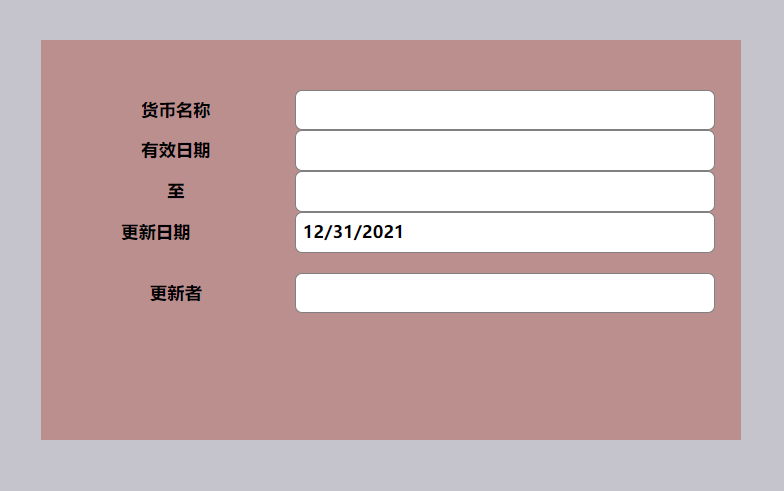
I tried your code and there is no problem. How is your current page effect?
Layout up and down, just because the width is too small,
you can try to increase the width of the div a bit, and the width of the textbox and label a bit smaller.
Best regards,
Lan Huang
Hi,
Can you share the current .aspx file that is showing the above? Width of textbox is with length like width="420px", and is this not wide enough?
Hi @Peter_1985 ,
I only changed the width and height of the div, and the top of the margin of the table. No other changes.
Code:161517-text0.txt
   .centered {
        position: absolute;
        margin: auto;
        top: 0;
        right: 0;
        bottom: 0;
        left: 0;
        width: 700px;
        height: 400px;
        text-align: center;
        background-color: rosybrown;
    }
    table{
        margin-top:50px;
    }
Best regards,
Lan Huang
Hi,
Is it due to other div (or pop) leading to unexpected highlighted (in red) space below? And the whole part is not centered well on the page.
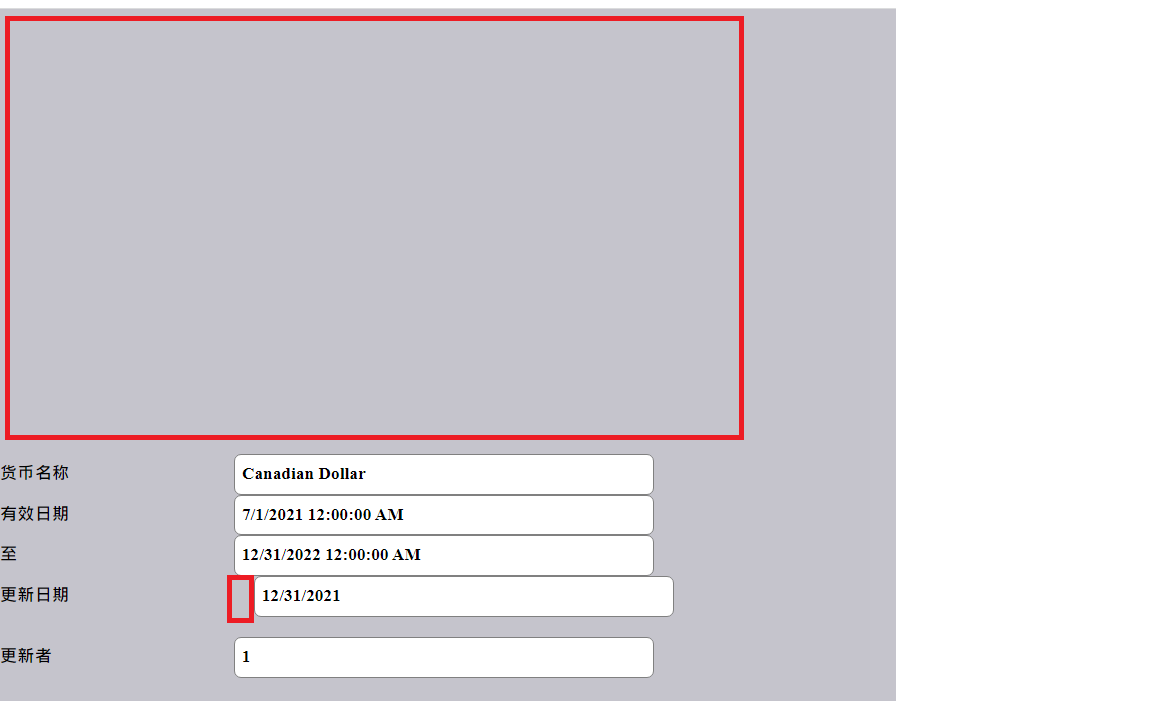
I adjusted .aspx file below. Issue now is that the whole part (having both labels and textboxes) is not centered to the middle of the page.
Hi @Peter_1985 ,
2.Does your page also contain other code?
3.What browser are you using?
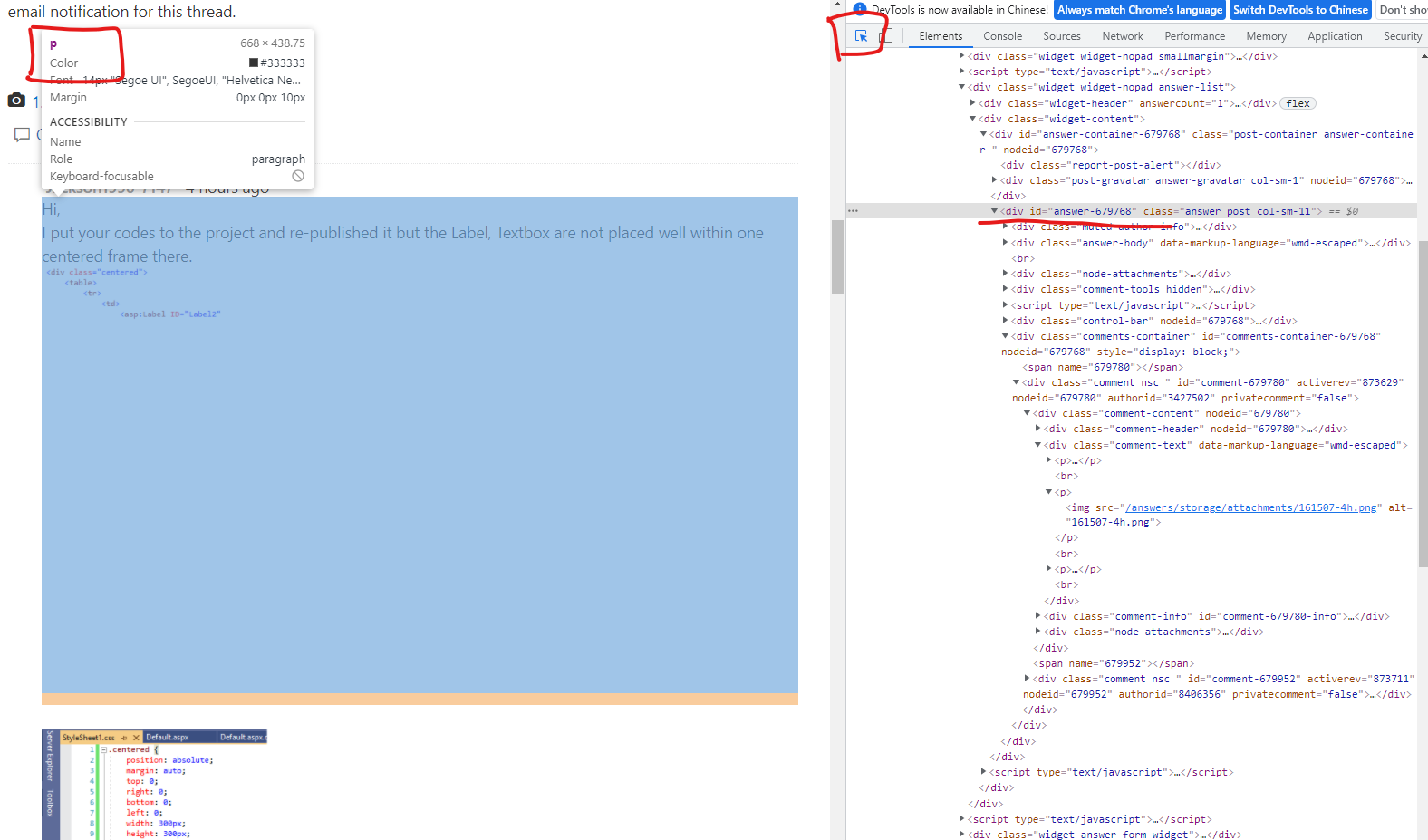
4.I suggest you press f12 to view the problem, click the arrow to select the page element to view.
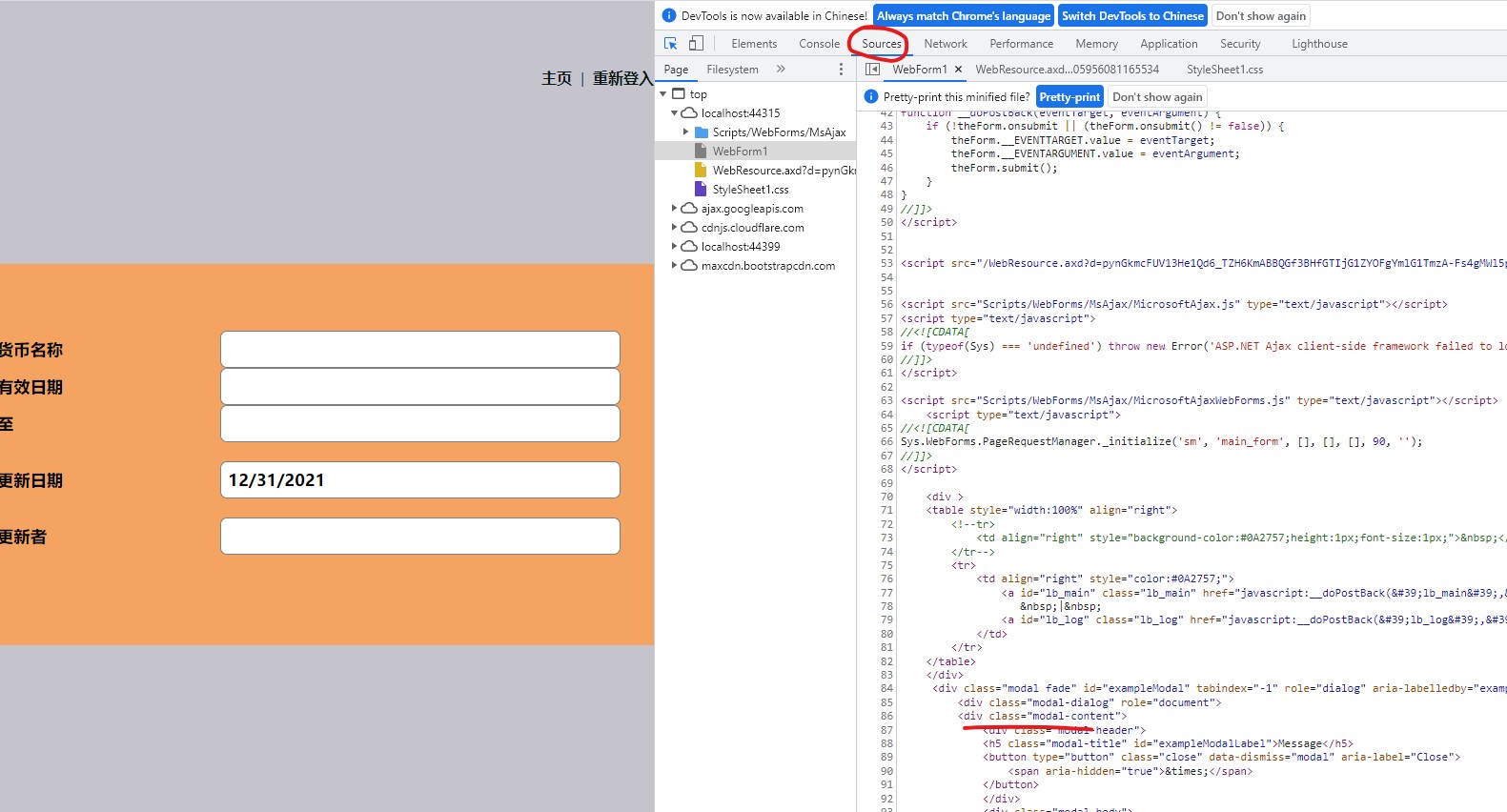
Best regards,
Lan Huang
Hi,
Yes, it is fine on Edge (issue is only happening on Chrome).
Is the problem due to Error 404 (that can be seen by pressing F12 on Chrome)?
Inside my current project file, there is only one .aspx file.
Hi @Peter_1985 ,
Yes, you can try to press f12 in Google Chrome to view the specific problem.
Best regards,
Lan Huang
Hi,
To Error like
/favicon.ico:1 Failed to load resource: the server responded with a status of 404 (Not Found)
How to know which line (of code) is leading to the error?