Community Center | Not monitored
Tag not monitored by Microsoft.

This browser is no longer supported.
Upgrade to Microsoft Edge to take advantage of the latest features, security updates, and technical support.
' cx='32' cy='32' r='32' /%3E%3Ctext x='50%25' y='55%25' dominant-baseline='middle' text-anchor='middle' fill='%23FFF' %3EYF%3C/text%3E%3C/svg%3E)
I try to create a table on the dataset I used several time in the last year. After the table is created is seems not to appear on the left query pane as it should be. (It doesn't appear in the PowerQuery Editor, but apears in the Field, please see the pic attached. 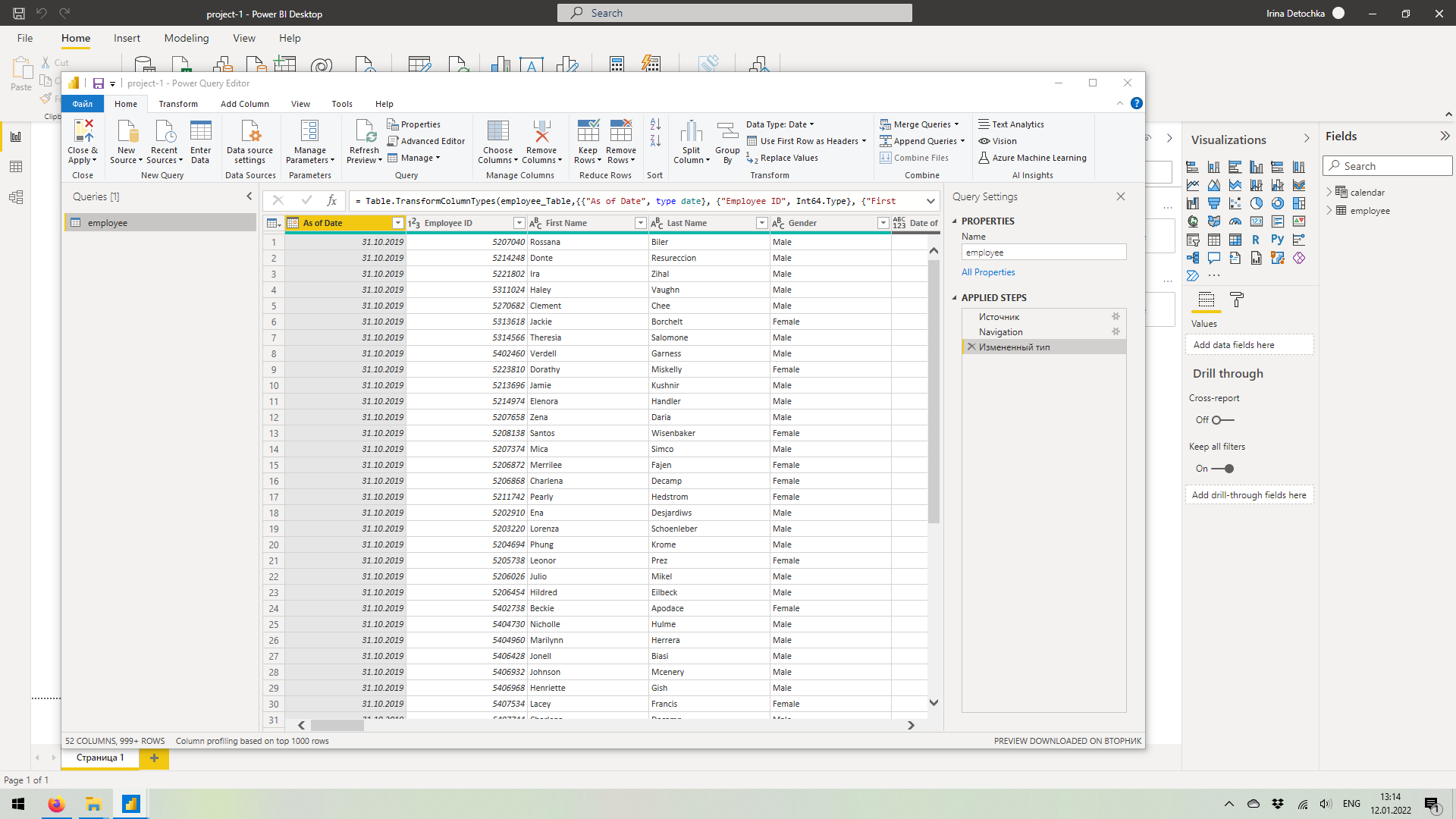 My assumption is that MS has a new version with the breaking changes. Could please Power BI gurus have a look at my attempt to create a table and point at what might I do wrong? Or may be it is the new functionality of Power BI I'm not aware of?

Hello,
Power BI related questions are not supported on this forum. It's better to reach out experts in dedicated forum over here:
https://community.powerbi.com/t5/Forums/ct-p/PBI_Comm_Forums
Please don't forget to Accept Answer and Up-vote if the response helped -- Vaibhav