Azure Monitor
An Azure service that is used to collect, analyze, and act on telemetry data from Azure and on-premises environments.
This browser is no longer supported.
Upgrade to Microsoft Edge to take advantage of the latest features, security updates, and technical support.
' cx='32' cy='32' r='32' /%3E%3Ctext x='50%25' y='55%25' dominant-baseline='middle' text-anchor='middle' fill='%23FFF' %3EA%3C/text%3E%3C/svg%3E)
The button not pinned my app, and for find my app.
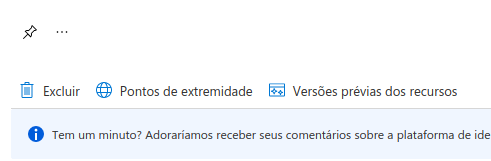
and last when i search for my app, i try but i dont remenber name of app and i dont found in azure for take configurations, someone has same bug, a use the Google Chrome for access Azure.
An Azure service that is used to collect, analyze, and act on telemetry data from Azure and on-premises environments.
' cx='32' cy='32' r='32' /%3E%3Ctext x='50%25' y='55%25' dominant-baseline='middle' text-anchor='middle' fill='%23FFF' %3EAM%3C/text%3E%3C/svg%3E)
Hi @Administrador ,
Welcome to Microsoft Q&A! Thanks for posting the question.
I tested a simple scenario and I did not face any issue after pinning the resource to my dashboard. After registering an app in Azure Active Directory, when you click on the  button, the option is provided to pin this resource to one of the Azure Dashboards, as shown below:
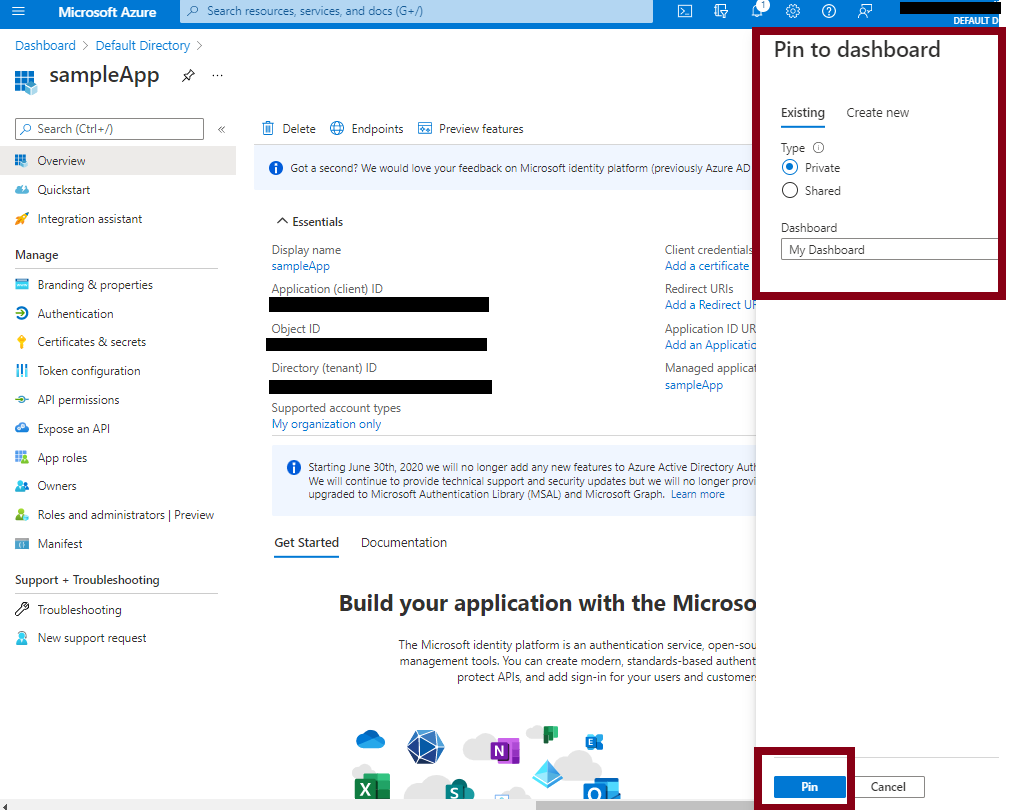
You can view the resource on the dashboard, by accessing the home page (https://portal.azure.com). If you have multiple dashboards, you may have to select the correct one by using the Expand button Icon as shown below:
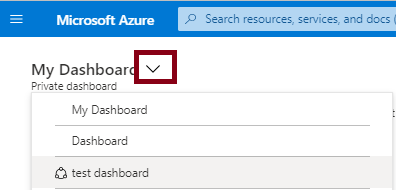
You can also see all the apps registered by going to "Azure Active Directory" --> "App registrations" page.
Please let me know if you have any questions.
---
Please 'Accept as answer' and ‘Upvote’ if it helped so that it can help others in the community looking for help on similar topics.
@Administrador , Just checking in to see if the above post helped answer your question. Kindly let us know if you have any further questions on this specific topic, we would be more than happy to assist you.
To benefit the community find the right answers, please do mark the post which was helpful by clicking on ‘Accept Answer’ & ‘Up-Vote’.