' cx='32' cy='32' r='32' /%3E%3Ctext x='50%25' y='55%25' dominant-baseline='middle' text-anchor='middle' fill='%23FFF' %3ESK%3C/text%3E%3C/svg%3E)
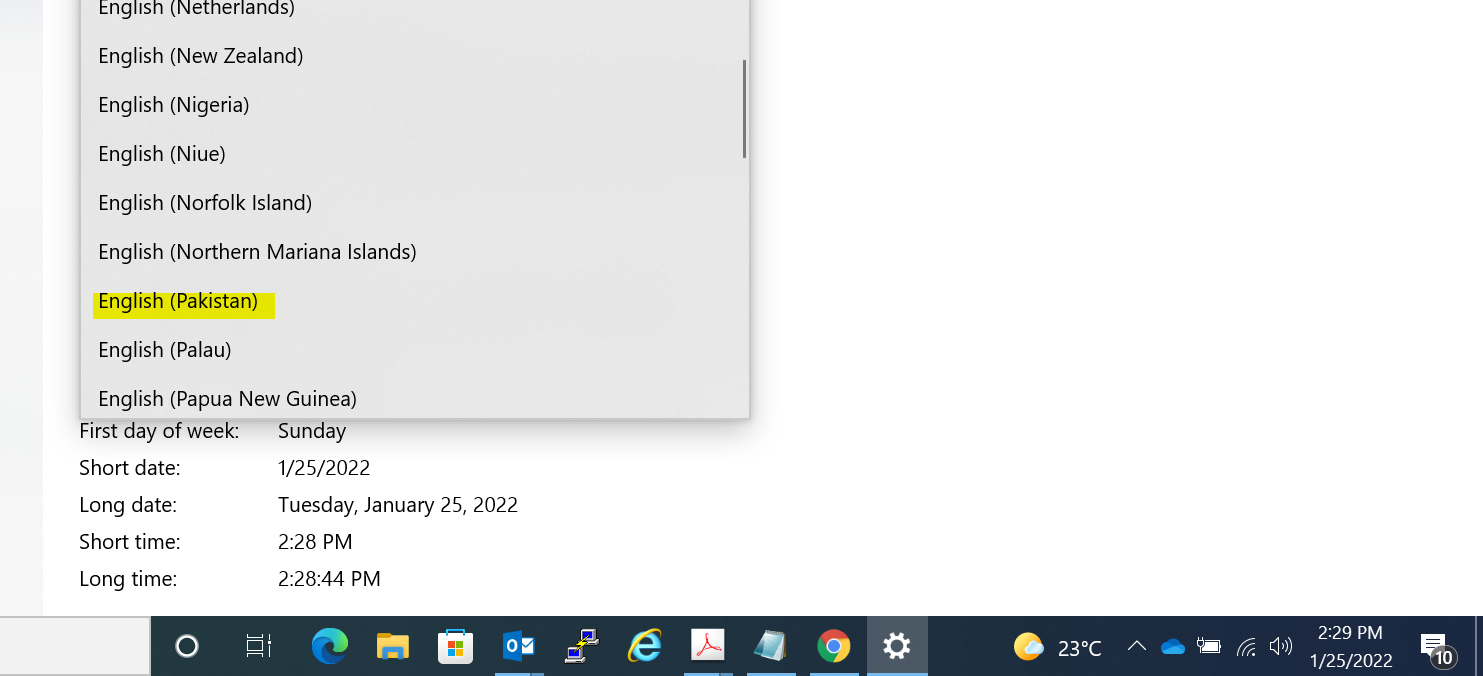
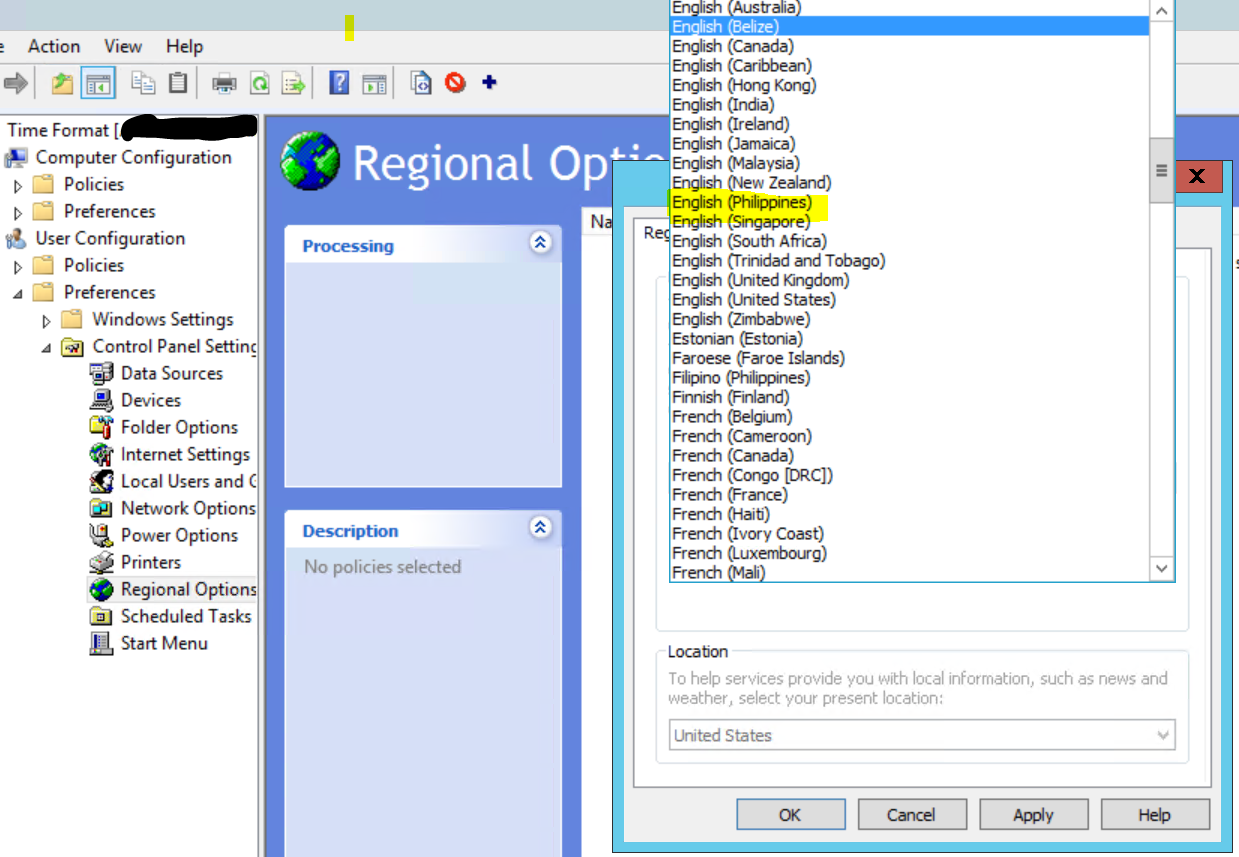 from DC's end as right now Client have US English Selected as default since the time of OS installation.

Hi there,
Try the below steps and see if you can see the format in the drop-down.
Open Group Policy, user configuration -> preferences -> Registry right click and collection item use a name as u wish and click that.
Then go to the right pane and right-click, New -> Registry wizard, then next HKeyCurrentUser -> Control Panel -> International and use the down pane and select "sLongDate" and click finish.
Here is a thread as well that discusses the same issue and you can try out some troubleshooting steps from this and see if that helps you to sort the Issue.
Change date format for domain user
https://social.technet.microsoft.com/Forums/en-US/062935a8-5ef7-40a9-829a-ee973ae1710d/change-date-format-for-domain-user?forum=winservergen
--If the reply is helpful, please Upvote and Accept it as an answer--