Azure Virtual Machines
An Azure service that is used to provision Windows and Linux virtual machines.
This browser is no longer supported.
Upgrade to Microsoft Edge to take advantage of the latest features, security updates, and technical support.
' cx='32' cy='32' r='32' /%3E%3Ctext x='50%25' y='55%25' dominant-baseline='middle' text-anchor='middle' fill='%23FFF' %3EKK%3C/text%3E%3C/svg%3E)
I connect to my SQL Azure VM with RDP. While I'm on there, every few minutes it does a disconnect and of the RDP and right away try's to reconnect. It will timeout for about 8 seconds then come back to the Server. This happens throughout the day. Any thoughts on how to fix this? This happens even when connected to other computers and different user accounts.
Thanks for your help!
' cx='32' cy='32' r='32' /%3E%3Ctext x='50%25' y='55%25' dominant-baseline='middle' text-anchor='middle' fill='%23FFF' %3ESM%3C/text%3E%3C/svg%3E)
Hi @Kevin Klockner ,
Thanks for reaching out to Microsoft QnA Platform.
RDP session can frequently get disconnected from an Azure SQL VM due to some common reasons.
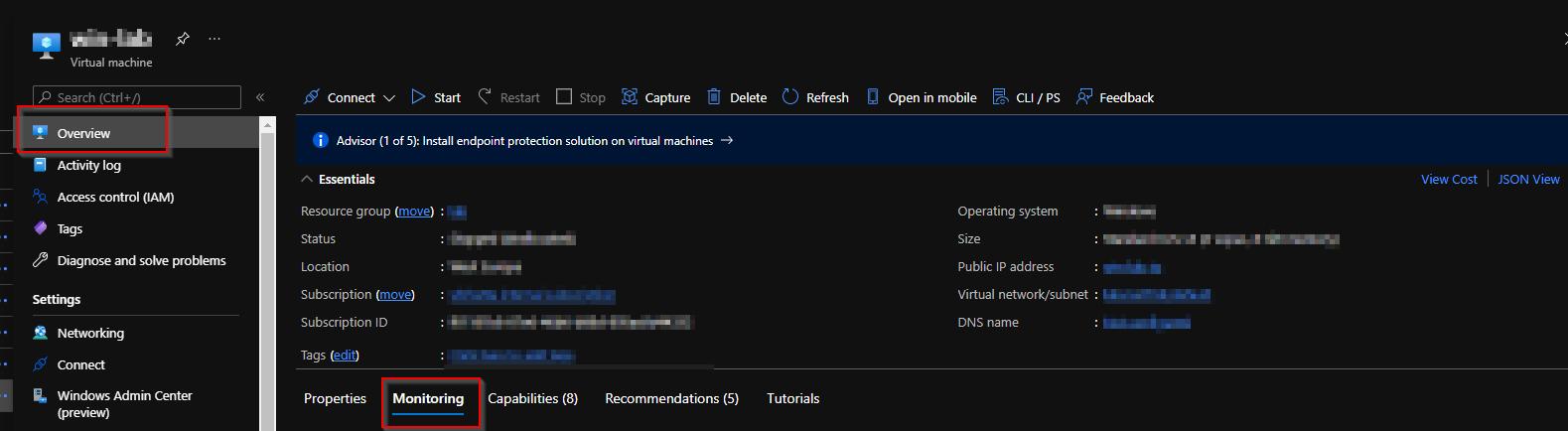
I hope this helps.
Please 'Accept as Answer' if the above provided information is useful to help the community.
