Microsoft Security | Microsoft Entra | Microsoft Entra ID
A cloud-based identity and access management service for securing user authentication and resource access

This browser is no longer supported.
Upgrade to Microsoft Edge to take advantage of the latest features, security updates, and technical support.
' cx='32' cy='32' r='32' /%3E%3Ctext x='50%25' y='55%25' dominant-baseline='middle' text-anchor='middle' fill='%23FFF' %3EA%3C/text%3E%3C/svg%3E)
Good day Community,
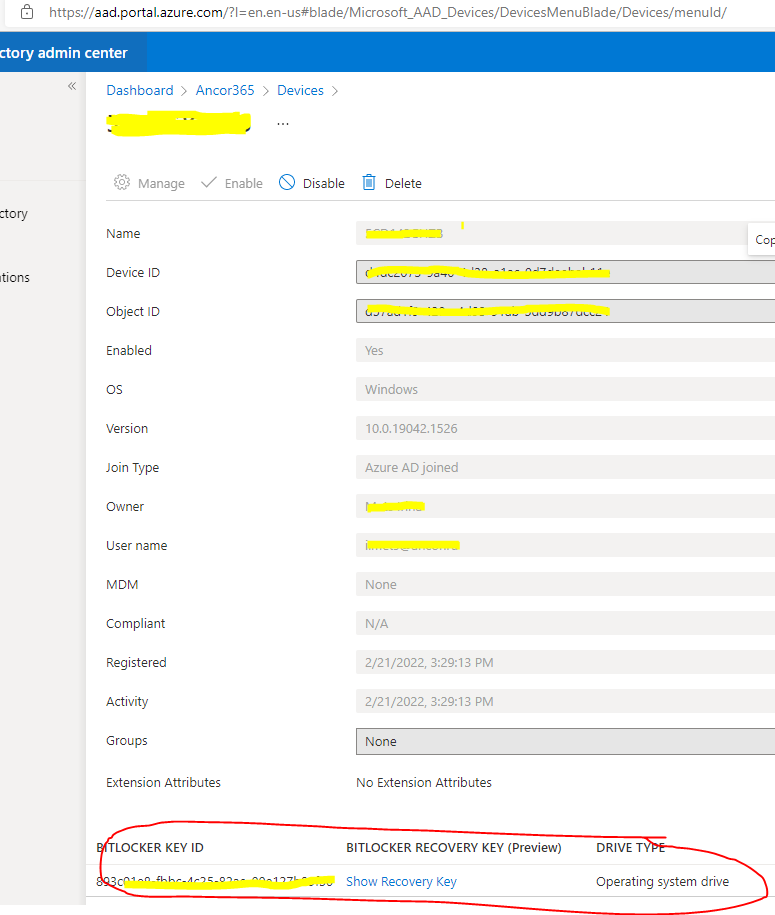
I have a query. Say there is in excess of 1000 devices (Windows 10) on the portal all of which have the BitLocker keys uploaded to them. We wish to do an audit amongst other things so is there a way to export the keys to a spreadsheet for example or even export the list of devices incl. the BitLocker keys. Preferably a way to do this without Powershell but if needs be I can use that too! I just really want to have a list of BitLocker keys in one document.
Many Thanks,
' cx='32' cy='32' r='32' /%3E%3Ctext x='50%25' y='55%25' dominant-baseline='middle' text-anchor='middle' fill='%23FFF' %3EA%3C/text%3E%3C/svg%3E)
@Alexey
I understand that you wish to get a list of Azure Disk Encryption disks and their keys. Please correct me if I am misunderstanding.
You can get a list of encrypted VMs in your subscription using PowerShell.
$osVolEncrypted = {(Get-AzVMDiskEncryptionStatus -ResourceGroupName $_.ResourceGroupName -VMName $_.Name).OsVolumeEncrypted}
$dataVolEncrypted= {(Get-AzVMDiskEncryptionStatus -ResourceGroupName $_.ResourceGroupName -VMName $_.Name).DataVolumesEncrypted}
Get-AzVm | Format-Table @{Label="MachineName"; Expression={$_.Name}}, @{Label="OsVolumeEncrypted"; Expression=$osVolEncrypted}, @{Label="DataVolumesEncrypted"; Expression=$dataVolEncrypted}
You can also list all disk encryption secrets used for encrypting VMs in a key vault.
Get-AzKeyVaultSecret -VaultName $KeyVaultName | where {$_.Tags.ContainsKey('DiskEncryptionKeyFileName')} | format-table @{Label="MachineName"; Expression={$_.Tags['MachineName']}}, @{Label="VolumeLetter"; Expression={$_.Tags['VolumeLetter']}}, @{Label="EncryptionKeyURL"; Expression={$_.Id}}
If you would prefer to use the CLI the same information can be found using CLI commands. Please see the section here for a list of commands that can be used.
Let me know if this helps or if you need further assistance don't hesitate to let us know.
-------------------------------
Please don’t forget to "Accept the answer" and “up-vote” wherever the information provided helps you, this can be beneficial to other community members.
Azure Disk Encryption is not a valid tag, no correct ones available.
All computers are on the premise, connected to azure ad.