Azure Files
An Azure service that offers file shares in the cloud.
This browser is no longer supported.
Upgrade to Microsoft Edge to take advantage of the latest features, security updates, and technical support.
' cx='32' cy='32' r='32' /%3E%3Ctext x='50%25' y='55%25' dominant-baseline='middle' text-anchor='middle' fill='%23FFF' %3EDN%3C/text%3E%3C/svg%3E)
Hey Folks,
We currently use Azure files for all user data storage, but it was setup as a premium solution by my predecessor and to save money i've been tasked with creating a cheaper solution (on spinning disk without caching etc).
My question is, i'm planning to put it in the same resource group as the existing solution and I just wanted to check that running the Join-AzStorageAccountForAuth command where you specify the resourcegroupname, name and domainaccounttype wouldn't affect the existing solution?
Additionally i'm assuming the entry in AD should just be a user account (or a computer account if you choose that) with the exact name of the storage account. My predecessor ran a POC before he left but I can't see where that account is in AD.
Thanks Guys

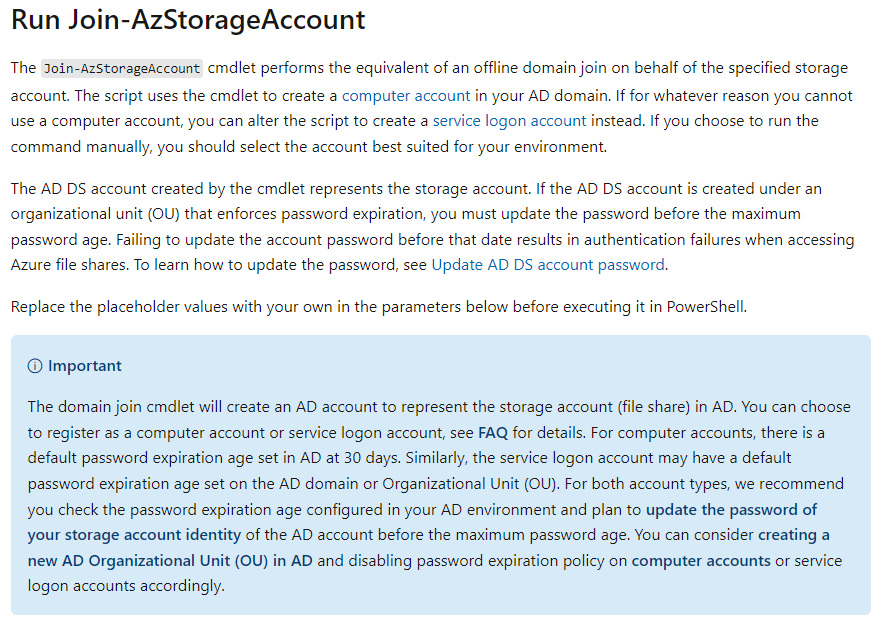
No, it will not affect the existing setup as you will be creating a new storage account and authorising this account. The script will create a computer account for you automatically so this new storage account will have a different computer account created for it. I recommend to use computer accounts just note the password expiration setting below. https://learn.microsoft.com/en-us/azure/storage/files/storage-files-identity-ad-ds-enable#run-join-azstorageaccount
Thats great thanks Alan, I just wanted a bit of a sanity check before I went ahead.
I am curious why you'd recommend a computer account over a service account though, only because I can set the password to not expire on a service account.
Thanks again.
Hi Dave, a managed service account is fine. It's more of a personal preference, I like to use computer accounts in a dedicated OU with no password maximum age policy. The main reason I have for this is I have seen cases where over eager admins have disabled service accounts that they didn't recognise and this led to problems but this was for down to poor documentation and communication.