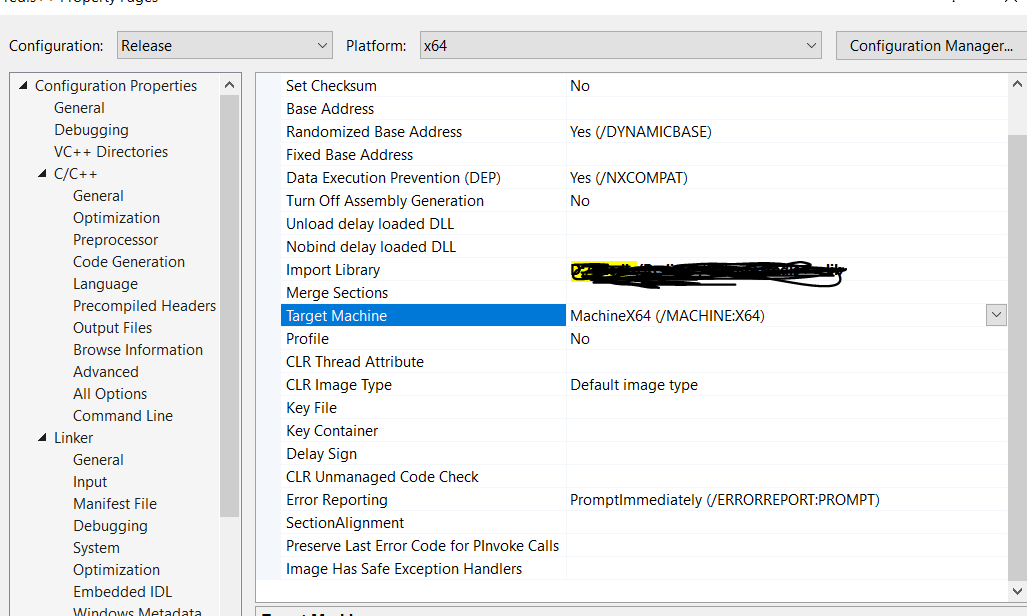
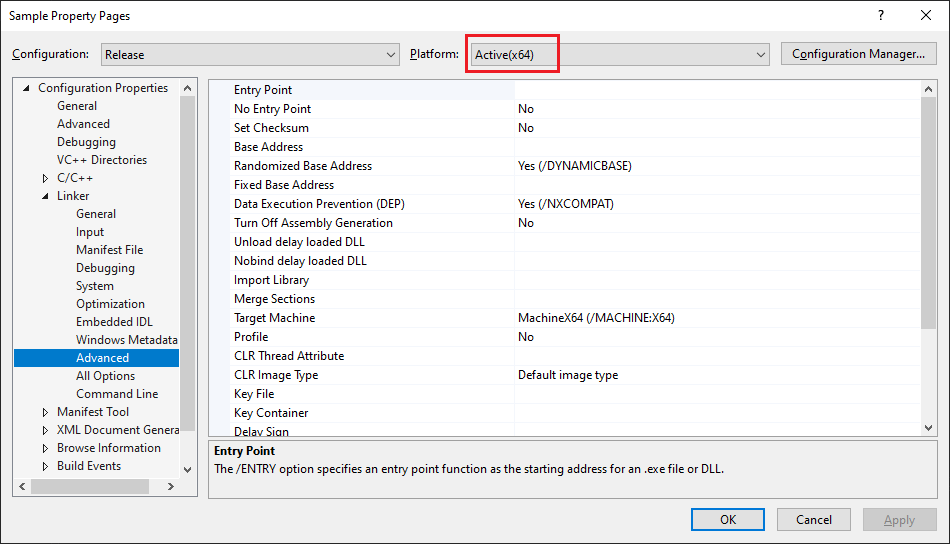
In one of my C++ project when I try to compile it on x64, I am getting below error:
x64\Release\command.obj : fatal error LNK1112: module machine type 'x64' conflicts with target machine type 'x86'
There are many links, one relvent info looks to me to point Project Properties > VC++ Directories > Executable Directories to only x64 but I see in my project it is also pointing to x86 as well
The current value is "$(VC_ExecutablePath_x64);$(WindowsSDK_ExecutablePath);$(VS_ExecutablePath);$(MSBuild_ExecutablePath);$(FxCopDir);$(PATH);"
But resolved values are as following:
C:\Program Files (x86)\Microsoft Visual Studio\2019\Enterprise\VC\Tools\MSVC\14.16.27023\bin\HostX86\x64
C:\Program Files (x86)\Microsoft Visual Studio\2019\Enterprise\VC\Tools\MSVC\14.16.27023\bin\HostX86\x86
C:\Program Files (x86)\Windows Kits\10\bin\10.0.17763.0\x86
C:\Program Files (x86)\Microsoft SDKs\Windows\v10.0A\bin\NETFX 4.6.1 Tools
C:\Program Files (x86)\Microsoft Visual Studio\2019\Enterprise\Common7\tools
C:\Program Files (x86)\Microsoft Visual Studio\2019\Enterprise\Common7\ide
C:\Program Files (x86)\HTML Help Workshop
C:\Program Files (x86)\Microsoft Visual Studio\2019\Enterprise\MSBuild\Current\Bin
C:\windows\Microsoft.NET\Framework\v4.0.30319\
C:\Program Files (x86)\Common Files\Oracle\Java\javapath
C:\windows\system32
C:\windows
and some more from PATH
I am not able to get from where it is picking first 2 entries i.e. HostX86\x64 and HostX86\x86, how can I remove "HostX86\x86"
In earlier versions, it used to be under Tools > Options
' cx='32' cy='32' r='32' /%3E%3Ctext x='50%25' y='55%25' dominant-baseline='middle' text-anchor='middle' fill='%23FFF' %3EM%3C/text%3E%3C/svg%3E)