Microsoft 365 and Office | SharePoint | Development
The process of building custom applications and tools that interact with Microsoft SharePoint, including SharePoint Online in Microsoft 365.

This browser is no longer supported.
Upgrade to Microsoft Edge to take advantage of the latest features, security updates, and technical support.
' cx='32' cy='32' r='32' /%3E%3Ctext x='50%25' y='55%25' dominant-baseline='middle' text-anchor='middle' fill='%23FFF' %3ESP%3C/text%3E%3C/svg%3E)
Hi Team,
I am new in the SPFx development, I have installed the Node.js 16.14.0 and I have run the commands as per the https://learn.microsoft.com/en-us/sharepoint/dev/spfx/set-up-your-development-environment#install-nodejs. But, when I have run the following command it stuck.
npm install @microsoft/generator-sharepoint --global
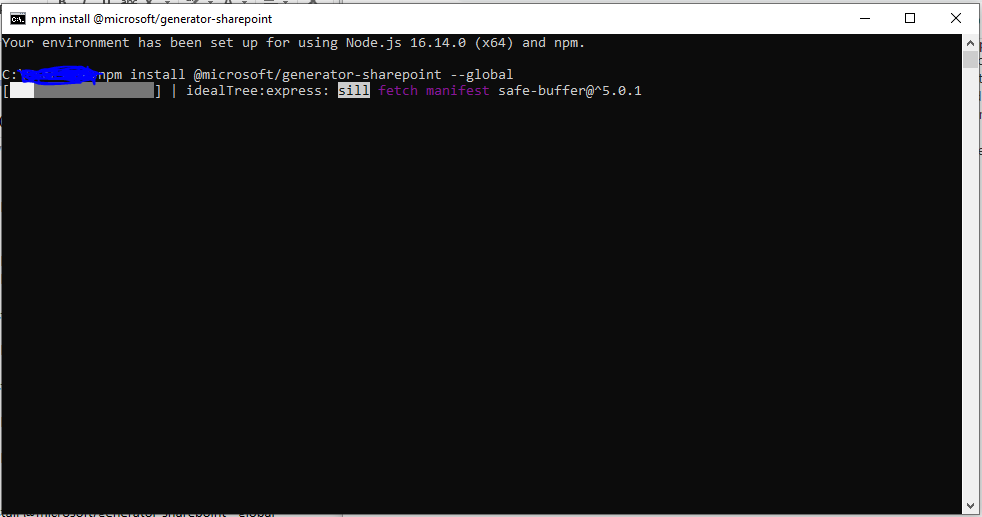
Kindly help me.
Thanks & Regards,
Surendra Patil

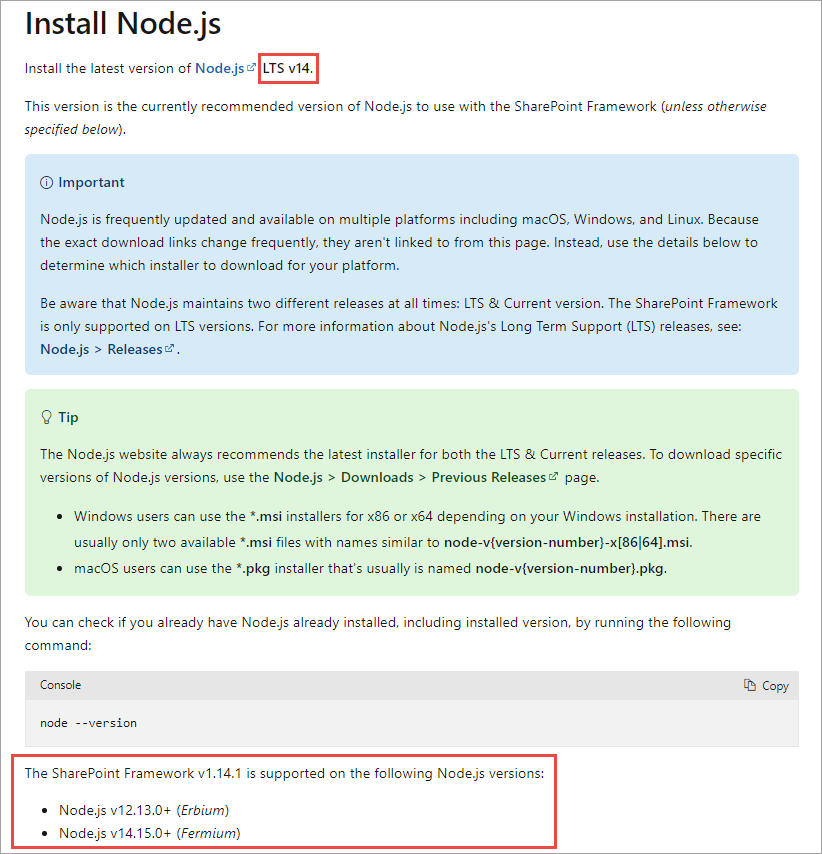
The current version of the SharePoint Framework only works on Node.js v12.13.0+ or v14.15.0+. It does not work on Node.js v16.x.
' cx='32' cy='32' r='32' /%3E%3Ctext x='50%25' y='55%25' dominant-baseline='middle' text-anchor='middle' fill='%23FFF' %3ER%3C/text%3E%3C/svg%3E)
Hi @Surendra Patil ,
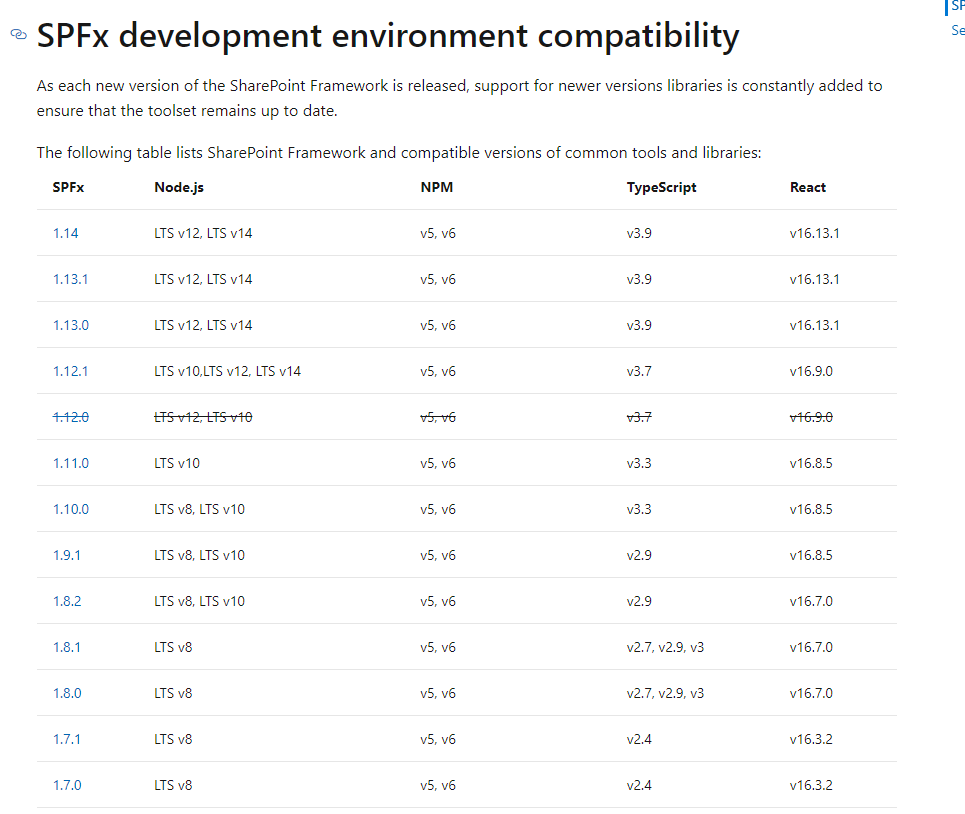
Per my research, I do agree with RobWindsor-4651's answer. spfx doesn't support node.js 16.14.0. Here is the document about spfx support
If the answer is helpful, please click "Accept Answer" and kindly upvote it. If you have extra questions about this answer, please click "Comment".
Note: Please follow the steps in our documentation to enable e-mail notifications if you want to receive the related email notification for this thread.
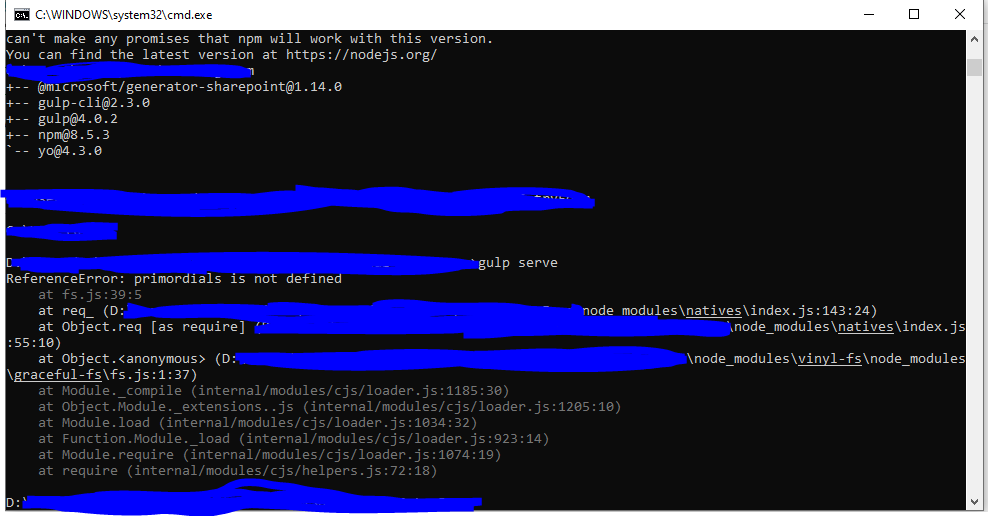
I have install the Nodejs 14, but now I got the following error. Kindly help me.
What specific version of Node.js are you running? You can find this by running node --version.
I have checked the Node.js version and it's v14.0.0.
SharePoint Framework v1.14 is not compatible with Node.js v14.0.0. As mentioned in my original answer, you need Node.js v14.15.0 or later. To get a compatible version of Node.js, please follow these steps.
Open a browser and navigate to the Node.js Foundation site: https://www.nodejs.org.
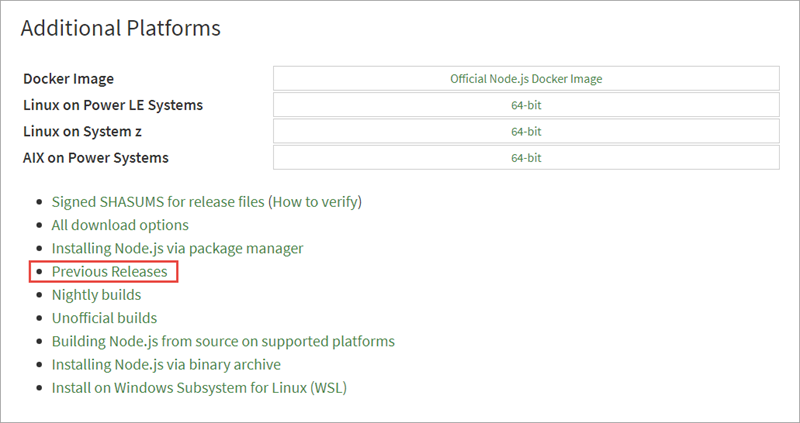
Select Downloads from the top menu navigation then scroll to the bottom of the page and select Previous Releases.
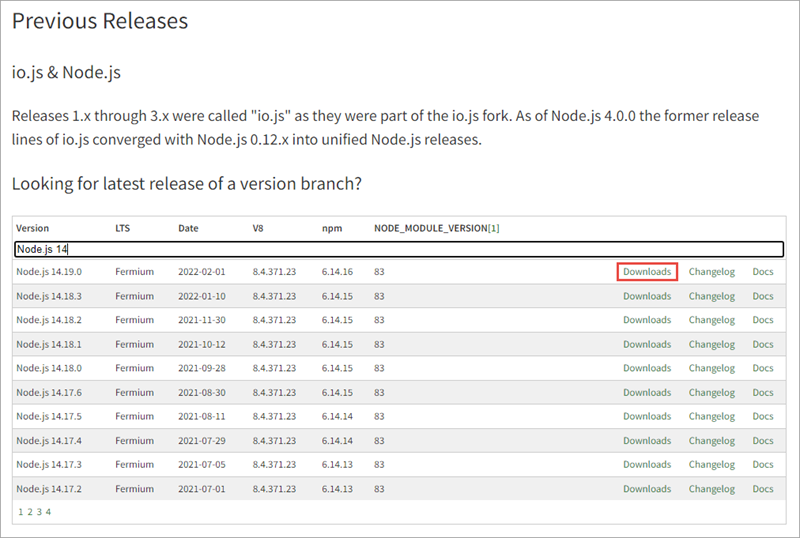
In the Previous Releases page, select the Downloads link for Node.js v14.15.0 or later. In the screen capture, Node.js v14.19.0 has been selected.
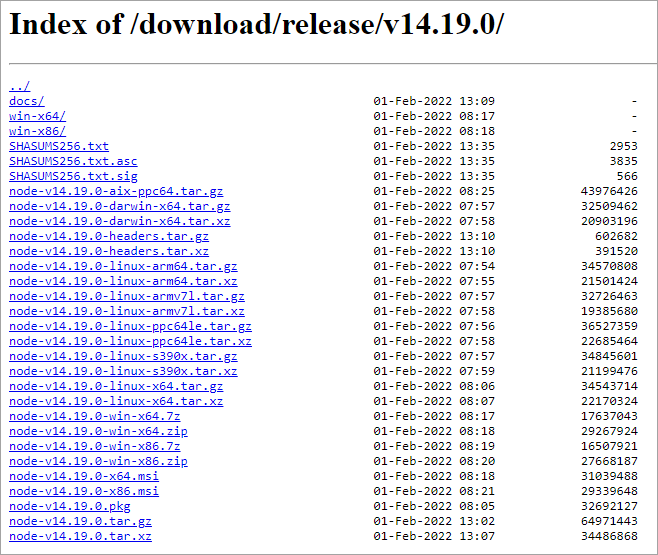
Download the appropriate installer or binary for the platform you're using.
Run the installer, accepting all the default options.
Resources: Set up your SharePoint Framework development environment and Exercise - Configure your SharePoint Framework development environment
Hi,
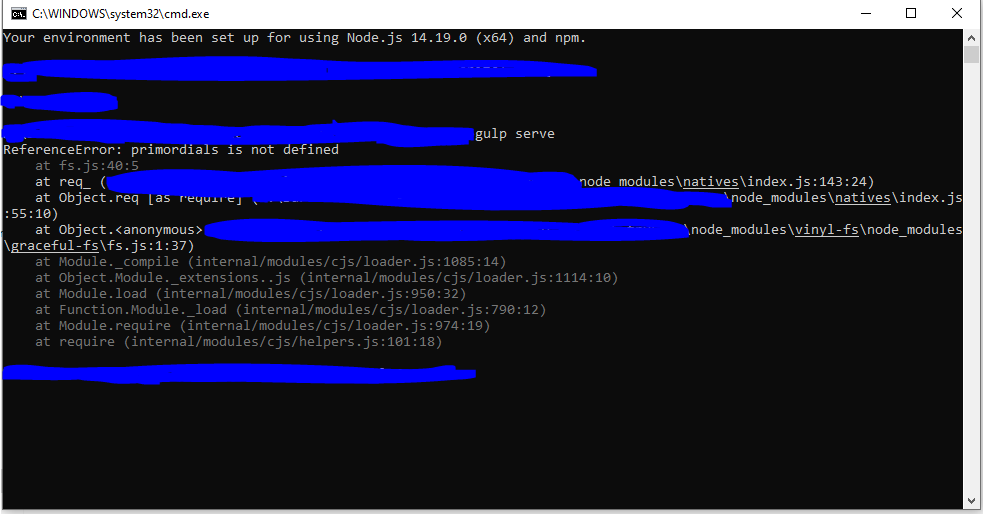
I have installed node.js v14.19.0 and then I have created the new test project its working. But, when I am open the existing project and run the gulp serve command its give me following error. Kindly help me to solve this production error.
following are installed
+-- @microsoft/generator-sharepoint@1.14.0
+-- gulp-cli@2.3.0
+-- gulp@4.0.2
+-- npm@8.5.3
`-- yo@4.3.0
Thanks & Regards,
Surendra Patil