Developer technologies | Visual Studio | Debugging
A core feature of Visual Studio that allows developers to inspect, analyze, and troubleshoot code during execution.
This browser is no longer supported.
Upgrade to Microsoft Edge to take advantage of the latest features, security updates, and technical support.
' cx='32' cy='32' r='32' /%3E%3Ctext x='50%25' y='55%25' dominant-baseline='middle' text-anchor='middle' fill='%23FFF' %3EHV%3C/text%3E%3C/svg%3E)
Hello
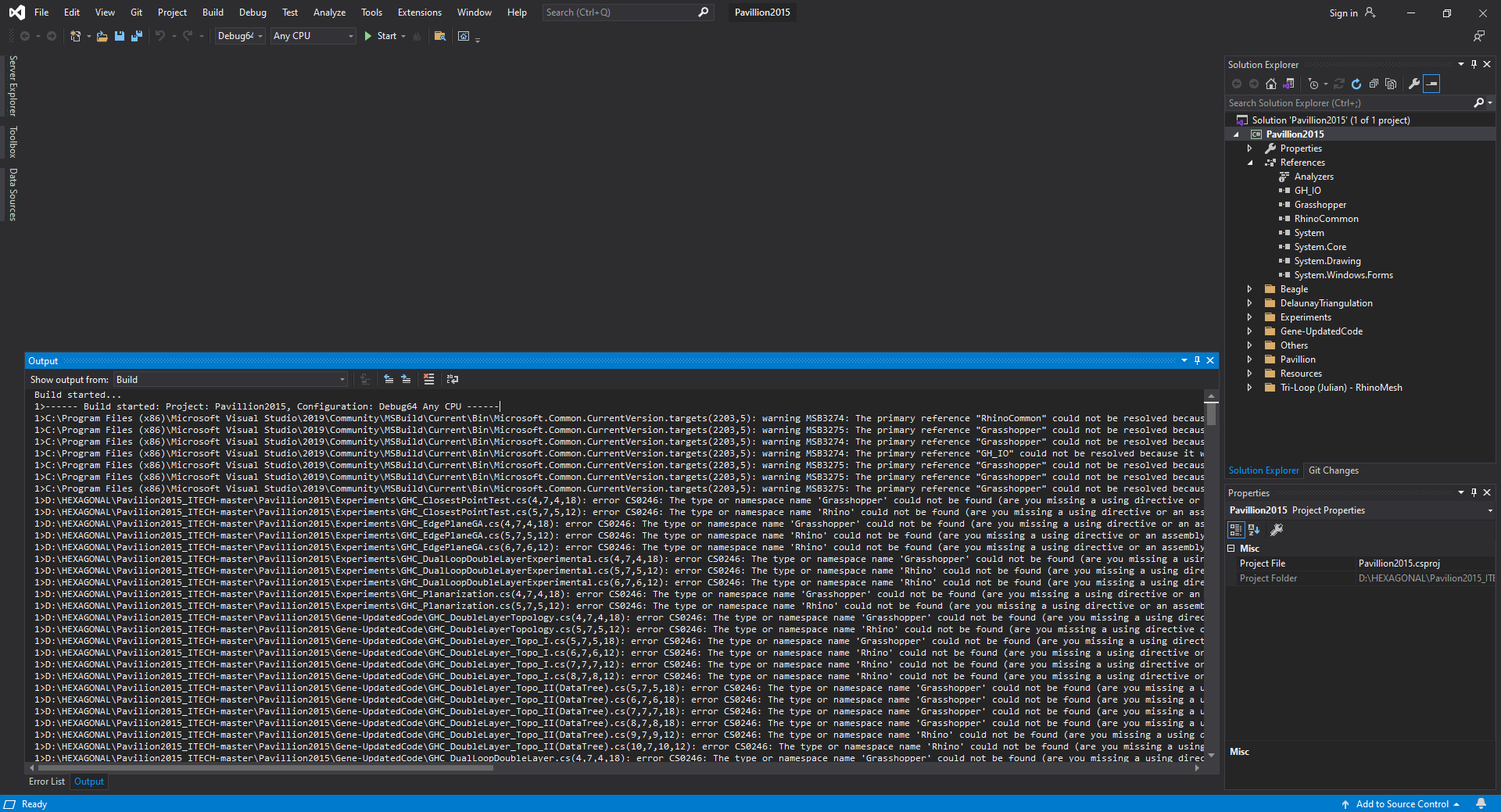
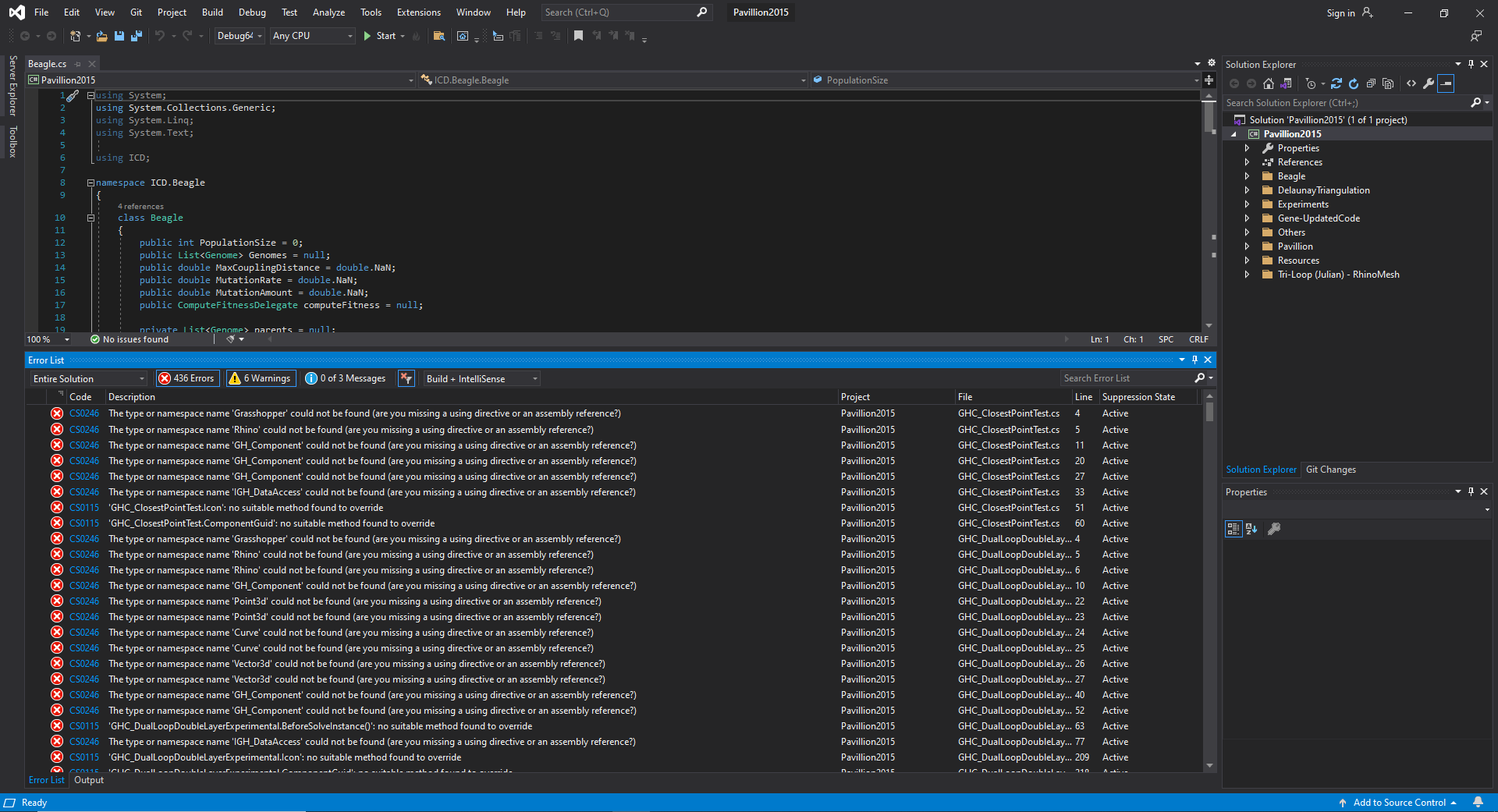
I want to build a pre-written code in VS 2019, but I got errors. Someone told me that I have to relink rhino common and grasshopper references of my PC because VS cannot find the directories. Could you please tell me how I can do it?
Best,
Hasti


If the third-party libraries are already installed, then try right-clicking the References node in Solution Explorer, then "Add References...", "Browse...", and select the third-party libraries (DLL files).
Dear @Viorel
Thank you so much for your help. I did these steps. Previous errors were fixed but I still could not build the code and it failed. I attached the list of errors as a pdf file. Could you please tell me what the problem is?
Best Regards,
Hasti
According to messages, probably you should go to Project Property and change the "Target framework" to ".NET Framework 4.8".
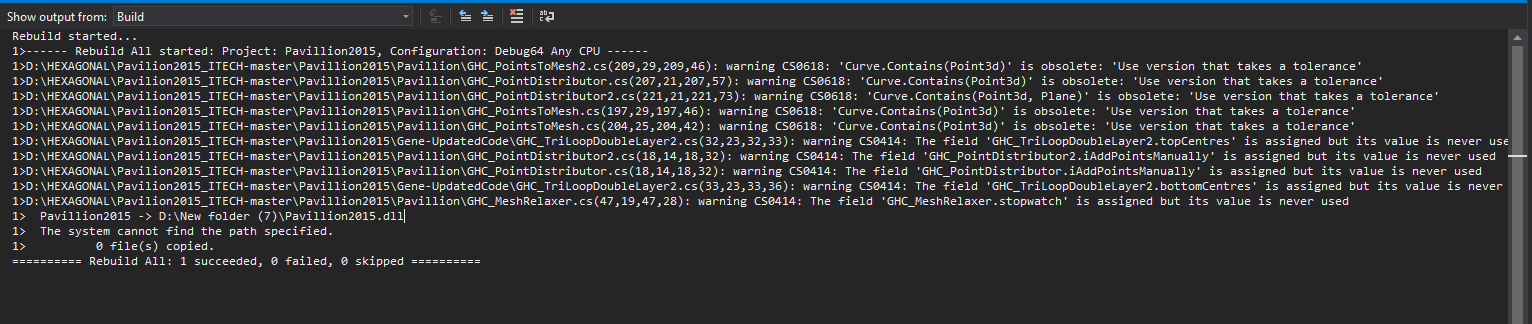
Thanks a lot. It worked. I could build the code. But I only got a .pdb file, not a .gh file. Could you please check the image below and tell me, is there still a problem in the building process?