Microsoft Security | Intune | Other
Other Intune-related topics, including unsupported scenarios and platform-specific behaviors

This browser is no longer supported.
Upgrade to Microsoft Edge to take advantage of the latest features, security updates, and technical support.
' cx='32' cy='32' r='32' /%3E%3Ctext x='50%25' y='55%25' dominant-baseline='middle' text-anchor='middle' fill='%23FFF' %3ENM%3C/text%3E%3C/svg%3E)
Hello,
I have two questions about applications and Intune.
1- I would like to allow users to run an application without give them administrator privilege. How can I do that?
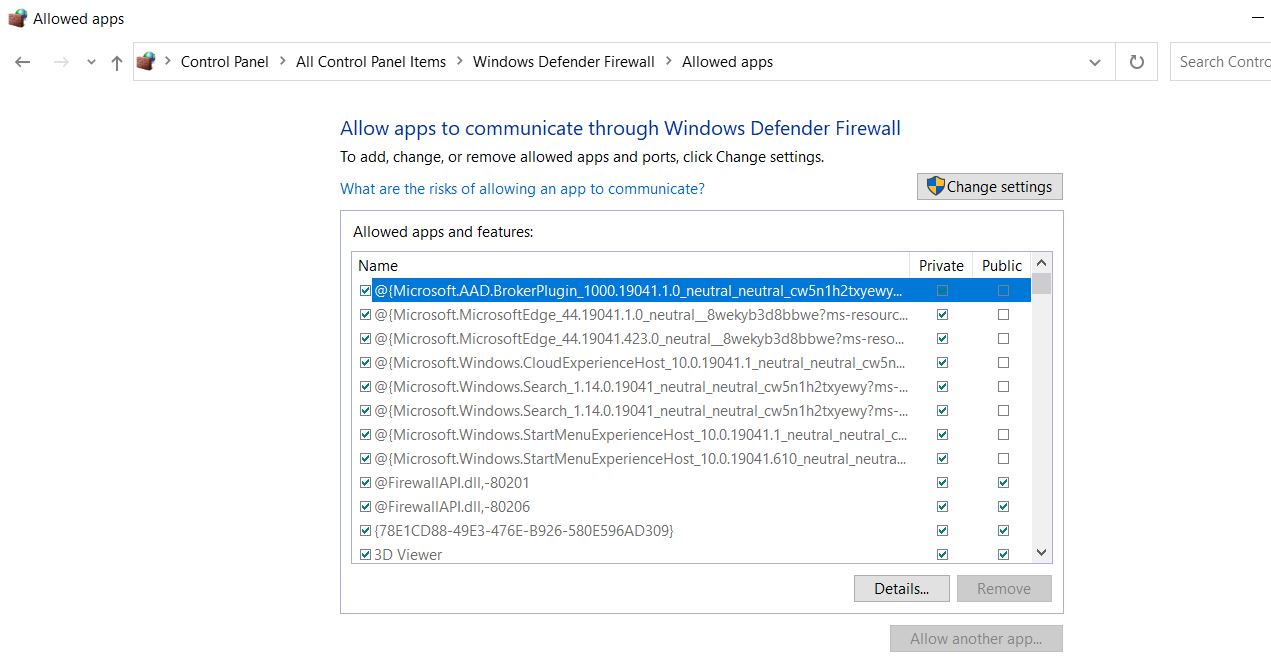
2- How can I allow application through firewall or endpoint security in Intune? I created inbound and outbound rule for specific application but it doesn't work. I would like to manipulate this part on each computer via Intune.
' cx='32' cy='32' r='32' /%3E%3Ctext x='50%25' y='55%25' dominant-baseline='middle' text-anchor='middle' fill='%23FFF' %3ECM%3C/text%3E%3C/svg%3E)
@nasha mehr , For your questions here are my answers:
Q1: I would like to allow users to run an application without give them administrator privilege. How can I do that?
A1: If the application running needs admin permission, you need to give the user administrator privilege. Because permission is needed on OS level. Intune can't control it. But if you want to install the application, we can deploy it via Intune and use system account to install it.
Q2: How can I allow application through firewall or endpoint security in Intune? I created inbound and outbound rule for specific application but it doesn't work. I would like to manipulate this part on each computer via Intune.
A2: Firstly, we need to manually create the rule on one client to see if it works. If yes, then we can deploy it via Intune under device Configuration->endpoint Protection. Here is a link for the reference:
https://learn.microsoft.com/en-us/windows/security/threat-protection/windows-firewall/create-windows-firewall-rules-in-intune
Hope it can help.
If the answer is helpful, please click "Accept Answer" and kindly upvote it. If you have extra questions about this answer, please click "Comment".
Note: Please follow the steps in our documentation to enable e-mail notifications if you want to receive the related email notification for this thread.
@nasha mehr , How's everything going? I am writing to see if there's anything unclear of the previous post. If yes, feel free to let us know.
Thank you. Your answer was helpful.
@nasha mehr , Thanks for the response. I am glad to hear that the information can help. If there's anything else we can help in the future , feel free to post in our Q&A We are always glad to help.
Thanks for your time and have a nice day!