Developer technologies | ASP.NET | ASP.NET Core
A set of technologies in the .NET Framework for building web applications and XML web services.
This browser is no longer supported.
Upgrade to Microsoft Edge to take advantage of the latest features, security updates, and technical support.
' cx='32' cy='32' r='32' /%3E%3Ctext x='50%25' y='55%25' dominant-baseline='middle' text-anchor='middle' fill='%23FFF' %3EHP%3C/text%3E%3C/svg%3E)
Hi Y'all,
If someone could please help me with the below issues?
I built a Web API using ASP.Net Core (from Microsoft Tutorial). When calling the API, I got this error below:

The error can be read here:
System.InvalidOperationException: Unable to resolve service for type 'TapAPI.Models.TodoContext' while attempting to activate 'TapAPI.Controllers.TapController'. at Microsoft.Extensions.DependencyInjection.ActivatorUtilities.GetService(IServiceProvider sp, Type type, Type requiredBy, Boolean isDefaultParameterRequired) at lambda_method3(Closure , IServiceProvider , Object[] ) at Microsoft.AspNetCore.Mvc.Controllers.ControllerActivatorProvider.<>c__DisplayClass7_0.b__0(ControllerContext controllerContext) at Microsoft.AspNetCore.Mvc.Controllers.ControllerFactoryProvider.<>c__DisplayClass6_0.g__CreateController|0(ControllerContext controllerContext) at Microsoft.AspNetCore.Mvc.Infrastructure.ControllerActionInvoker.Next(State& next, Scope& scope, Object& state, Boolean& isCompleted) at Microsoft.AspNetCore.Mvc.Infrastructure.ControllerActionInvoker.InvokeInnerFilterAsync() --- End of stack trace from previous location --- at Microsoft.AspNetCore.Mvc.Infrastructure.ResourceInvoker.g__Awaited|20_0(ResourceInvoker invoker, Task lastTask, State next, Scope scope, Object state, Boolean isCompleted) at Microsoft.AspNetCore.Mvc.Infrastructure.ResourceInvoker.g__Logged|17_1(ResourceInvoker invoker) at Microsoft.AspNetCore.Mvc.Infrastructure.ResourceInvoker.g__Logged|17_1(ResourceInvoker invoker) at Microsoft.AspNetCore.Routing.EndpointMiddleware.g__AwaitRequestTask|6_0(Endpoint endpoint, Task requestTask, ILogger logger) at Microsoft.AspNetCore.Authorization.AuthorizationMiddleware.Invoke(HttpContext context) at Swashbuckle.AspNetCore.SwaggerUI.SwaggerUIMiddleware.Invoke(HttpContext httpContext) at Swashbuckle.AspNetCore.Swagger.SwaggerMiddleware.Invoke(HttpContext httpContext, ISwaggerProvider swaggerProvider) at Microsoft.AspNetCore.Diagnostics.DeveloperExceptionPageMiddleware.Invoke(HttpContext context) HEADERS ======= Accept: text/plain Host: localhost:7292 User-Agent: Mozilla/5.0 (Windows NT 10.0; Win64; x64) AppleWebKit/537.36 (KHTML, like Gecko) Chrome/99.0.4844.74 Safari/537.36 Edg/99.0.1150.46 :method: GET Accept-Encoding: gzip, deflate, br Accept-Language: en-US,en;q=0.9 Referer: https://localhost:7292/swagger/index.html sec-ch-ua: " Not A;Brand";v="99", "Chromium";v="99", "Microsoft Edge";v="99" DNT: 1 sec-ch-ua-mobile: ?0 sec-ch-ua-platform: "Windows" sec-fetch-site: same-origin sec-fetch-mode: cors sec-fetch-dest: empty
Controller implementation:
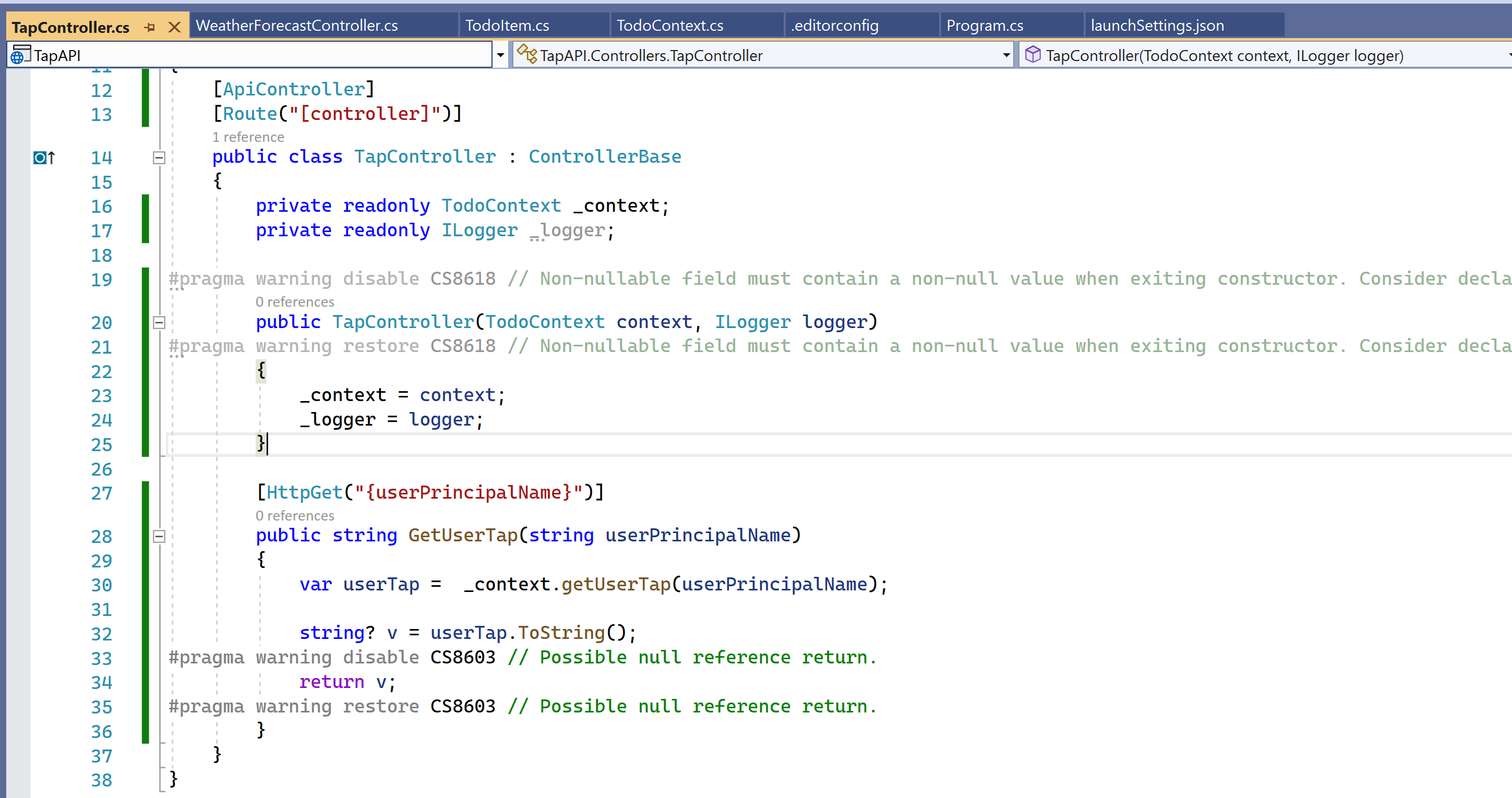
TodoContext Implementation:
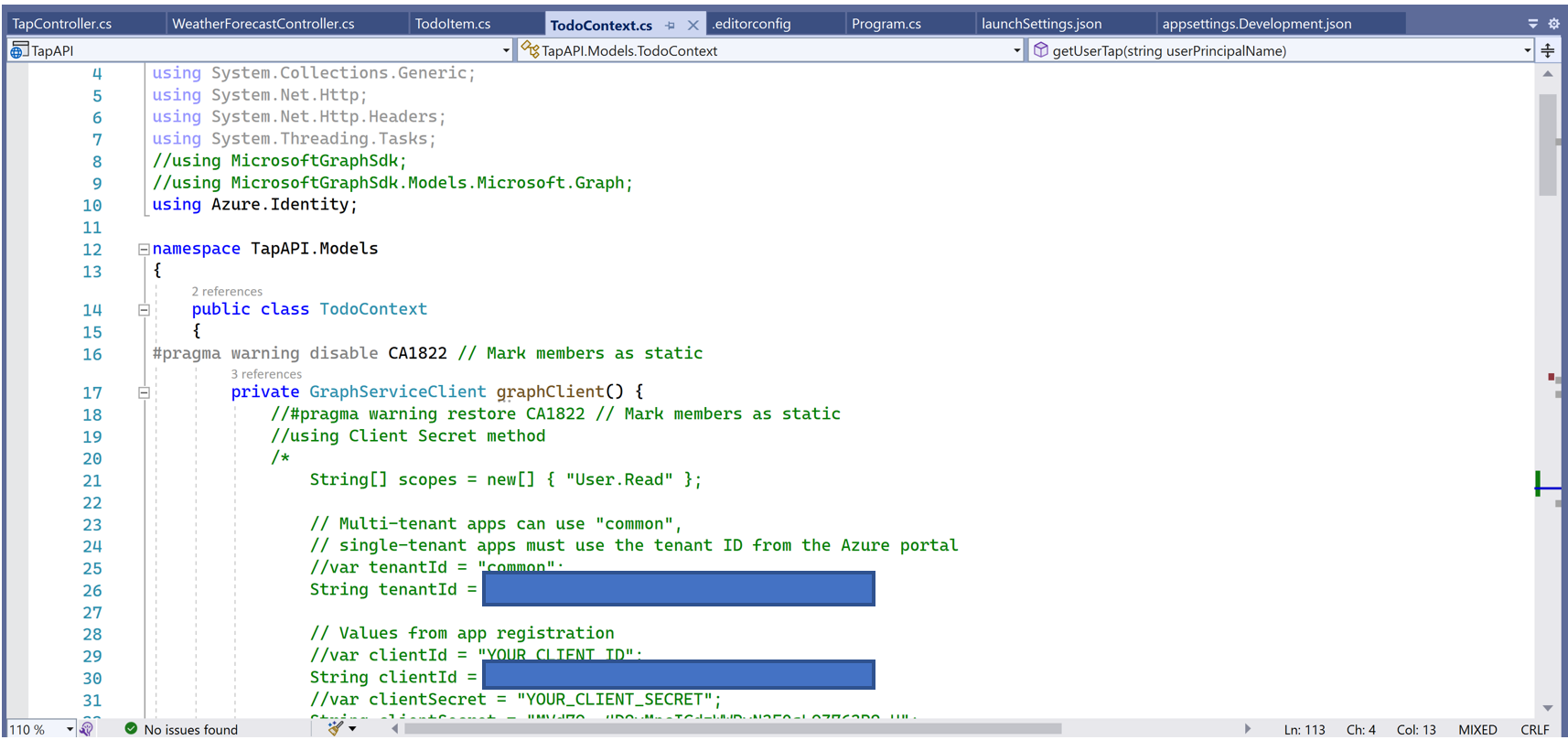
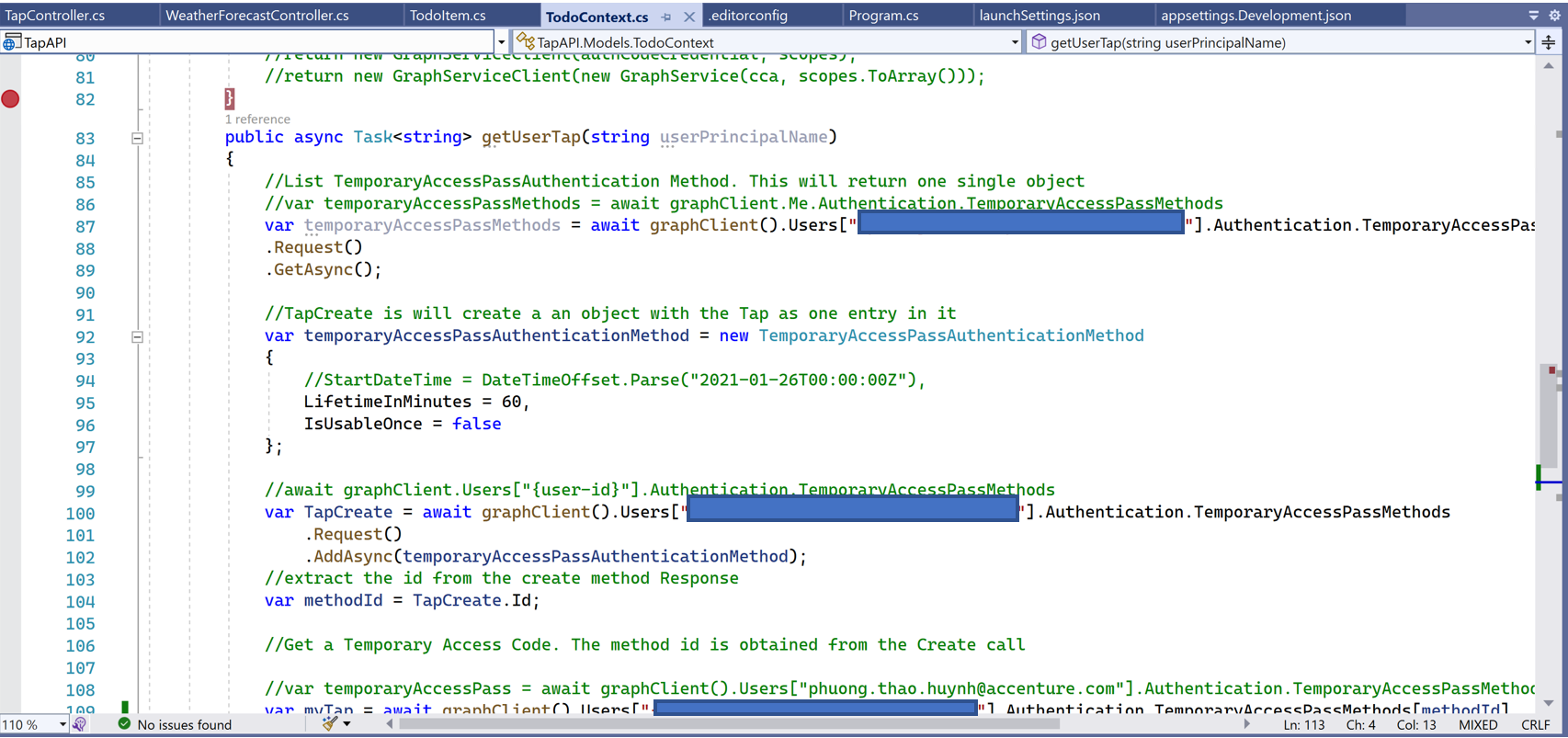
Could someone please point me out where to look at to address this issue.
Thank you and best regards,
Thao
' cx='32' cy='32' r='32' /%3E%3Ctext x='50%25' y='55%25' dominant-baseline='middle' text-anchor='middle' fill='%23FFF' %3EBS%3C/text%3E%3C/svg%3E)
You probably missed registering TodoContext with Services at startup.
Thank you Bruce! Do you have any documentation on it. My first time working with Angular and ASP.Net so I am a little bit lost. And I am the only developer in the team so I have to turn to Microsoft Community for help. I will also research online on how to register TodoContext with Service at startup.
Really appreciate your help!
Best Regards,
Thao
clearly you have not read the docs or done any tutorials. DI injection is key to asp.net development
https://learn.microsoft.com/en-us/aspnet/core/fundamentals/dependency-injection?view=aspnetcore-6.0
' cx='32' cy='32' r='32' /%3E%3Ctext x='50%25' y='55%25' dominant-baseline='middle' text-anchor='middle' fill='%23FFF' %3E7%3C/text%3E%3C/svg%3E)
Bruce you are a god
' cx='32' cy='32' r='32' /%3E%3Ctext x='50%25' y='55%25' dominant-baseline='middle' text-anchor='middle' fill='%23FFF' %3EPS%3C/text%3E%3C/svg%3E)
go to the Program.cs and register the context in the builder. example:
builder.Services.AddDbContext<TodoContext>(options =>
    options.UseSqlServer(connectionString));
' cx='32' cy='32' r='32' /%3E%3Ctext x='50%25' y='55%25' dominant-baseline='middle' text-anchor='middle' fill='%23FFF' %3ERW%3C/text%3E%3C/svg%3E)
Thanks this worked but what is the reason the Weather Forecast Service does not need to be registered there which is included in the .NET Core API example? I found this fixed it:
builder.Services.AddScoped<NameOfService>();