Developer technologies | Windows Presentation Foundation
A part of the .NET Framework that provides a unified programming model for building line-of-business desktop applications on Windows.
This browser is no longer supported.
Upgrade to Microsoft Edge to take advantage of the latest features, security updates, and technical support.
' cx='32' cy='32' r='32' /%3E%3Ctext x='50%25' y='55%25' dominant-baseline='middle' text-anchor='middle' fill='%23FFF' %3ENP%3C/text%3E%3C/svg%3E)
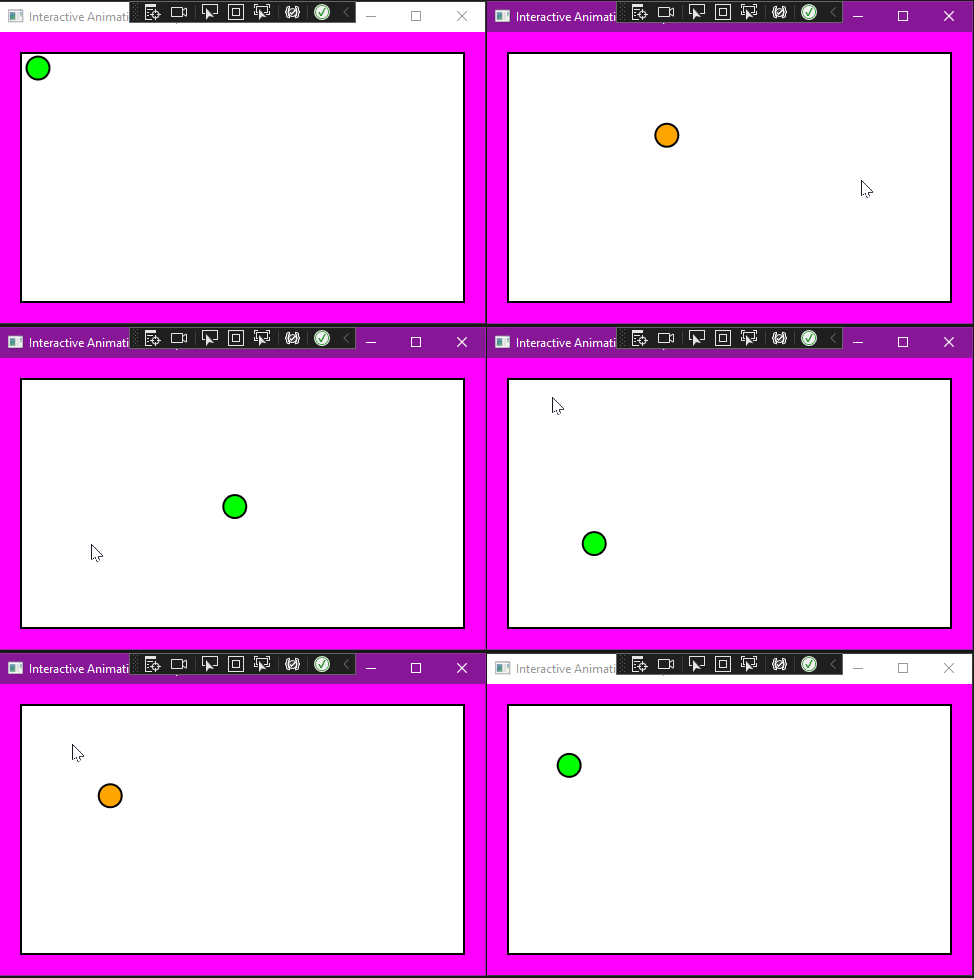
In the Microsoft document System.Windows.Media.Examination, the BeginAnimation topic (https://learn.microsoft.com/en-us/dotnet/api/system.windows.media.animation.animatable.beginanimation?view=windowsdesktop-6.0) has an example. However, the example by itself does not seem to be runnable. I've created a WPF application using VS 2022 and inserted that code into the MainWindow.xaml.cs file, but I don't know how to run the example. The animation class is derived from Page, but I've even moved the example code into the MainWindow class and tried to activate the example from InitializeComponent(), but when I run it only a blank Window is displayed, and when I put a breakpoint in InitializeComponent, I find it's not even being called.
What code/XAML do I need to run this example?

You can just put the Page class in the XAML
(inside <Window> </Window>) :
  <local:InteractiveAnimationExample Background="Magenta">

  </local:InteractiveAnimationExample>