' cx='32' cy='32' r='32' /%3E%3Ctext x='50%25' y='55%25' dominant-baseline='middle' text-anchor='middle' fill='%23FFF' %3ER%3C/text%3E%3C/svg%3E)


Hi, @rhoutz
Thank you for posting in Microsoft Q&A forum.
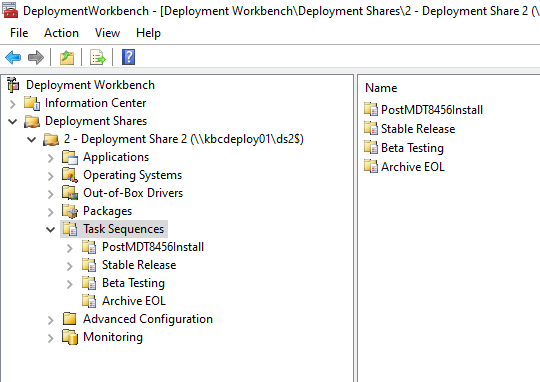
When you copy a task sequence in MDT within the same deployment share, using the Deployment Workbench, you only get a link to the original task sequence.
So if you change the copied task sequence, you will also change the source task sequence.
So how can we create a duplicate of a task sequence? We have two options:
- Create a new task sequence in the Deployment Workbench, go the control folder, and copy the content of the task sequence folder you want to copy in to the new task sequence folder.
- Use powershell to duplicate a task sequence.
For more details, you may refer to below article:
https://www.deploymentresearch.com/duplicating-task-sequences-in-mdt-2013-lite-touch/
(Please note: Information posted in the given link is hosted by a third party. Microsoft does not guarantee the accuracy and effectiveness of information.)
If the answer is the right solution, please click "Accept Answer" and kindly upvote it. If you have extra questions about this answer, please click "Comment".
Note: Please follow the steps in our documentation to enable e-mail notifications if you want to receive the related email notification for this thread.