' cx='32' cy='32' r='32' /%3E%3Ctext x='50%25' y='55%25' dominant-baseline='middle' text-anchor='middle' fill='%23FFF' %3ESB%3C/text%3E%3C/svg%3E)


Hi there,
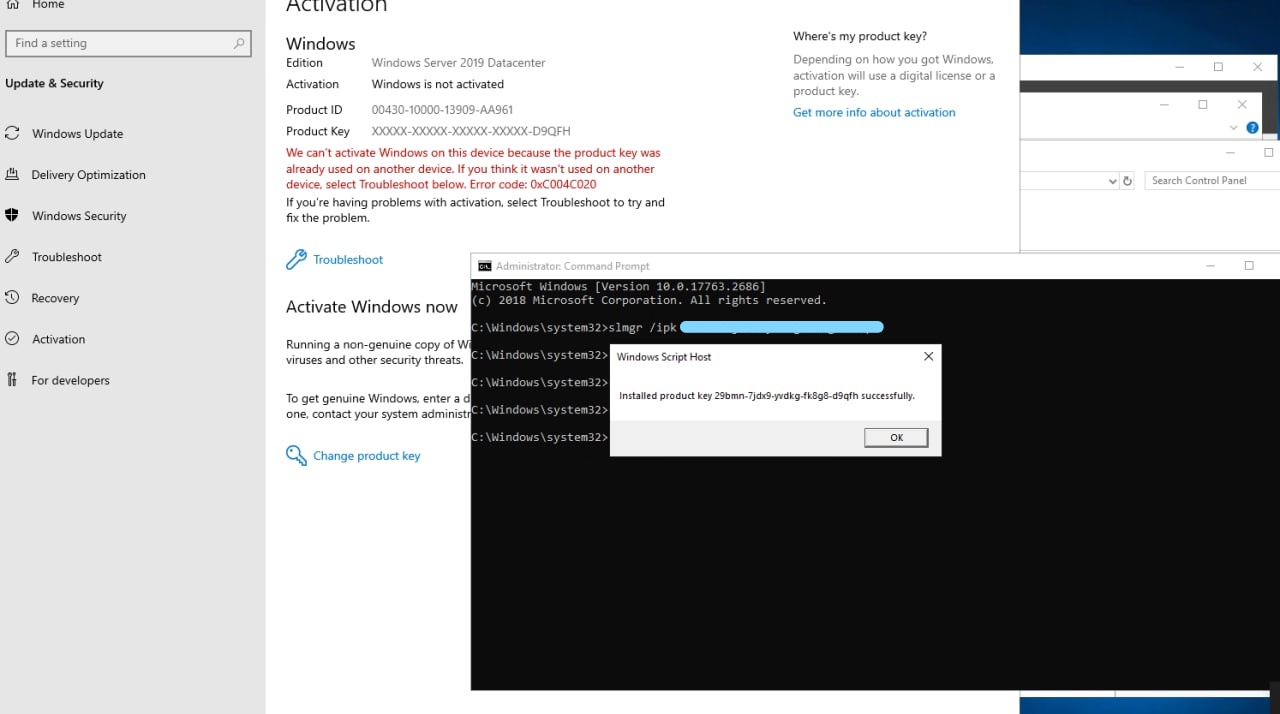
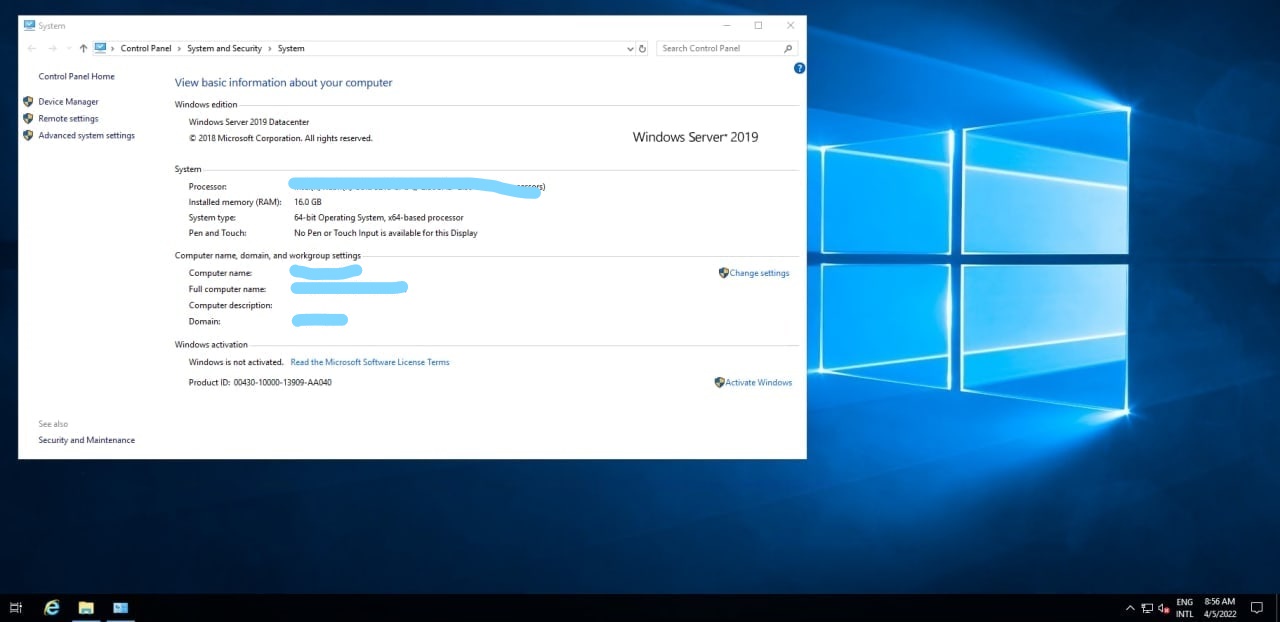
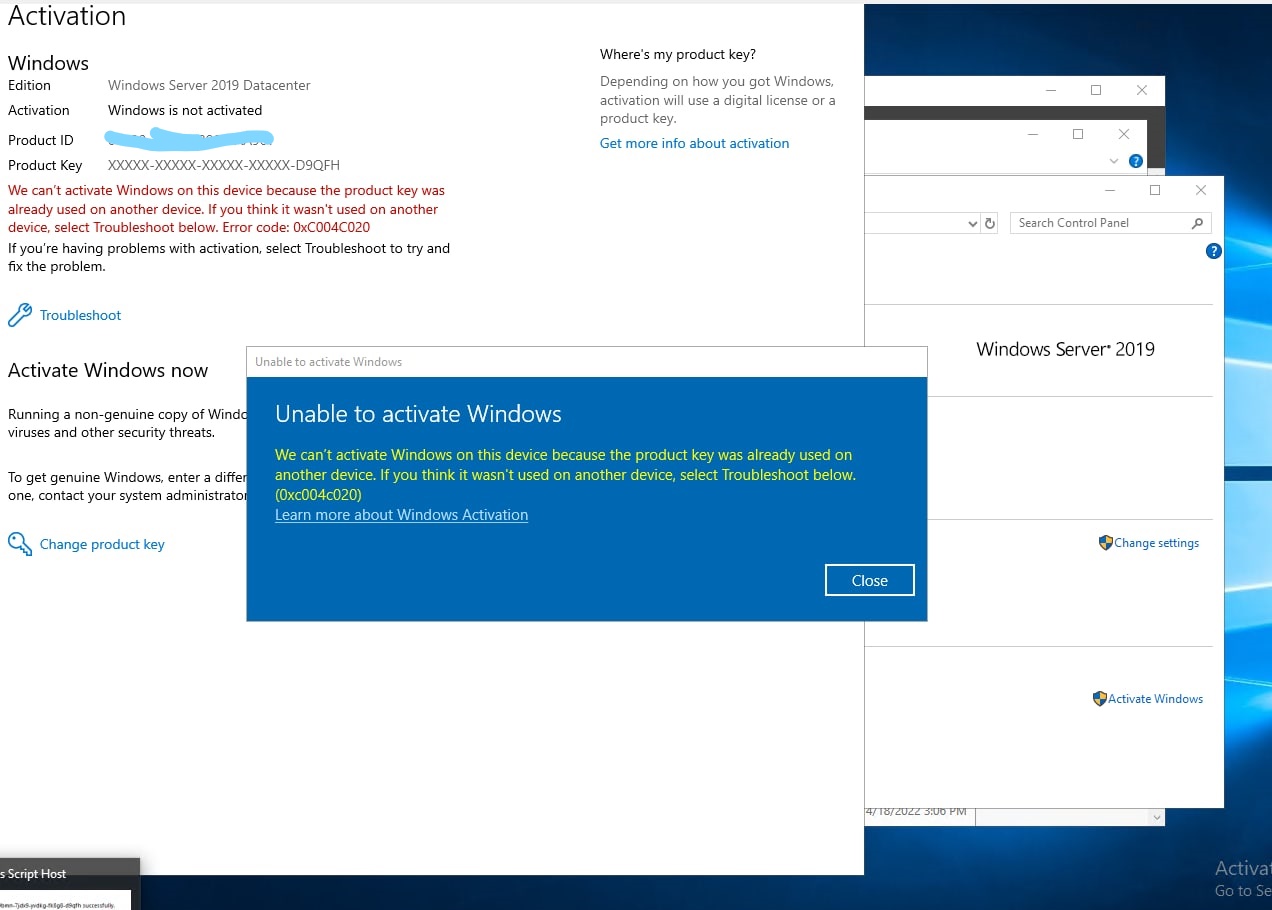
Generally, VM activation issues occur if the Windows VM is not configured by using the appropriate KMS client setup key, or the Windows VM has a connectivity problem to the Azure KMS service.
If you receive any error message during activation you share it with your Cloud service provider as well as post it in the forum so we can troubleshoot it quicker.
Azure uses different endpoints for KMS (Key Management Services) activation depending on the cloud region where the VM resides. When using this troubleshooting guide, use the appropriate KMS endpoint that applies to your region.
Here is a link that has some additional troubleshooting steps which you can try and see if helps in overcoming your issue https://learn.microsoft.com/en-us/troubleshoot/azure/virtual-machines/troubleshoot-activation-problems
---------------------------------------------------------------------------------------------------------------------------------------
--If the reply is helpful, please Upvote and Accept it as an answer–
' cx='32' cy='32' r='32' /%3E%3Ctext x='50%25' y='55%25' dominant-baseline='middle' text-anchor='middle' fill='%23FFF' %3EA%3C/text%3E%3C/svg%3E)